3
Introduction
E
Using this Manual
Thank you for purchasing the Canon MV800i/MV800/MV790. Please read this manual
carefully before you use the camcorder and retain it for future reference.
Change the display language before you begin ( 65).
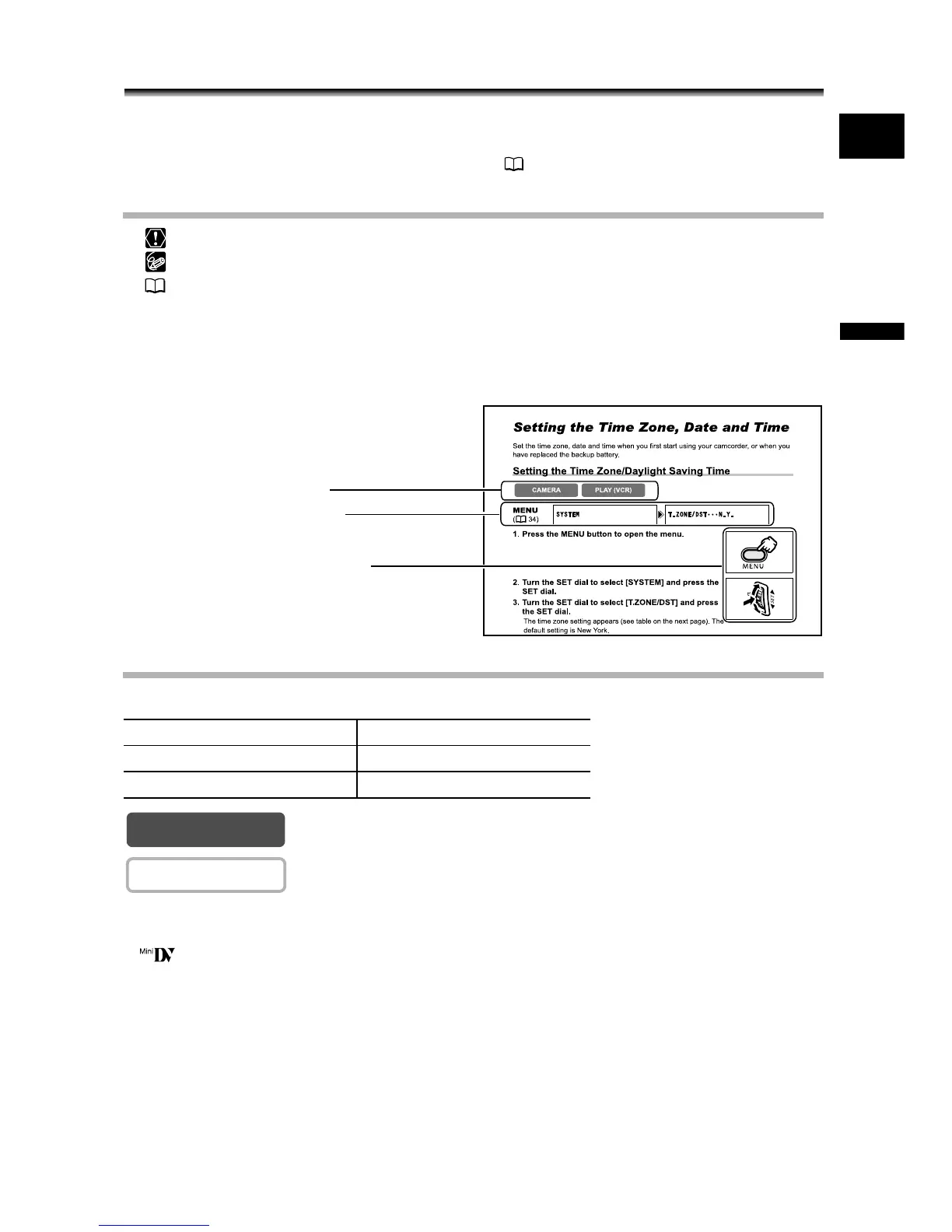
Symbols and References Used in This Manual
: Precautions related to the camcorder operation.
: Additional topics that complement the basic operating procedures.
: Reference page number.
Capital letters are used to refer to buttons on the camcorder.
[ ] are used to refer to menu items displayed on the screen.
“Screen” refers to the LCD and the viewfinder screen.
Please note that the illustrations mainly refer to the MV800i.
About the Operating Modes
The operating modes are determined by the position of the POWER switch.
: Function can be used in this mode.
: Function cannot be used in this mode.
Trademark Acknowledgments
• is a trademark.
• Windows
®
is either a registered trademark or trademark of Microsoft Corporation in the United
States and/or other countries.
• Macintosh and Mac OS are trademarks of Apple Computer, Inc., registered in the United
States and other countries.
• Other names and products not mentioned above may be registered trademarks or trademarks
of their respective companies.
Operating Mode POWER Switch
CAMERA CAMERA
PLAY (VCR) PLAY (VCR)
Operating modes (see below)
Menu item showing at its default
position
Button and switches to be operated
CAMERA
CAMERA


 To Next Page