EasyManua.ls Logo

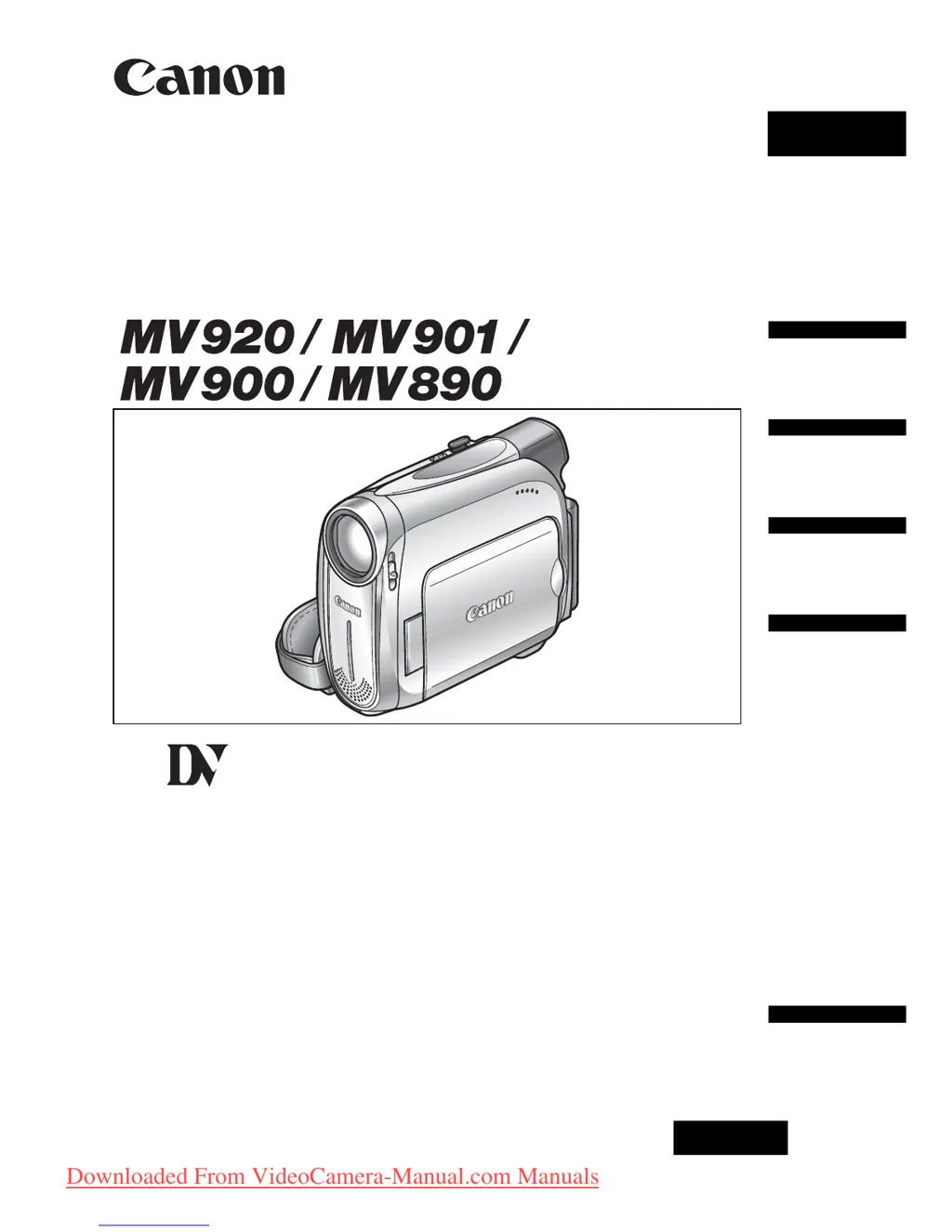
Canon MV890 - User Manual

Canon MV890
86 pages
Print Icon
To Next Page IconTo Next Page
Loading...
English
PUB.DIE-253
PAL
English
Introduction
Basic
Functions
Advanced
Functions
Editing
Additional
Information
Digital Video Camcorder
Instruction Manual
Mini
Digital
Video
Cassette
Downloaded From VideoCamera-Manual.com Manuals

Table of Contents

Questions and Answers

  • R
    Rita WhiteAug 20, 2025
    Why does my Canon MV890 Camcorder battery pack will not charge?
    • R
      rhondasheltonAug 20, 2025
      Your Canon Camcorder battery pack may not charge because the temperature is outside the range of 0°C and 40°C. Charge the battery pack in temperatures between 0°C and 40°C. Also, battery packs become hot with use and may not charge, so wait until the battery pack temperature is below 40°C and retry charging. Finally, the battery pack might be damaged; try using a different battery pack.
  • F
    Francisco NguyenAug 22, 2025
    What to do if pressing the start/stop button will not start recording on my Canon MV890?
    • C
      Christopher SimmonsAug 22, 2025
      If pressing the start/stop button will not start recording on your Canon Camcorder, check the following: * Ensure the camcorder is turned on. * Verify that a cassette is loaded. * Rewind the tape or replace the cassette if the tape reached the end. * Change the position of the protect switch if the cassette is protected. * Set the camcorder to the correct mode.
  • H
    Heather WatsonAug 25, 2025
    Why won't my Canon MV890 Camcorder turn on?
    • A
      Ashlee OrrAug 25, 2025
      Your Canon Camcorder may not turn on because the battery pack is exhausted. Replace or charge the battery pack. Also, ensure that the battery pack is correctly attached.
  • A
    Andrew SuarezAug 27, 2025
    How to fix Canon Camcorder if it will not focus?
    • M
      Mary HuangAug 27, 2025
      If your Canon Camcorder will not focus, try focusing manually as the autofocus may not work on that subject. Also, adjust the viewfinder with the dioptric adjustment lever. Finally, clean the lens if it is dirty.
  • V
    Vincent McleanAug 28, 2025
    What to do if my Canon MV890 switches off by itself?
    • S
      sheilaramosAug 28, 2025
      If your Canon Camcorder switches off by itself, it could be due to an exhausted battery pack. Replace or charge the battery pack. It's also possible that the power save function has been activated; in this case, simply turn the camcorder back on.
  • A
    Ashley HarrisAug 30, 2025
    How to fix a blurred viewfinder picture on Canon Camcorder?
    • D
      derekmaciasAug 30, 2025
      If the viewfinder picture is blurred on your Canon Camcorder, adjust the viewfinder with the dioptric adjustment lever.
  • J
    Jerome JenningsSep 1, 2025
    What to do if LCD/viewfinder switches on and off on Canon MV890?
    • K
      Kristen HornSep 1, 2025
      If the LCD/viewfinder switches on and off on your Canon Camcorder, it is likely that the battery pack is exhausted. Replace or charge the battery pack.
  • D
    Dawn ColemanSep 2, 2025
    What to do if pressing the playback button does not start playback on Canon MV890 Camcorder?
    • S
      Stanley FrazierSep 2, 2025
      If pressing the playback button does not start playback on your Canon Camcorder, make sure that the camcorder is turned on and set to the correct mode. Also, ensure that a cassette is loaded. If the tape has reached the end, rewind it.
  • C
    Carl WilliamsSep 4, 2025
    How to fix Canon Camcorder if buttons will not work?
    • C
      Corey AyalaSep 4, 2025
      If the buttons on your Canon Camcorder will not work, first ensure that the camcorder is turned on. If it is on, check if a cassette is loaded into the camcorder, as this may be preventing the buttons from functioning.
  • E
    ethompsonSep 6, 2025
    What to do if “SET THE TIME ZONE, DATE AND TIME” appears on the screen of my Canon Camcorder?
    • C
      Carl BarrettSep 6, 2025
      If “SET THE TIME ZONE, DATE AND TIME” appears on the screen of your Canon Camcorder, it means the time zone, date, and time are not set. Set the time zone, date, and time. Alternatively, the backup battery may be exhausted. Replace the backup battery and reset the time zone, date, and time. Another possibility is that the backup battery is inserted the wrong way. Insert the backup battery with the + side facing outward and set the time zone, date, and time.

Summary

Introduction

Checking Supplied Accessories

List and identification of accessories included with the camcorder.

Basic Functions

Preparations

Instructions for attaching and charging the battery pack or using AC power.

Loading and Unloading Cassettes

Step-by-step guide on how to insert and remove video cassettes.

Setting Time Zone, Date, and Time

Procedure to set the camcorder's internal clock and time zone.

Recording Movies on Tape

Basic steps for recording video footage onto a cassette tape.

Playing Back a Tape

Instructions for playing recorded video from a cassette.

Advanced Functions

Menus and Settings

Overview of the camcorder's menu system and how to access settings.

Manual Exposure Adjustment

How to manually control exposure for backlit or bright light conditions.

Manual Focus Adjustment

Procedure for manually focusing the lens when autofocus is inadequate.

Editing

Recording to VCR or Digital Device

Copying recordings to a VCR or digital device for editing or archiving.

DV Dubbing from Digital Devices

Recording video from other digital devices via DV terminal for high-quality copies.

Transferring Recordings to Computer

Using a DV cable to transfer video footage from tape to a computer.

Additional Information

Camcorder Care and Handling

Guidelines for camcorder handling, storage, cleaning, and battery safety.

Special Use Cases and Troubleshooting

Information on tape protection, overseas use, and comprehensive troubleshooting guides.

System Diagram, Accessories, and Specifications

Overview of system connections, optional accessories, and detailed technical specifications.

Canon MV890 Specifications

General IconGeneral
Optical zoom22 x
Image stabilizerYes
Focal length range43.6 - 1090 mm
Sensor typeCCD
Total megapixels0.8 MP
Optical sensor size1/6 \
Optical sensor resolution800000 pixels
Effective megapixels (movie)0.47 MP
Viewfinder resolution123000 pixels
Viewfinder screen size0.33 \
Display diagonal2.7 \
Display resolution112000 pixels
Built-in flashNo
Camcorder tape typeMini-DV
Camera shutter speed1/2000 ~ 1/6 s
Minimum illumination2 lx
DV port-
Product colorSilver
Battery typeBP-2L5 / BP-2L14
Battery life (max)4.5 h
Weight and Dimensions IconWeight and Dimensions
Depth115 mm
Width49 mm
Height92 mm
Weight435 g

Related product manuals