EasyManua.ls Logo

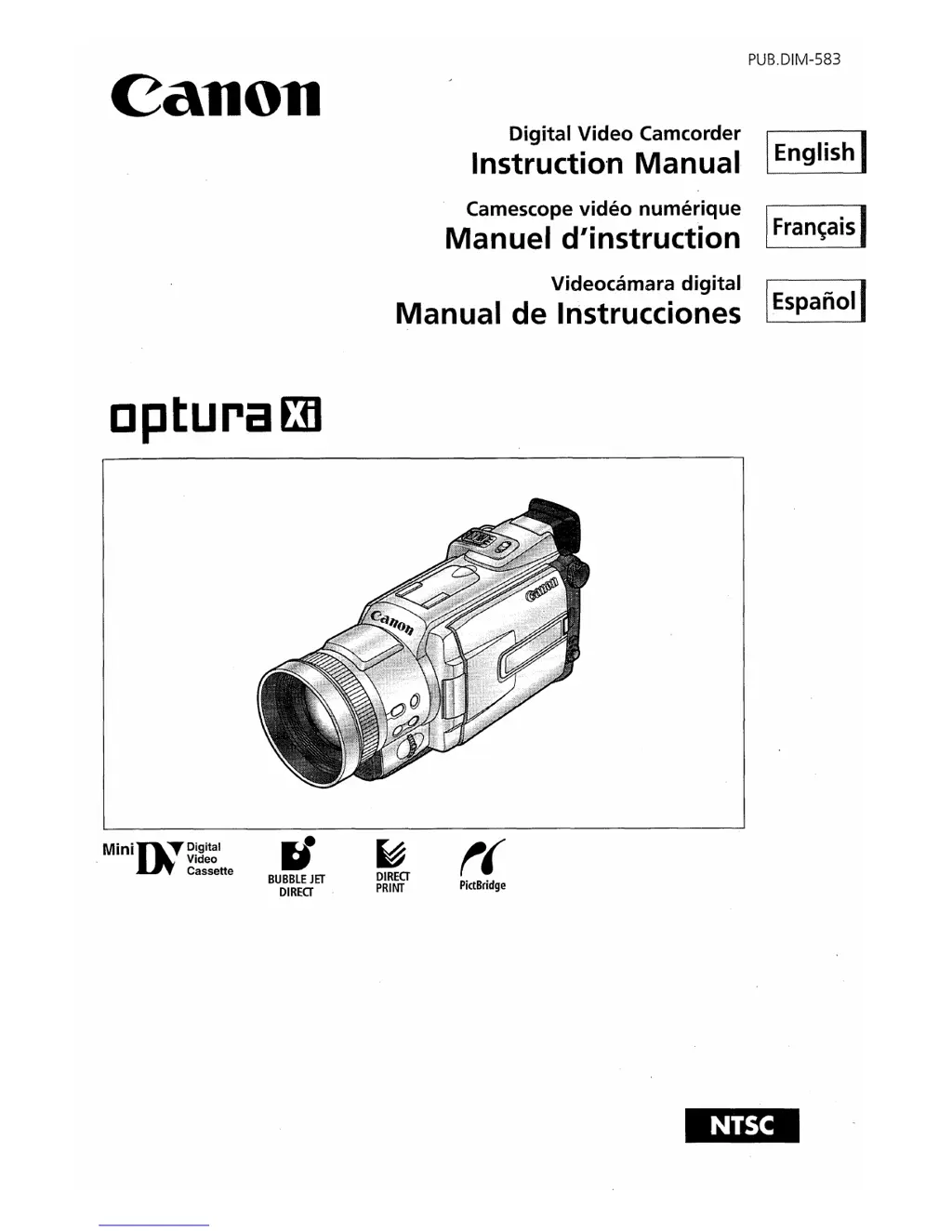
Canon optura Xi - User Manual

Canon optura Xi
364 pages
Print Icon
To Next Page IconTo Next Page
Loading...
Canon
cpturaED
PUB.DIM-583
Digital Video Camcorder I I
Instructio'n Manual
English
Camescope video numerique I I
Manuel d'instruction
Fran~ais
Videocamara digital I I
Manual de Instrucciones
Espanal
MiniD;:TDiQital
Video
Cassette
rJ
BUBBLE
JET
DIRECT
~
DIRECT
PRINT
t(
PictBridge

Table of Contents

Questions and Answers

  • V
    Veronica GloverJul 30, 2025
    Why won't my Canon optura Xi Camcorder start recording when I press the start/stop button?
    • B
      Bonnie AllenJul 30, 2025
      Several factors can prevent your Canon Camcorder from recording. Ensure the camcorder is set to CAMERA mode. Check if the time zone, date, and time are set, and if not, set them or replace the backup battery. Also, make sure the camcorder is turned on and a cassette is loaded. If the tape has reached the end, rewind or replace it. Ensure the cassette is not protected, and if autofocus isn't working, try focusing manually. Adjust the viewfinder if necessary, or clean the lens if it's dirty.
  • M
    Michelle WilsonAug 4, 2025
    What to do if my Canon optura Xi buttons will not work?
    • J
      Justin DunnAug 4, 2025
      If the buttons on your Canon Camcorder are unresponsive, first, ensure the battery pack isn't exhausted by replacing or charging it. Verify that the battery pack is correctly attached. Check if the power save function is activated and, if so, turn the camcorder on. Make sure the cassette compartment cover is fully open.
  • C
    Candice MartinezAug 11, 2025
    Why is my Canon optura Xi Camcorder not playing back?
    • M
      Mary StewartAug 11, 2025
      If your Canon Camcorder isn't playing back, verify that the camcorder is turned on and set to PLAY (VCR) mode. Ensure a cassette is loaded and, if the tape has reached the end, rewind it. Check that [AV / DV OUT] is set to [OFF] and the TV/VIDEO selector on the TV is set to VIDEO. Also, make sure the speaker volume isn't turned off and adjust it if needed. Stop playback/dubbing if you're attempting to play back or dub copyright protected tape.
  • M
    Meagan OrozcoAug 16, 2025
    How to fix Canon optura Xi Camcorder memory card that cannot be played back?
    • M
      Mark VangAug 17, 2025
      If your Canon Camcorder isn't playing back the memory card, ensure the memory card is inserted correctly. If it's full, replace it or erase images. Format the memory card if it's not formatted. If the file number reached maximum value, set [FILE NUMBERS] to [RESET] and insert a new memory card. If the SD Memory Card is protected, change the position of the protect switch. Set the camcorder to CARD PLAY (VCR) mode. If the camcorder displays the still image playback mode, press the CARD STILL/MOVIE button to switch to MPEG4 movie playback. If the image is protected, cancel the protection. If a card error occurred, turn off the camcorder, remove and reinsert the memory card, and format the memory card if flashing persists.
  • S
    Samantha WashingtonAug 23, 2025
    What to do if Canon optura Xi and printer are connected but the printer is not operating?
    • D
      David BarnesAug 23, 2025
      If your printer isn't operating even though it's correctly connected to your Canon Camcorder, ensure the camcorder is set to CARD PLAY (VCR) mode. Then, disconnect and reconnect the USB cable, and turn off the printer and turn it back on.

Canon optura Xi Specifications

General IconGeneral
BrandCanon
Modeloptura Xi
CategoryCamcorder
LanguageEnglish

Related product manuals