Canon PC880/860 Operator’s Manual ENGLISH
28
3
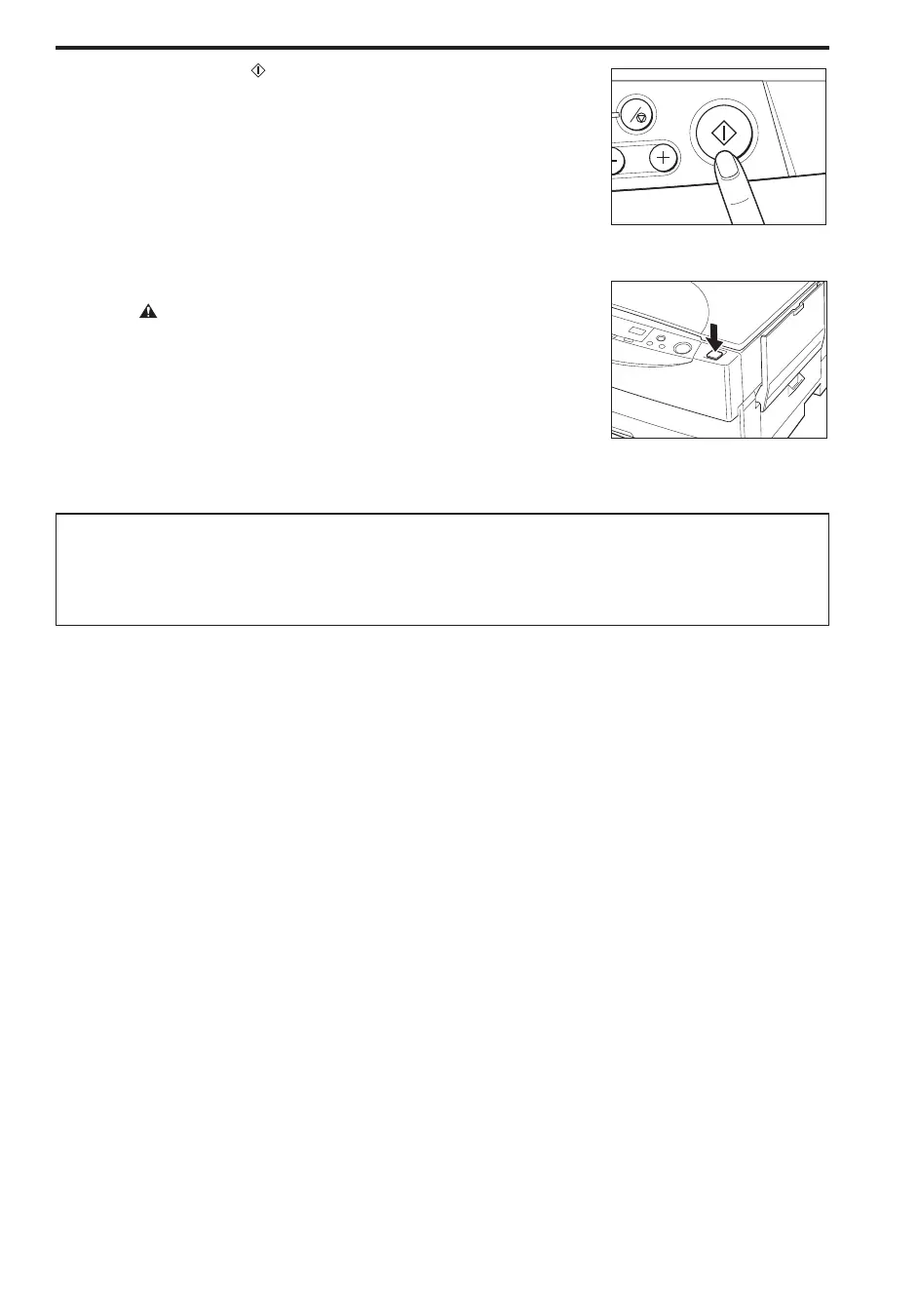
Press the Start ( ) key.
NOTICE:
I Do not turn the main power OFF during copying. Doing so will cause a
paper jam.
C
...............................
4
When you finish copying, press the power switch OFF.
CAUTION:
I If the copier will not be used for an even longer period of time such as
during consecutive holidays, unplug the power plug for safety.
...............................
Special Feature for the Copier
L Auto Power-off Feature
If the copier is not operated for a period of 5 minutes after copying finishes, the power turns OFF
automatically.



 To Next Page