4.
Select Device settings, then press the OK button.
5.
Use the button to select Device user settings, then press the OK button.
6. Use the button to select Summer time setting, then press the OK button.
7. Use the button to select ON, then press the OK button.
To disable summer time, select OFF.
8.
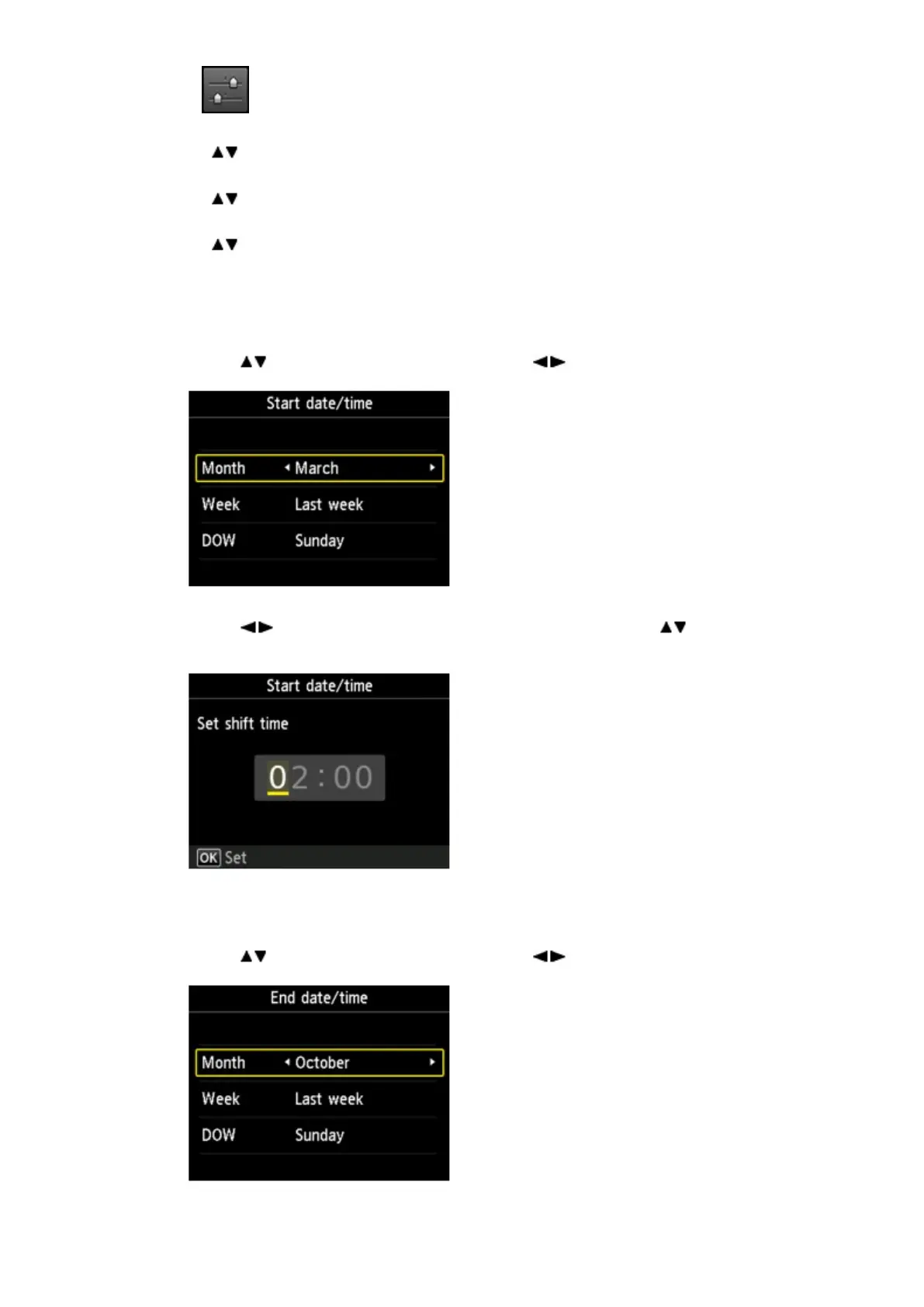
Set the date and time when summer time starts.
1.
Set the date when summer time starts.
Use the button to change the setting item, use the button to change the setting, then
use the OK button to confirm the selection.
2. Set the time (in 24-hour format) when summer time starts.
Use the button to move the cursor under the desired position, use the button to enter
the time, then press the OK button.
Precede single digits with a zero.
9.
Set the date and time when summer time ends.
1.
Set the date when summer time ends.
Use the button to change the setting item, use the button to change the setting, then
use the OK button to confirm the selection.
2.
Set the time (in 24-hour format) when summer time ends.













 To Next Page