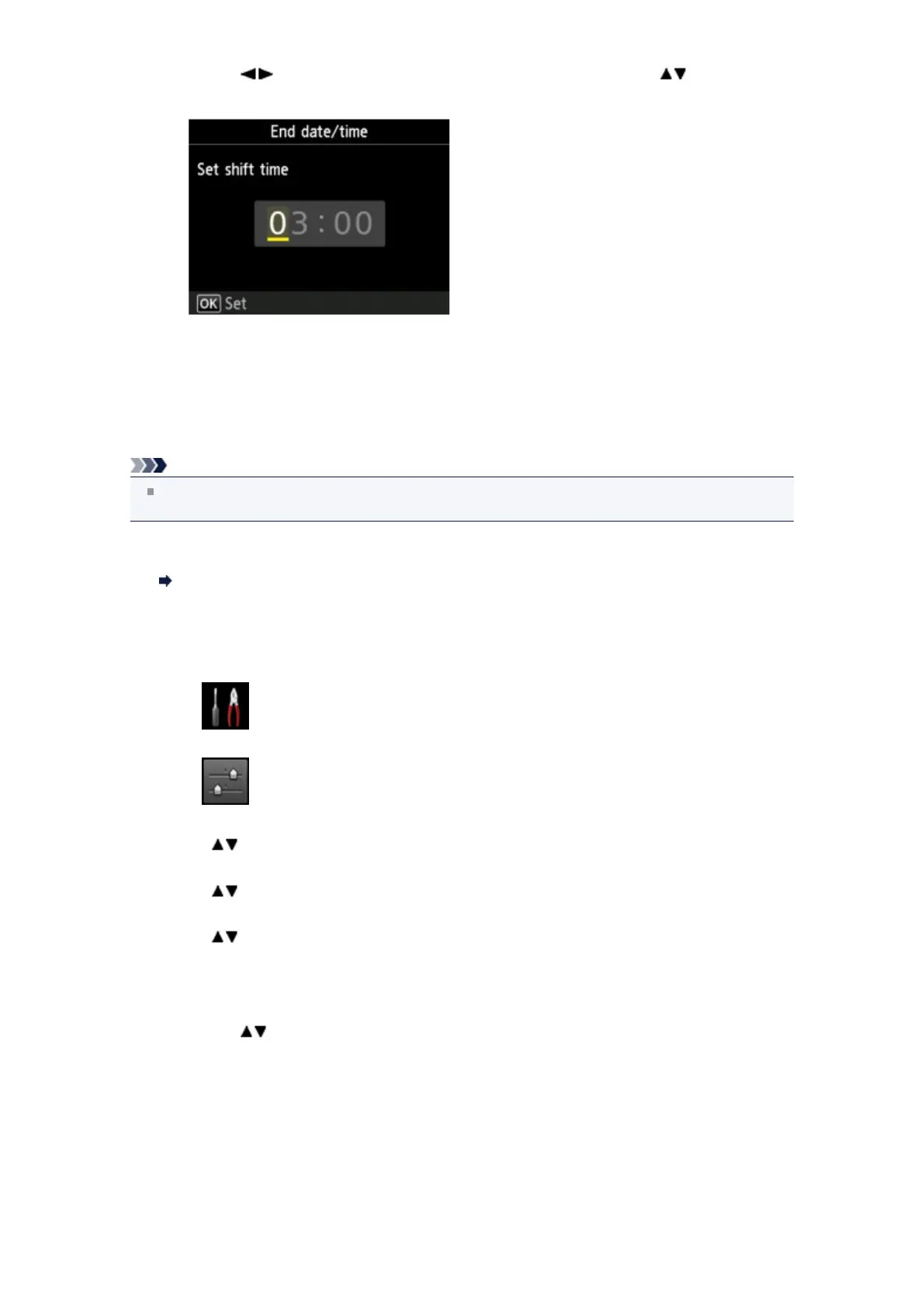
Use the button to move the cursor under the desired position, use the button to enter
the time, then press the OK button.
Precede single digits with a zero.
10.
Press the FAX button to return to the Fax standby screen.
Registering User Information
This section describes the procedure to register the user information.
Note
Before sending a fax, be sure to enter your name and fax/telephone number in Unit name and Unit
TEL on the User information settings screen (for US only).
1. Make sure that the machine is turned on.
Confirming that the Power Is On
2. Press the MENU button.
The menu screen is displayed.
3. Select Setup, then press the OK button.
4. Select Device settings, then press the OK button.
5. Use the button to select FAX settings, then press the OK button.
6.
Use the button to select FAX user settings, then press the OK button.
7.
Use the button to select User information settings, then press the OK button.
The screen to register the unit name and the unit fax/telephone number is displayed.
8.
Enter the unit name.
1.
Use the button to move the cursor to Unit name.
2.
Enter the unit name.












 To Next Page