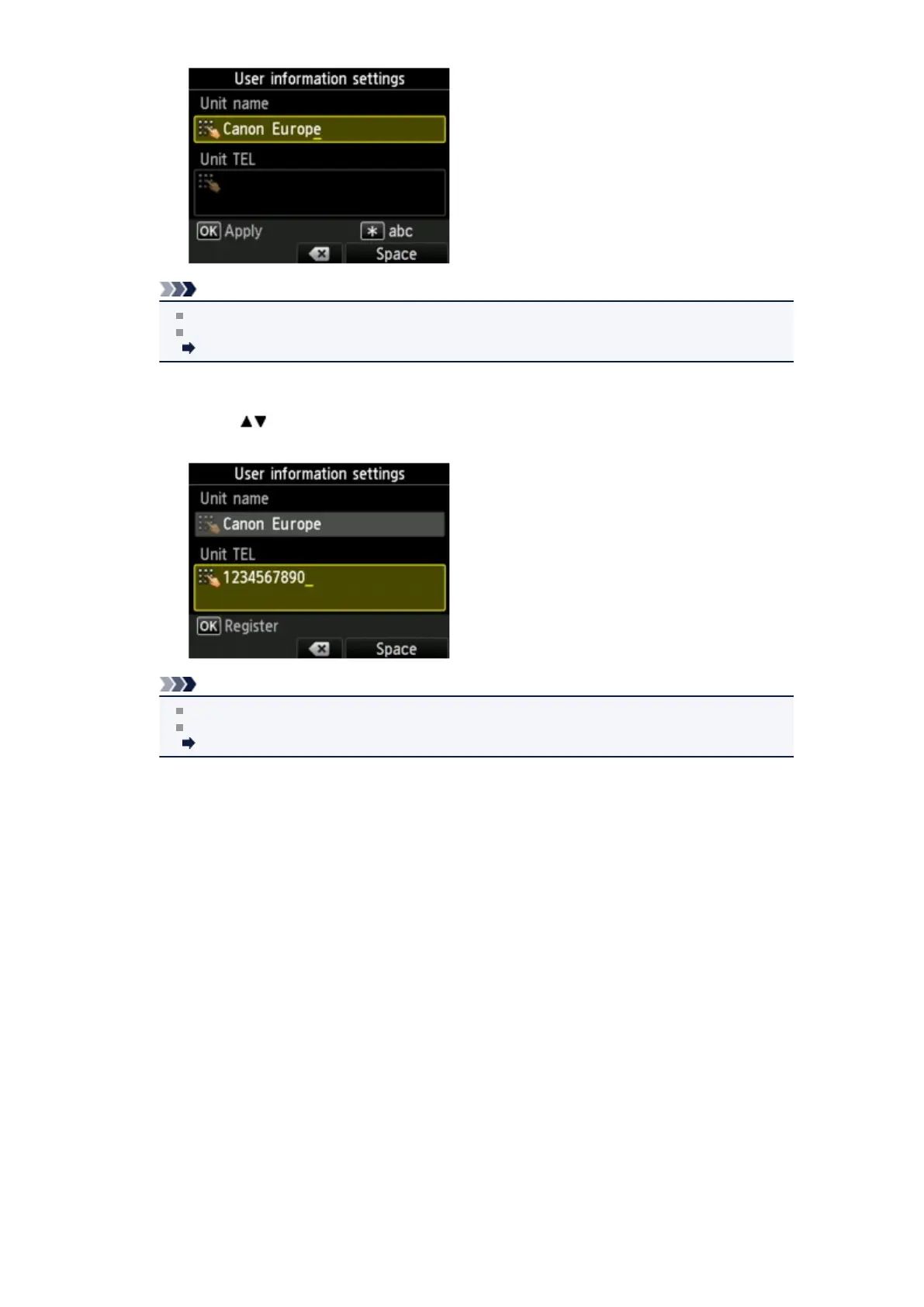
Note
You can enter the name up to 24 characters, including spaces.
For details on how to enter or delete characters:
Entering Numbers, Letters, and Symbols
9.
Enter the unit fax/telephone number.
1.
Use the button to move the cursor to Unit TEL.
2.
Enter the unit fax/telephone number.
Note
You can enter the fax/telephone number up to 20 digits, including spaces.
For details on how to enter or delete characters:
Entering Numbers, Letters, and Symbols
10. Press the OK button to finalize registration.
11. Press the FAX button to return to the Fax standby screen.












 To Next Page