Replacing a FINE Cartridge
For details on printing the nozzle check pattern, print head cleaning, and print head deep cleaning, see If Printing
Is Faint or Uneven.
Check2
Check the estimated ink levels in the FINE cartridges. When a FINE cartridge
runs out of ink, replace it with new ones.
Checking the Ink Status with the Ink Lamps on the Operation Panel
Replacing a FINE Cartridge
Check3
Is FINE cartridge installed properly?
If the FINE cartridge is not installed securely, ink may not be ejected correctly. Retract the output tray extension
and the paper output tray, open the cover, remove the FINE cartridges and then check the following.
•
Check that there is no orange tape left on the FINE cartridge.
If the orange tape remains on the FINE cartridge, peel it off.
•
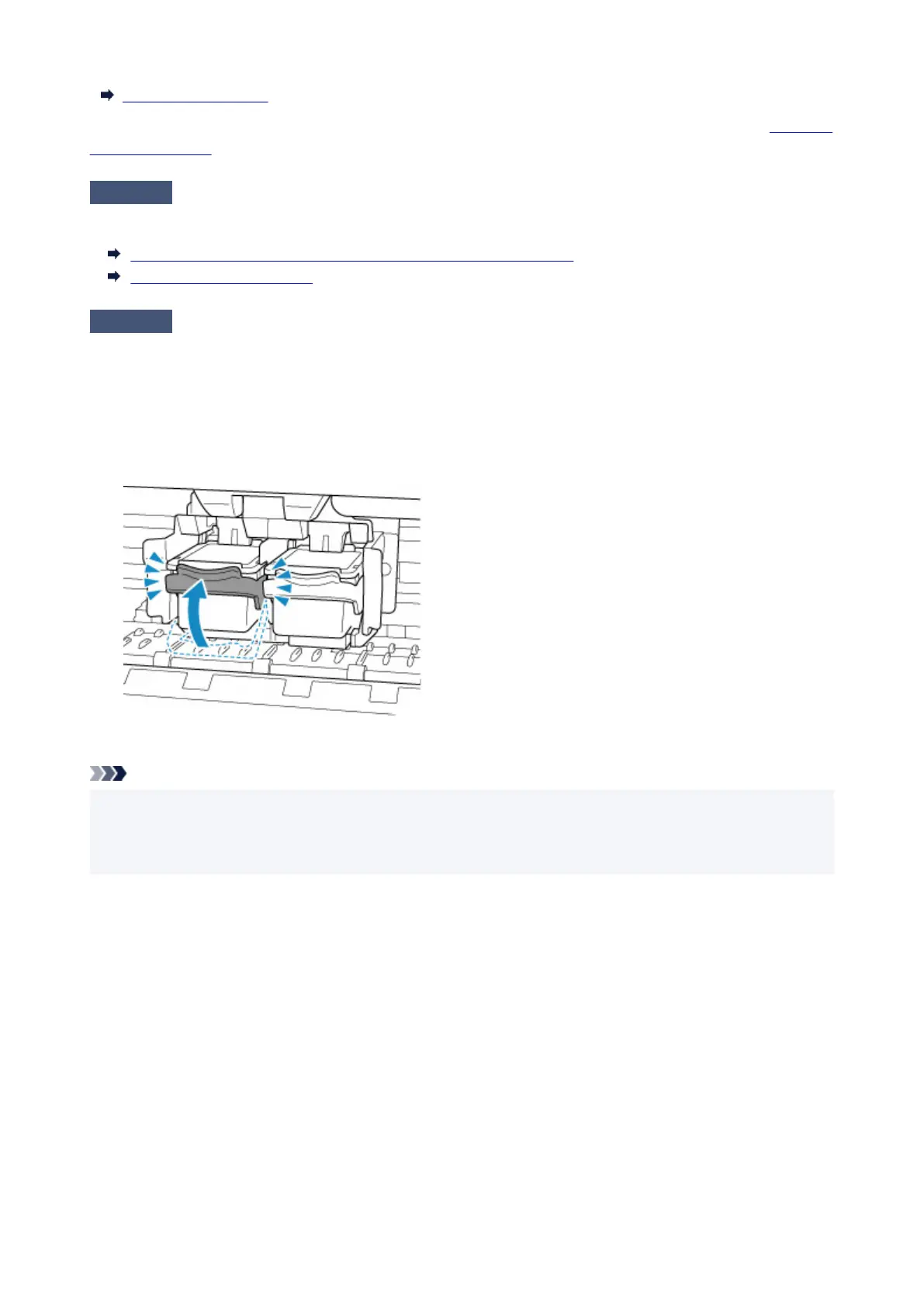
Then install the FINE cartridges again. Push up the FINE cartridge until it clicks into place.
After confirming that the FINE cartridge is installed properly, close the cover.
Note
• Printed colors may not match screen colors due to basic differences in the methods used to produce
colors. Color control settings and environmental differences can also affect how colors appear on the
screen. Therefore, colors of printing results may be different from those on the screen.
318



 To Next Page
 Loading...








