
 Need help?
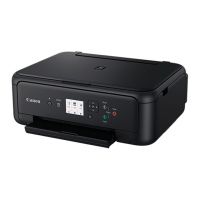
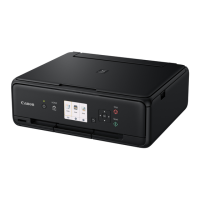
Do you have a question about the Canon PIXMA TS8360 and is the answer not in the manual?
Detailed instructions for configuring the printer on a computer.
Continue installing ink tanks, checking for tape and color display.
Download and run the setup file, then follow on-screen instructions.
Install the 'Canon PRINT Inkjet/SELPHY' app on your smartphone.
Open the app and follow on-screen instructions to add your printer.
 General
| Print Technology | Inkjet |
|---|---|
| Max Print Resolution | 4800 x 1200 dpi |
| Functions | Print, Copy, Scan |
| Borderless Printing | Yes |
| Max Scan Resolution | 2400 x 4800 dpi |
| Print Speed (Black) | 15 ipm |
| Print Speed (Color) | 10 ipm |
| Photo Print Speed | Approx. 17 seconds |
| Two Sided Printing | Auto |
| Scanner Type | Flatbed |
| Scanning Depth | 48-bit color |
| Multiple Copy | Up to 99 copies |
| Copy Functions | Frame Erase Copy |
| Display | 4.3" Touchscreen |
| Connectivity | Wi-Fi, USB |
| Mobile Printing | Apple AirPrint, Google Cloud Print, Canon PRINT app |
| Supported Paper Sizes | A4, A5, B5, Letter, Legal, Envelopes |
| Paper Weight | 64 to 300 gsm |
| Paper Handling | Rear Tray |





 To Next Page