EasyManua.ls Logo

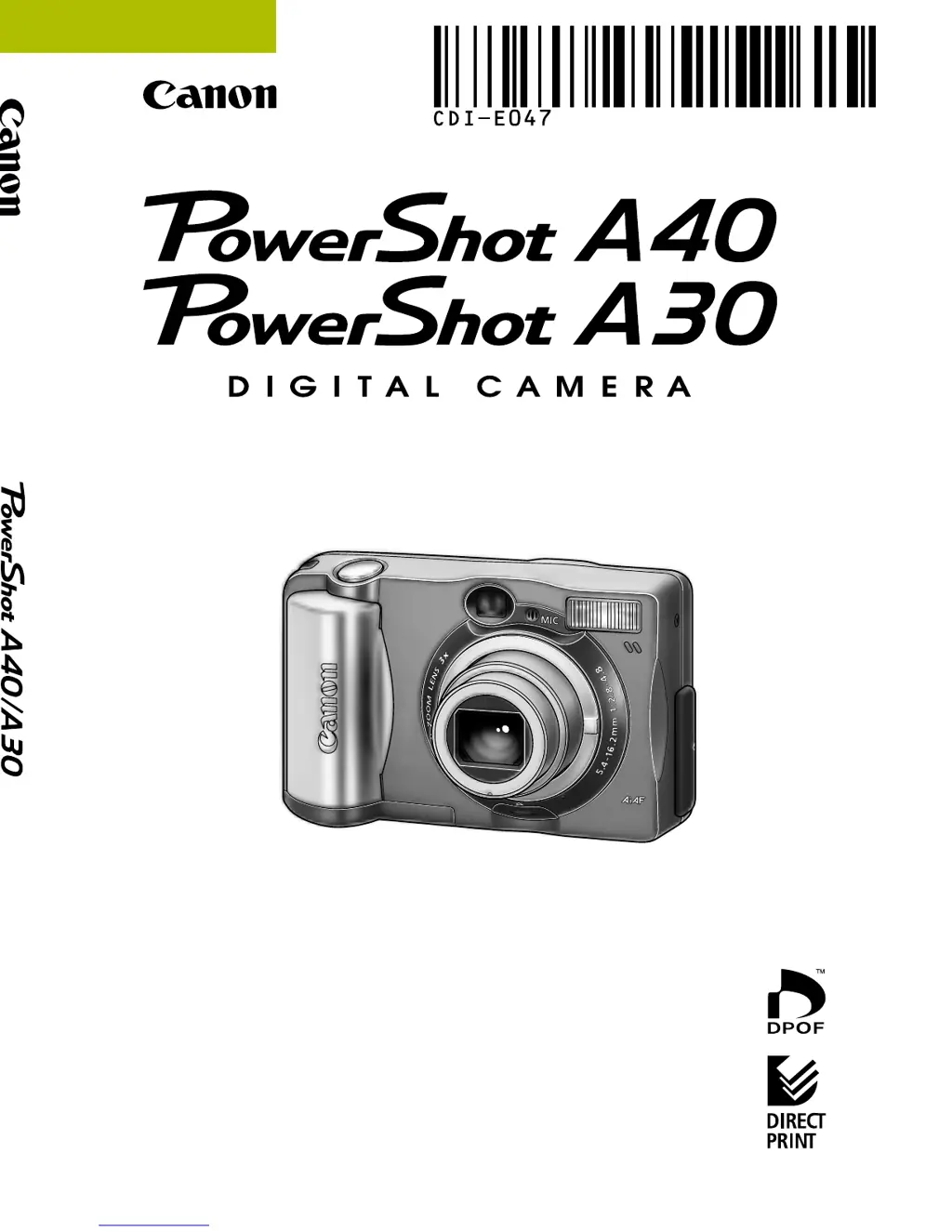
Canon PowerShot A40 - User Manual

Canon PowerShot A40
183 pages
Print Icon
To Next Page IconTo Next Page
Loading...
CDI-E047-010 XXXXXXXXX © 2002 CANON INC. PRINTED IN JAPAN
Camera User Guide
ENGLISH
Please read the “Read this First” section (p. 5).
Please refer to the Quick Start section for a simple explanation of
shooting, replaying and erasing (p. 12).
Please refer to the Software Starter Guide for information on
installing the software and downloading images.
Please also read the Printer User Guide included with your
Canon printer.
DIGITAL CAMERA
Camera User Guide

Table of Contents

Other manuals for Canon PowerShot A40

Questions and Answers

  • B
    brandonmartinezAug 18, 2025
    Why my Canon Digital Camera doesn’t function (no power)?
    • M
      Melinda GainesAug 18, 2025
      There might be several reasons why your Canon Digital Camera isn’t turning on. First, ensure the camera is actually turned on by pressing the ON/OFF button. Check that the battery cover or CF card slot cover is securely closed. Make sure the batteries are loaded in the correct direction and are not depleted; replace them if necessary with unused alkaline or fully recharged batteries. Confirm you are using the correct type of batteries (AA-size alkaline or Canon AA-size NiMH). Finally, ensure the battery terminals are clean by wiping them with a dry cloth.
  • H
    Heather WilliamsAug 20, 2025
    What to do if my Canon PowerShot A40 doesn’t shoot?
    • A
      Ashley DavisAug 20, 2025
      If your Canon Digital Camera isn’t taking pictures, check the mode dial to ensure it is not set to Replay; instead, set it to Auto, Program, Manual, Stitch Assist, or Movie. If the flash is charging, wait until the indicator glows a steady orange before pressing the shutter button. Also, verify that the CF card isn’t full; if it is, insert a new card or download images to your computer and erase them from the card. Finally, the CF card may not be formatted correctly, so format the card.
  • C
    Cynthia HughesAug 23, 2025
    Why Canon Digital Camera shots are blurry or unfocused?
    • J
      John JohnsonAug 23, 2025
      If your Canon Digital Camera shots are blurry, ensure you hold the camera steady while shooting. Also, make sure that nothing is blocking the AF-assist beam. If the AF-assist beam is set to Off in the menu, change the setting to On.
  • A
    Amanda CarrAug 26, 2025
    How to fix E30 power off error on Canon PowerShot A40?
    • A
      Aaron ReidAug 26, 2025
      If your Canon Digital Camera displays an E30 POWER OFF ERROR, it means the battery or DC plug was removed while the image was being recorded to the CF Card. To resolve this, restart the camera.
  • D
    Daniel YuAug 27, 2025
    Why Canon PowerShot A40 Digital Camera batteries are consumed quickly?
    • M
      mirandavalerieAug 27, 2025
      Several factors can cause your Canon Digital Camera batteries to drain quickly. Ensure you are using the correct type of batteries, such as unused AA-size alkaline or Canon AA-size NiMH batteries. If shooting in cold conditions, keep the batteries warm. Clean the battery terminals with a dry cloth if they are dirty. If using rechargeable batteries that haven't been used for over a year, performance should return to normal after several charging cycles. If rechargeable batteries have lost their effectiveness, replace all 4 batteries with new ones.
  • J
    jamesgeorgeAug 30, 2025
    How to fix blurry or unfocused Canon PowerShot A40 shots?
    • J
      Joshua BentleyAug 30, 2025
      If your Canon Digital Camera shots are blurry or unfocused, it could be due to the subject being outside the camera's focusing range. Make sure there is at least 76 cm (2.5 ft.) between the camera lens and the subject. For close-ups, use the macro mode between 16 to 76 cm (6.3 in. to 2.5 ft.) at wide angle or 26 to 76 cm (10.2 in. to 2.5 ft.) at telephoto. For distant subjects, set the camera to infinity mode.
  • P
    Priscilla HardySep 1, 2025
    What to do if Canon Digital Camera subject comes out underexposed (too dark)?
    • J
      Jennifer WilkinsonSep 1, 2025
      If your Canon Digital Camera subject is too dark, try these solutions: set the flash on if there is insufficient light. If the subject is darker than the surroundings, adjust exposure compensation to a positive value or use spot AE point light metering. Also, ensure the subject is within the flash range, which should not exceed 4.2 m (13.8 ft.) at maximum wide angle or 2.5 m (8.2 ft.) at maximum telephoto setting when using the flash.
  • C
    carpenterwayneSep 3, 2025
    What to do if Canon PowerShot A40 Digital Camera subject comes out overexposed (too bright)?
    • N
      nbassSep 3, 2025
      If your Canon Digital Camera subject is too bright, consider these adjustments: ensure the subject is not too close to the flash (at least 26 cm or 10.2 in.). If the subject is brighter than the surroundings, set exposure compensation to a negative value. Adjust the camera angle if light is shining or reflecting into the camera. Also, check the flash mode and set it to any mode except On.
  • P
    Paige JohnsonSep 5, 2025
    What to do if Canon PowerShot A40 flash doesn’t fire?
    • M
      michael52Sep 6, 2025
      If the flash on your Canon Digital Camera isn’t firing, check that the flash mode is not set to Off. Set the flash to any other mode except Off.
  • B
    Brian WalshSep 8, 2025
    What to do if Canon Digital Camera rechargeable batteries do not charge?
    • C
      chrismurphySep 8, 2025
      If your Canon Digital Camera rechargeable batteries are not charging, ensure they are placed in the charger in the correct direction. Also, check for poor electrical contact by firmly setting the batteries into the charger and ensuring the power cable is firmly connected to both the charger and the electrical outlet. Clean the battery terminals with a dry cloth if they are dirty. If the battery life has been exceeded, replace all 4 batteries with new ones.

Summary

Camera User Guide Introduction

Flowchart and Reference Guides

Visual guide to manual sections and their purpose.

Precautions

Important warnings and advice for using the camera.

About this Camera User Guide

Explains the structure and symbols used in the guide.

Read this First

Essential initial reading before operating the camera.

Safety Precautions

Detailed warnings and guidelines for safe camera operation.

Getting Started

Quick Start

Step-by-step guide for basic camera setup and initial use.

Components Guide

Identification and explanation of camera parts and controls.

Preparing the Camera

Procedures for installing batteries, CF cards, and straps.

Basic Functions

Fundamental operations like powering on and using the LCD.

Camera Shooting Operations

Auto Mode

Instructions for using the Auto mode for automatic camera settings.

Shooting-Selecting Particular Effects

Explains manual shooting modes like Program AE and aperture.

Functions Available in Each Shooting Mode

Chart detailing functions available across different shooting modes.

Movie Mode

How to record video clips with the camera.

Managing Your Images

Replaying Images

Viewing recorded images on the LCD monitor.

Erasing Images

Methods for deleting images from the CF card.

Printing and Transferring Images

Printing Images

Overview of printing options, direct print, and photo labs.

Image Transfer Settings (DPOF Transfer Order)

Marking images for transfer and e-mail attachments.

Viewing Images on a TV Set

Connecting the camera to a television for display.

Downloading Images to a Computer

Methods for transferring images from the camera to a PC.

Advanced Information and Support

List of Menu Options and Messages

Reference for all menu items and on-screen messages.

Appendices

Supplementary information including battery, lenses, and maintenance.

Specifications

Technical details and specifications of the camera's hardware.

Index

An alphabetical listing of topics and their corresponding page numbers.

Canon Customer Support

Directory of Canon support centers by region for assistance.

Canon PowerShot A40 Specifications

General IconGeneral
Digital SLRNo
Dimensions (WxDxH)110.3 x 71 x 37.6 mm
Digital zoom2.5 x
Optical zoom3 x
Megapixel2 MP
Internal memory8 MB
Operating temperature (T-T)0 - 40 °C
Operating relative humidity (H-H)10 - 90 %
Flash modesAuto, Red-eye reduction
Weight and Dimensions IconWeight and Dimensions
Weight250 g

Related product manuals