EasyManua.ls Logo

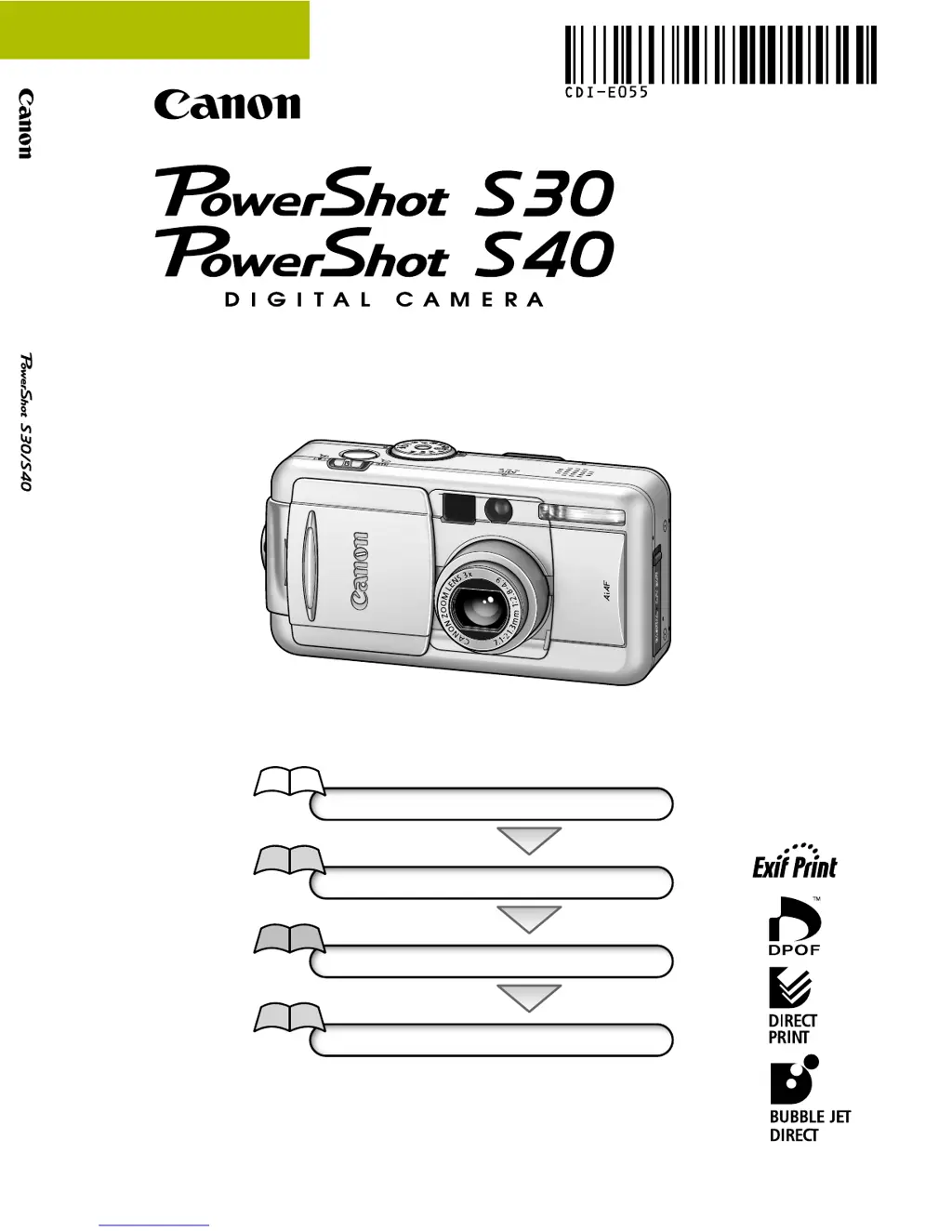
Canon PowerShot S40 - User Manual

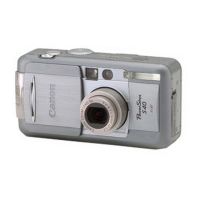
Canon PowerShot S40
275 pages
Print Icon
To Next Page IconTo Next Page
Loading...
Flowchart and Reference Guides
This Guide
Shooting with the Camera
Software Starter Guide
Installing the Software
Software Starter Guide
Connecting the Camera to a Computer
Software Starter Guide
Downloading Images to a Computer
Camera User Guide
This guide covers both the PowerShot S30 and PowerShot S40 digital cameras.
Please start by reading the Precaution on the reverse side of this cover.
Please see the User Guide that accompanies each printer.
DIGITAL CAMERA
Camera User Guide
CDI-E055-010 XXXXXXX © 2002 CANON INC. PRINTED IN JAPAN
ENGLISH

Table of Contents

Questions and Answers

Summary

Flowchart and Reference Guides

Shooting with the Camera

Guide to basic camera operations and shooting techniques.

Precaution

Charging the Date;Time Battery

Read this First

Quick Start

Basic steps to get the camera operational quickly.

Components Guide

Overview of the camera's physical parts and controls.

Preparing the Camera

Essential steps for setting up the camera before use.

Basic Functions

Fundamental operations for using the camera.

Shooting - Selecting Particular Effects

Changing the Resolution and Compression

Adjusting image resolution and compression levels.

Manually Setting the Shutter Speed and Aperture

Manually adjusting shutter speed and aperture for creative control.

Replaying

Erasing

Print Settings (DPOF Print Settings)

Printing with a Direct Print Compatible Printer (Optional)

Appendices

Troubleshooting

Solutions for common camera problems and errors.

Summary

Flowchart and Reference Guides

Shooting with the Camera

Guide to basic camera operations and shooting techniques.

Precaution

Charging the Date;Time Battery

Read this First

Quick Start

Basic steps to get the camera operational quickly.

Components Guide

Overview of the camera's physical parts and controls.

Preparing the Camera

Essential steps for setting up the camera before use.

Basic Functions

Fundamental operations for using the camera.

Shooting - Selecting Particular Effects

Changing the Resolution and Compression

Adjusting image resolution and compression levels.

Manually Setting the Shutter Speed and Aperture

Manually adjusting shutter speed and aperture for creative control.

Replaying

Erasing

Print Settings (DPOF Print Settings)

Printing with a Direct Print Compatible Printer (Optional)

Appendices

Troubleshooting

Solutions for common camera problems and errors.

Canon PowerShot S40 Specifications

General IconGeneral
Camera TypeCompact
Effective Megapixels4.0 MP
Max Resolution2272 x 1704
Image Ratio4:3
Sensor Size1/1.8"
Sensor TypeCCD
ISO50, 100, 200, 400
Focal Length (equiv.)35-105mm
Optical Zoom3x
Maximum Aperturef/2.8-4.9
Screen Dots118, 000
Max Shutter Speed1/2000 sec
Min Shutter Speed15 sec
Max Video Resolution320 x 240
Weight (inc. batteries)300 g
Continuous Shooting2.5 fps
InterfaceUSB
Screen Size1.8 inch
Battery TypeNB-2L Lithium-Ion
Lens3x zoom lens
LCD MonitorTFT
Exposure Compensation±2 EV in 1/3 EV steps
White BalanceAuto, Daylight, Cloudy, Tungsten, Fluorescent
Flash ModesAuto, On, Off, Red-eye
Shooting ModesAuto, Program AE
Movie ModeYes
Storage MediaCompactFlash
File FormatsJPEG, AVI
Power SourceNB-2L Lithium-Ion battery, AC adapter (optional)

Related product manuals