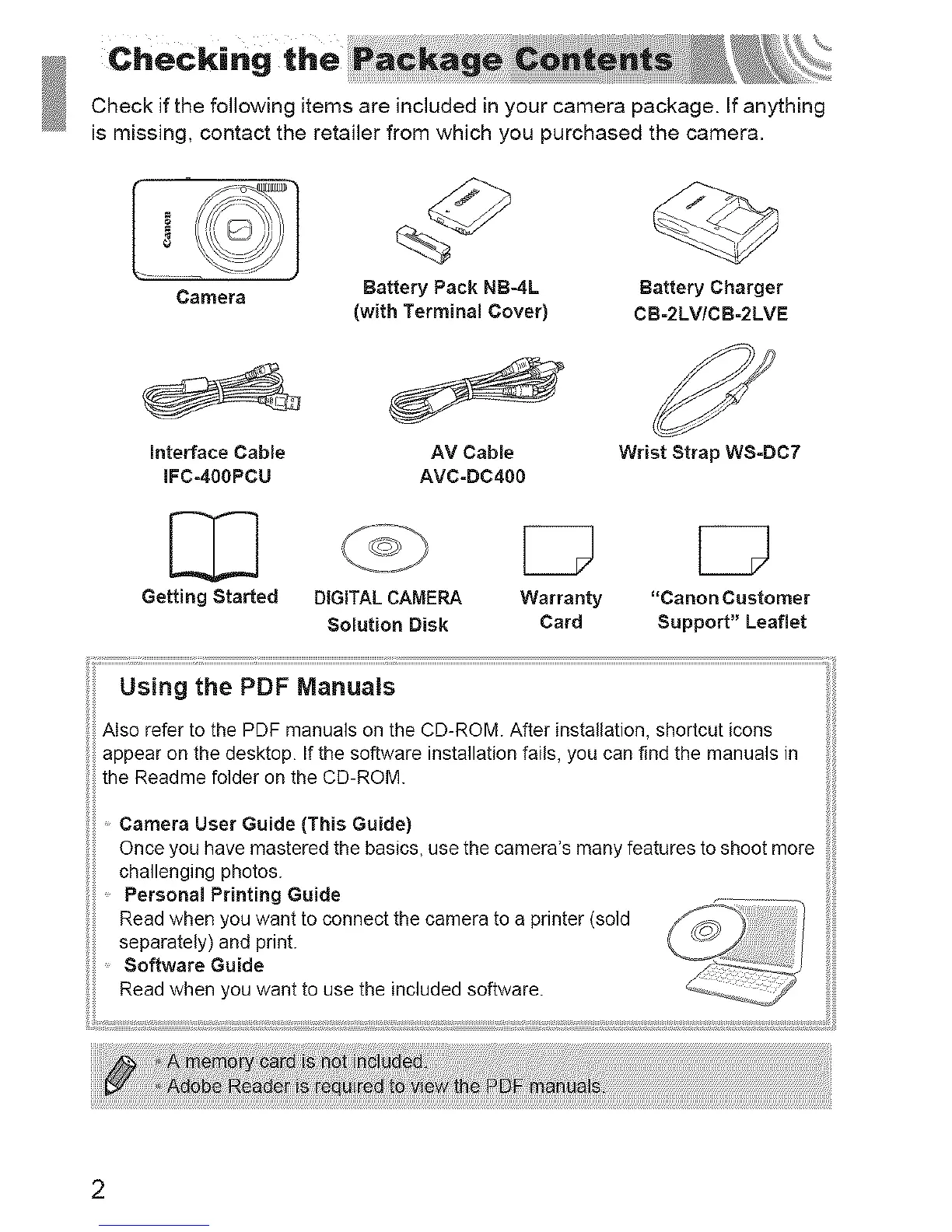
Checkifthefollowingitemsareincludedinyourcamerapackage.Ifanything
ismissing,contacttheretailerfromwhichyoupurchasedthecamera.
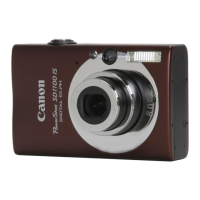
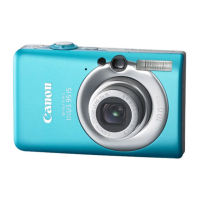
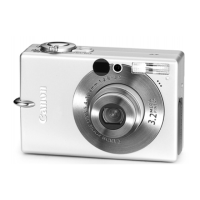
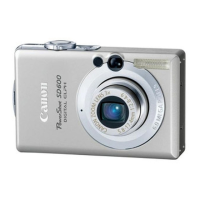
Camera
Battery Pack NB-4L
(with Terminal Cover)
Battery Charger
CB-2LV/CB-2LVE
interface Cable Wrist Strap WS-BC7
IFC-400PCU
AV Cable
AVC-DC4OO
Getting Started DIGITALCAMERA Warranty "Canon Customer
Solution Disk Card Support" Leaflet
Using the PDF Manuals
Also refer to the PDF manuals on the CD-ROM. After installation shortcut icons
appear on the desktop. If the software installation fails, you can find the manuals in
the Readme folder on the CD-ROM.
Camera User Guide (This Guide)
Once you have mastered the basics, use the camera's many features to shoot more
challenging photos.
Personal Printing Guide
Read when you want to connect the camera to a printer (sold
separately) and print.
Software Guide ...........
Read when you want to use the included software.
::t :: ::t I ::tl : t t t : :: tt t t t t t t t t t t t t t t t t
2





 To Next Page