EasyManua.ls Logo

Canon pz-e1 - Setting Zoom Mode; Setting Speed Level

Canon pz-e1
17 pages
Print Icon
To Next Page IconTo Next Page
To Previous Page IconTo Previous Page
Loading...
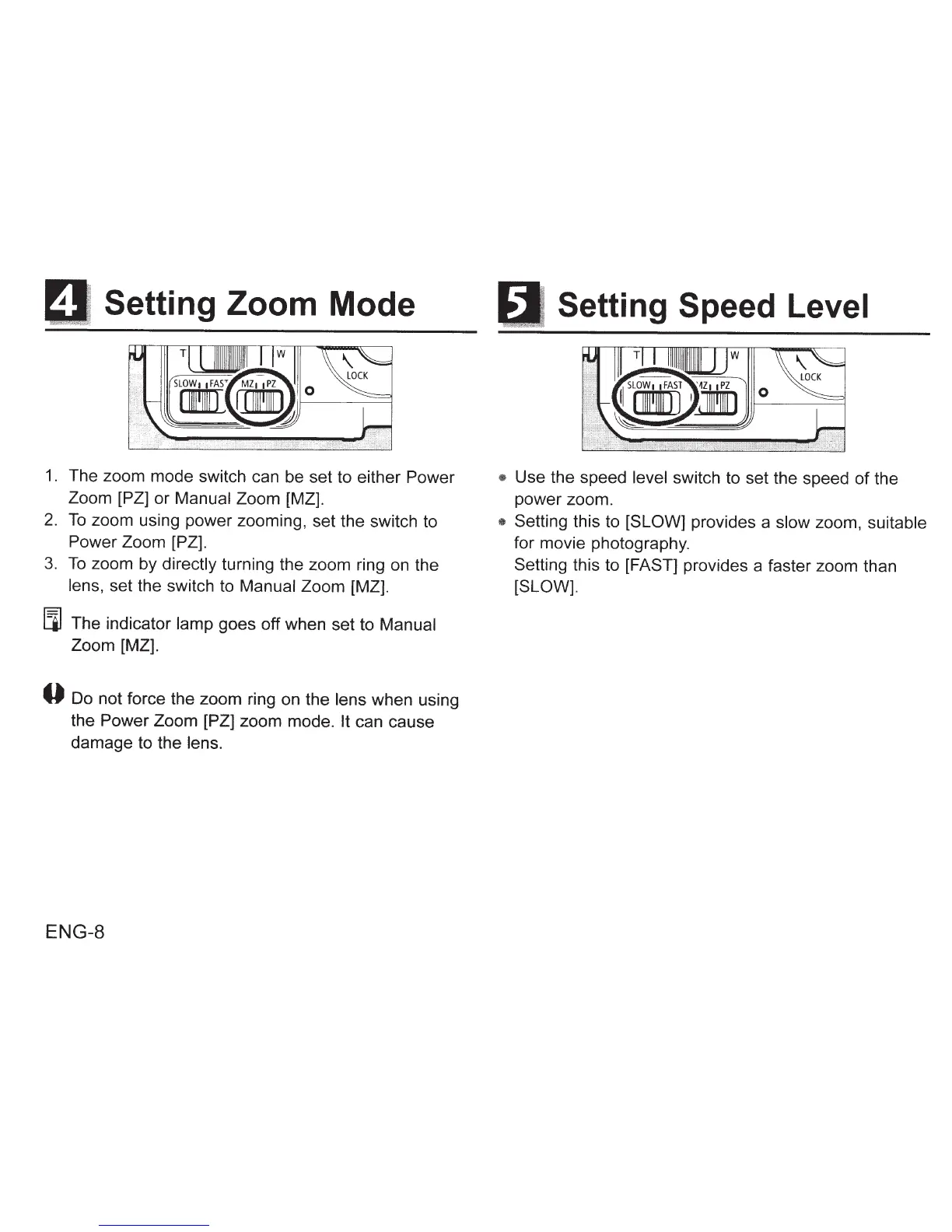
Setting Zoom Mode
1. The zoom mode switch can be set to either
Power
Zoom
[PZ]
or Manual
Zoom [MZ].
2.
To
zoom using power zooming, set the switch to
Power Zoom [PZ].
3.
To
zoom by directly
turning
the zoom ring on the
lens, set the switch to
Manual
Zoom [MZ].
llJ
The indicator
lamp
goes off when set to
Manual
Zoom [MZ].
0 Do not force the zoom ring on the lens when using
the
Power Zoom [PZ]
zoom mode. It
can cause
damage to the lens.
ENG-8
Setting Speed Level
Use the speed level switch to set the speed
of
the
power zoom.
Setting this to
[SLOW]
provides a slow zoom,
suitable
for movie photography.
Setting this to [FAST] provides a faster zoom than
[SLOW].

Other manuals for Canon pz-e1

Related product manuals