EasyManua.ls Logo

Canon SELPHY CP740 - User Manual

Canon SELPHY CP740
50 pages
Print Icon
To Next Page IconTo Next Page
Loading...
Paper Cassette Preparations
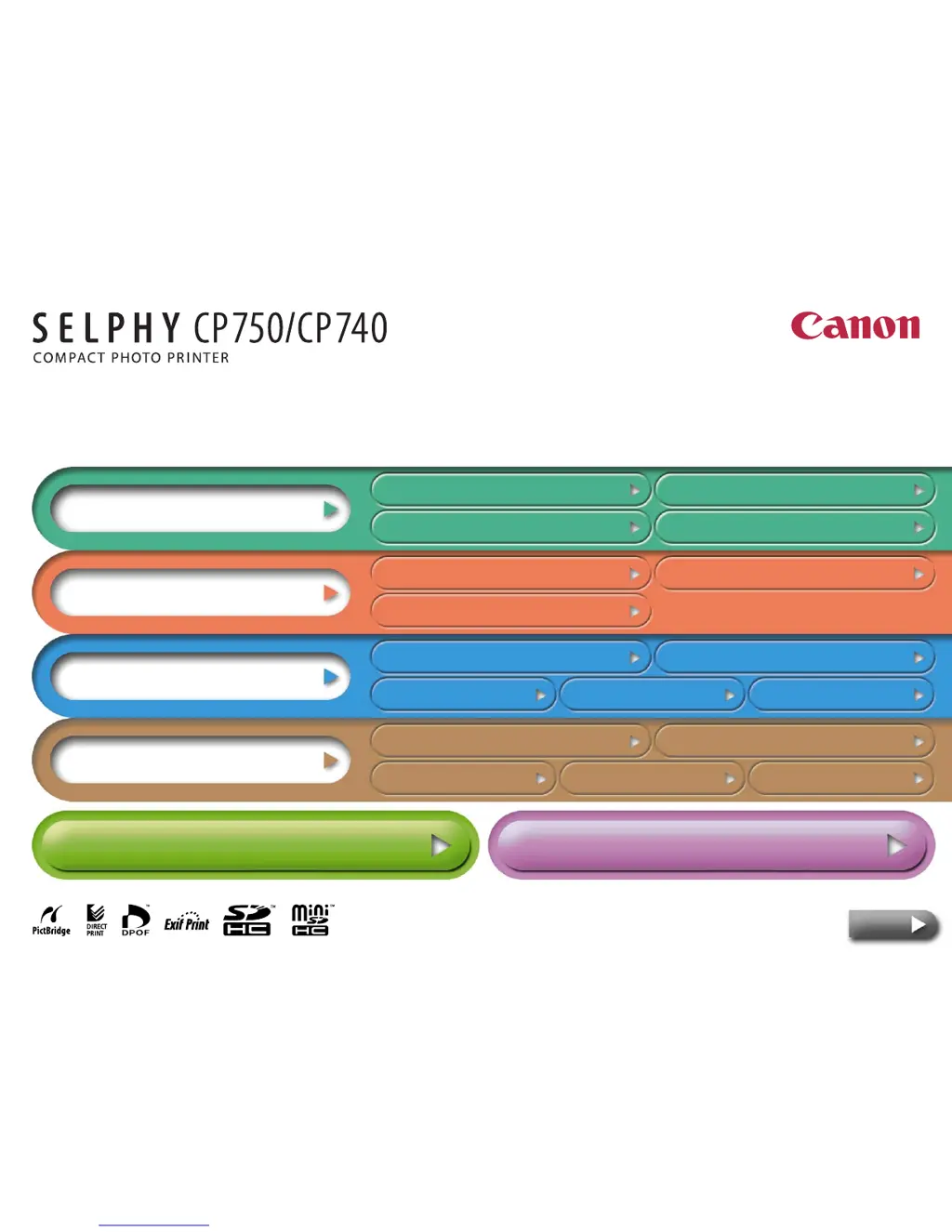
Overview
Getting Ready
Printing
Appendices
Having Difficulty? Click Here
Troubleshooting
I’d Like To...
Tasks and Index
Printer Features Component Guide and Functions
Paper and Accessories Other Accessories
Setup Ink Cassette Preparations
Printing from
Cameras
Wireless Printing
Maintenance, Storage and Transport
Battery Instructions
(SELPHY CP750 Only)
Safety Precautions
Handling
Precautions
Specifications
Printing from
Computers
Printing Precautions Printing from Memory Cards
Next
Printer User Guide

Other manuals for Canon SELPHY CP740

Questions and Answers

Summary

Getting Ready

Ink Cassette Preparations

Step-by-step instructions for installing ink cassettes correctly.

Paper Cassette Preparations

Procedures for setting paper in the cassette and installing it into the printer.

Printing

Printing Precautions

Explains precautions to observe during the printing process to avoid malfunctions.

Appendices

Battery Instructions (SELPHY CP750 Only)

Instructions for attaching and using the optional battery pack.

Safety Precautions

Important safety instructions to prevent injury, fire, electrical shock, and malfunctions.

Handling Precautions

Precautions for handling the printer, paper, ink cassettes, and battery.

Troubleshooting

Solutions for common problems and error symbols encountered with the printer.

Summary

Getting Ready

Ink Cassette Preparations

Step-by-step instructions for installing ink cassettes correctly.

Paper Cassette Preparations

Procedures for setting paper in the cassette and installing it into the printer.

Printing

Printing Precautions

Explains precautions to observe during the printing process to avoid malfunctions.

Appendices

Battery Instructions (SELPHY CP750 Only)

Instructions for attaching and using the optional battery pack.

Safety Precautions

Important safety instructions to prevent injury, fire, electrical shock, and malfunctions.

Handling Precautions

Precautions for handling the printer, paper, ink cassettes, and battery.

Troubleshooting

Solutions for common problems and error symbols encountered with the printer.

Canon SELPHY CP740 Specifications

General IconGeneral
Print technologyInkjet
Maximum resolution300 x 300 DPI
Credit cardYes
Paper tray media typesCard stock, Photo paper
Non-ISO print media sizesl
DVD/CD printingNo
Power supply typeCA-CP200
Dimensions (WxDxH)179 x 127.1 x 63 mm
Networking featuresWiFi IEEE 802.11b
Compatible operating systemsWindows 2000 SP4 / XP (SP1-2) / Vista Mac OS X v10.3 - v10.4
USB 2.0 ports quantity1
Compatible memory cardsMicrodrive, miniSD, SD, SDHC
Bundled softwareZoomBrowser EX, Easy-PhotoPrint, PhotoStitch, EOS Mac: ImageBrowser, PhotoStitch, EOS
DisplayLCD
Display diagonal2 \
Market positioningHome & office
Power consumption (standby)4 W
Power consumption (printing)60 W
Operating temperature (T-T)5 - 40 °C

Related product manuals