EasyManua.ls Logo

Canon selphy cp1200 - User Manual

Canon selphy cp1200
130 pages
Print Icon
To Next Page IconTo Next Page
Loading...
Printer User Guide
ENGLISH
© CANON INC. 2015 CT0-D018-000-F101-B
Make sure you read this guide, including the “Safety Precautions”
section, before using the printer.
Reading this guide will help you learn to use the printer properly.
Store this guide safely so that you can use it in the future.
Switching Between Pages
Click the button on the top of the screen.
ç
Contents
: return to the Contents.

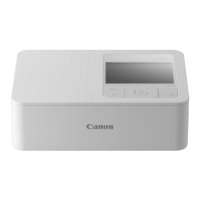
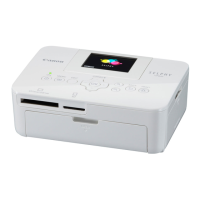
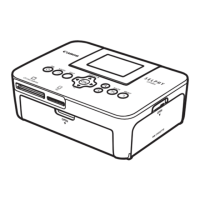
Other manuals for Canon selphy cp1200

Questions and Answers

  • J
    Jonathan LinJul 29, 2025
    How to fix Canon SELPHY that won't turn on?
    • M
      Mark HerringJul 29, 2025
      If your Canon SELPHY printer won't turn on: * Make sure the power cord is properly connected and plugged in. * Hold the button until the startup screen appears. * If using a battery pack, ensure it is charged and correctly inserted.

Canon selphy cp1200 Specifications

General IconGeneral
Print TechnologyDye-sublimation
Max Print Resolution300 x 300 dpi
ConnectivityUSB, Wi-Fi
Power SourceAC Power Adapter, Optional Battery Pack
Print SpeedApprox. 47 seconds per print
Supported Media SizesPostcard Size: 4 x 6", L Size: 3.5 x 4.7", Credit Card Size: 2.1 x 3.4"
Mobile PrintingApple AirPrint, Canon PRINT Inkjet/SELPHY app
Display2.7" LCD
Dimensions180.6 x 135.9 x 63.3 mm
Weight860 g (excluding ink cassette and paper cassette)

Related product manuals