EasyManua.ls Logo

Canon Selphy CP750 - User Manual

Canon Selphy CP750
24 pages
Print Icon
To Next Page IconTo Next Page
Loading...
Canon
SELPHY
CP750/CP740
COM
PACT PHOTO
PR
INTER
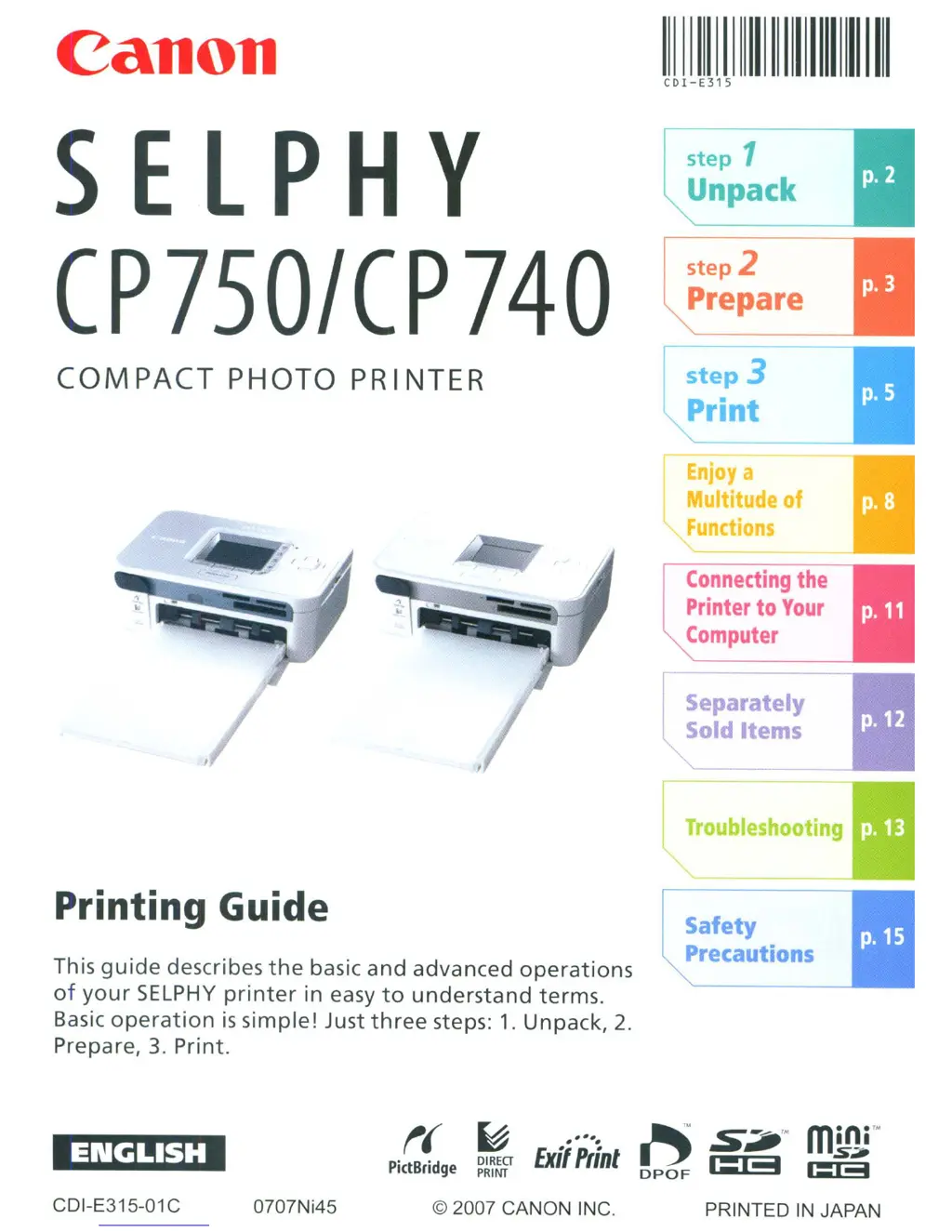
Printing Guide
This
guide
describes
the
basic
and
advanced
operations
of
your
SELPHY
printer
in easy
to
understand
terms.
Basic
operation
is
simple!
Just
three
steps:
1.
Unpack,
2.
Prepare,
3.
Print.
11\
\1
11\111\
CDI-E315
step
1
Unpack
step
2
Prepare
step
3
Print
Enjoy
a
Multitude
of
Functions
Connecting
the
Printer
to
Your
Computer
I Separately
Sold Items
Troubleshooting
I
Safety
Precautions
t(
PictBridge
~
DIREG
PRINT
t'j
DPOF
CDI-E315-01 C
070lNi45
© 2007 CANON INC.
PRINTED
IN
JAPAN
Canon
SELPHY
CP750/CP740
COM
PACT PHOTO
PR
INTER
Printing Guide
This
guide
describes
the
basic
and
advanced
operations
of
your
SELPHY
printer
in easy
to
understand
terms.
Basic
operation
is
simple!
Just
three
steps:
1.
Unpack,
2.
Prepare,
3.
Print.
11\
\1
11\111\
CDI-E315
step
1
Unpack
step
2
Prepare
step
3
Print
Enjoy
a
Multitude
of
Functions
Connecting
the
Printer
to
Your
Computer
I Separately
Sold Items
Troubleshooting
I
Safety
Precautions
t(
PictBridge
~
DIREG
PRINT
t'j
DPOF
CDI-E315-01 C
070lNi45
© 2007 CANON INC.
PRINTED
IN
JAPAN

Questions and Answers

  • A
    austin84Aug 11, 2025
    Why is my Canon Selphy CP750 experiencing numerous paper jams?
    • P
      Pamela GonzalezAug 11, 2025
      Paper jams in your Canon Printer can occur if you place 19 or more sheets in the paper cassette (or 13 or more Wide size sheets). Avoid letting 10 or more sheets of printed paper collect on top of the paper cassette.
  • Z
    Zachary TaylorAug 16, 2025
    What to do if my Canon Printer cannot print?
    • C
      Crystal VangAug 16, 2025
      If your Canon Printer is unable to print, verify that you are using the correct paper, paper cassette, and ink cassette combination. Remember that the starter ink cassette is only good for 5 sheets.
  • B
    Brian CampbellAug 22, 2025
    How to fix Canon Selphy CP750 that cannot print cleanly?
    • J
      Joel RiveraAug 23, 2025
      If your Canon Printer isn't printing cleanly, ensure you've set paper specific to SELPHY CP series printers in the cassette with the shiny side upward as required. If the ink sheet becomes dusty, blow it clean with a blower brush or similar device. If narrow stripes appear, remove the ink cassette and slide the supplied cleaner in and out two or three times to clean the interior of the printer.
  • M
    Michael WoodwardAug 28, 2025
    How to turn on Canon Printer if the power will not turn on?
    • N
      Nicholas StanleyAug 29, 2025
      If your Canon Printer power will not turn on, make sure you press and hold the power button until the start-up image displays. Also, check the compact power adapter, the main printer unit, and the power cord to ensure they are correctly connected.
  • A
    alicia72Sep 4, 2025
    What to do if images will not appear even with a memory card inserted in Canon Printer?
    • P
      petermartinezSep 4, 2025
      If images do not appear even with a memory card inserted in your Canon Printer, confirm that the memory card is fully inserted into the correct slot. Also, ensure that the images conform to the Design rule for Camera File system.

Canon Selphy CP750 Specifications

General IconGeneral
Printer TypePhoto Printer
Print TechnologyDye Sublimation
Maximum Print Resolution300 x 300 dpi
Maximum Print Size4 x 6 inches
USBYes
Weight3.3 lbs
Print Speed (4x6)47 seconds
ConnectivityUSB
Card SlotsSD
Power SourceAC Adapter
OptionalBattery Pack
Dimensions7.0 x 4.9 x 2.2"
Paper Sizes4 x 6 inches
Paper Sizes SupportedPostcard, Card Size, Credit Card Size
Display1.5-inch color LCD

Related product manuals