High-Speed Synchronization
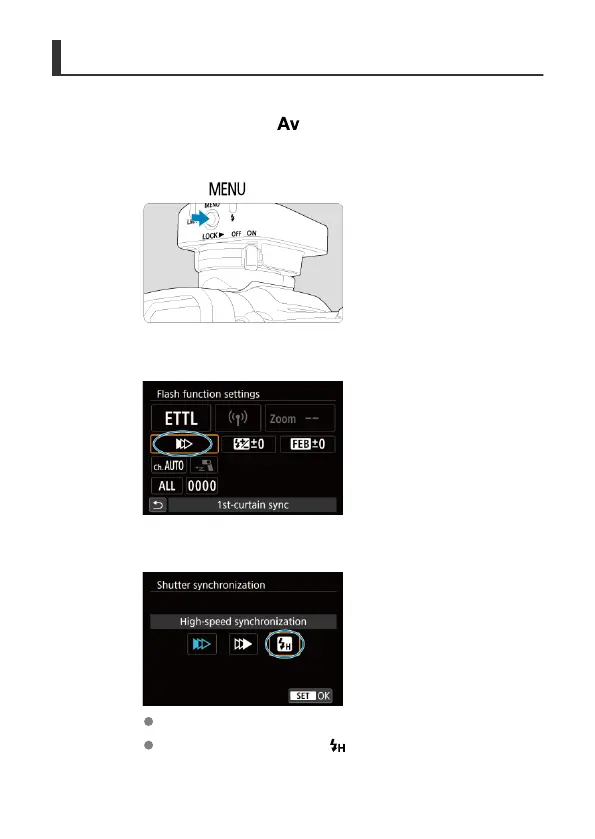
High-speed sync enables flash photography at all shutter speeds. This is effective when you
want to shoot in the aperture-priority AE
<
> mode (open aperture) with background blur
in locations such as outdoors in daylight.
1.
Press the < > button.
2.
Select [Shutter synchronization].
3.
Select [High-speed synchronization].
Select [High-speed synchronization] and then [OK].
Before shooting, confirm that < > appears on the camera screen.
37













 To Next Page