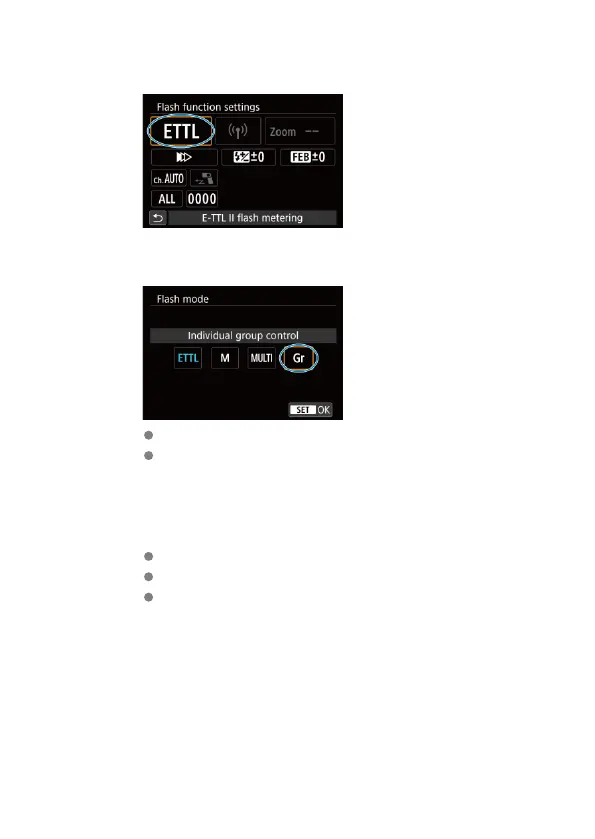
2.
Select [Flash mode].
3.
Set the flash mode to [Individual group control].
Select [Individual group control] and then [OK].
The receiver unit's flash mode is set automatically during shooting,
controlled by the sender unit.
4.
Set the firing group of the receivers.
Set this manually on each receiver.
Set the firing group (A, B, C, D, or E) for all receivers.
For instructions on configuring receiver settings, refer to the instruction
manual of the flash unit.
59













 To Next Page