5-a
4
Setting Up the Printer
Computer Smartphone
Computer and
smartphone
Connecting to a Computer
If you are using multiple computers, perform these steps on each computer.
1
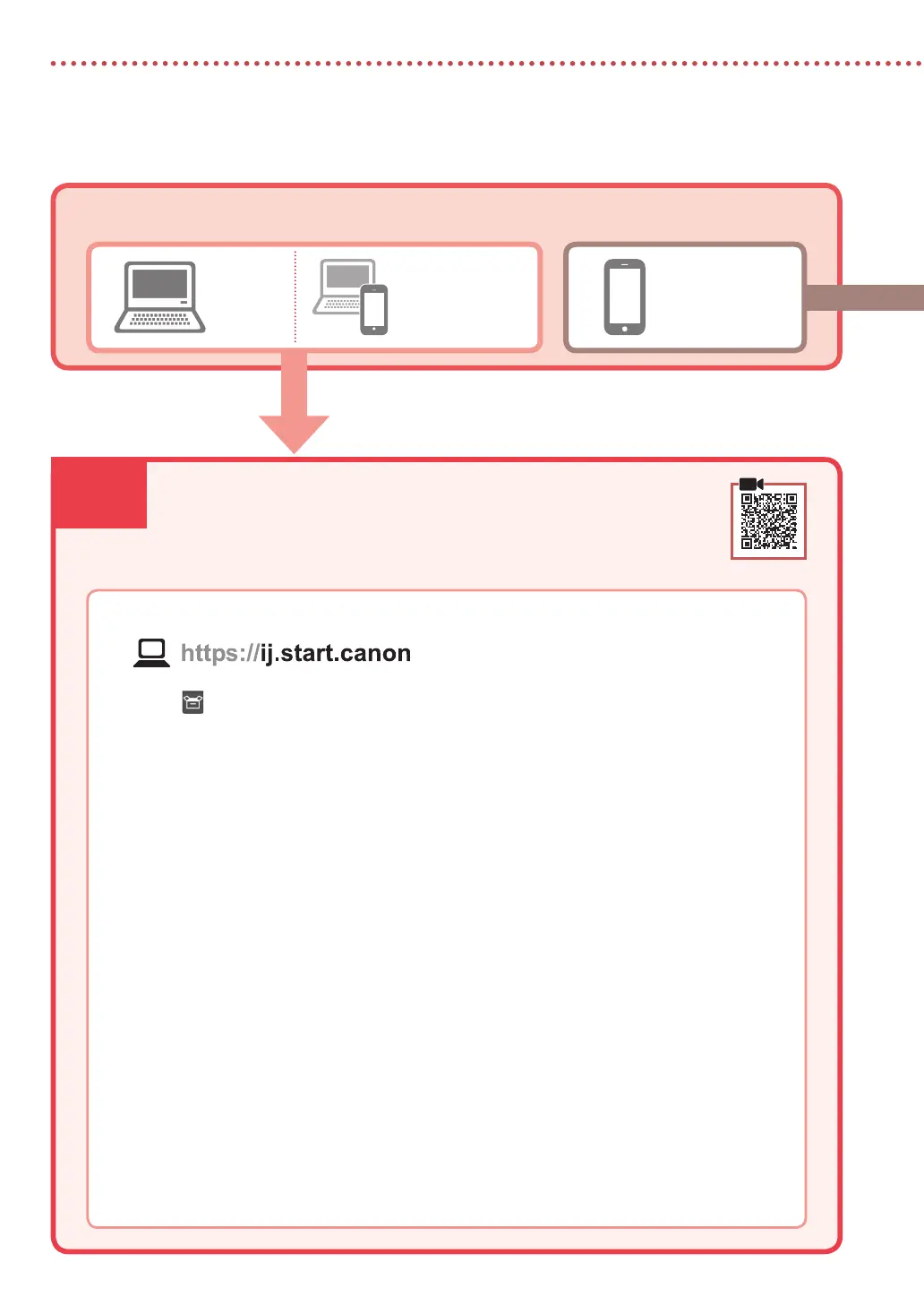
Access the Canon website from your computer.
2
Select Set Up.
3
Enter your printer's model name and click Go.
4
Click Start.
5
Click (B) Connecting to a Computer/Smartphone.
•
The following steps are for Windows users.
6
Click Download.
7
Run the downloaded le.
•
Follow the on-screen instructions.
•
These operations may take some time.
•
To connect to a smartphone as well, see "5-b. Connecting to a Smartphone" on page 5.
What device are you connecting?
5-a Connecting to a Computer




 To Next Page