EasyManua.ls Logo

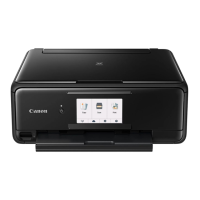
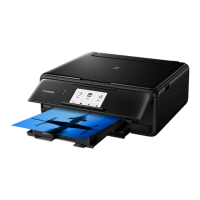
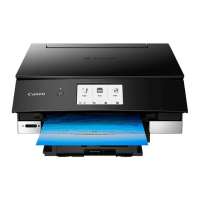
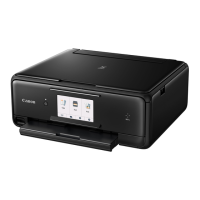
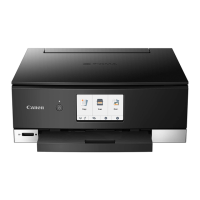
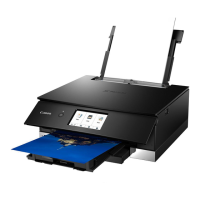
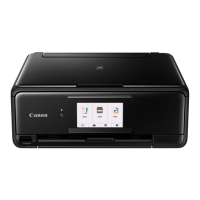
Canon TS8100 Series - User Manual

Canon TS8100 Series
484 pages
Print Icon
To Next Page IconTo Next Page
Loading...
TS8100 series
Online Manual
Basic Operation
Network
Maintenance
Overview of the Machine
Information about Paper
Printing
Copying
Scanning
Frequently Asked Questions
List of Support Code for Error
English

Table of Contents

Question and Answer IconNeed help?

Do you have a question about the Canon TS8100 Series and is the answer not in the manual?

Summary

Basic Operations

Printing Photos from a Computer

Details the process of printing photos from a computer using My Image Garden software.

Copying

Provides instructions on loading originals and performing copy operations using the cassette.

Printing Photos from Memory Card

Guides users on printing photos directly from a memory card inserted into the printer.

Printer Maintenance

Replacing Ink Tanks

Guides users through the process of replacing ink tanks when ink levels are low or an error occurs.

If Printing Is Faint or Uneven

Offers solutions for print quality issues like faint or uneven printing.

Cleaning

Lists various internal and external cleaning procedures for the printer.

Connectivity and Network

Network

Covers available connection methods and network setup procedures.

Printing;Scanning with Wireless Direct

Explains how to print or scan wirelessly by directly connecting devices to the printer.

Network Settings and Common Problems

Addresses common issues related to network connections and settings.

Printing Functions

Printing from Computer

Lists various methods for printing documents from a computer.

Paper Settings on the Printer Driver and the Printer (Media Type)

Details setting media types in the driver and registering them on the printer for optimal results.

Duplex Printing

Details how to perform automatic and manual duplex (two-sided) printing.

Scanning Operations

Scanning from Computer (Windows)

Covers scanning operations from a Windows computer using IJ Scan Utility and ScanGear.

Scanning Using Application Software (ScanGear)

Covers scanning operations using the ScanGear scanner driver.

Troubleshooting Common Issues

Frequently Asked Questions

Provides solutions to common problems encountered with network, printing, and installation.

Printing Problems

Addresses issues such as printing not starting, no ink, or unsatisfactory print results.

Paper Does Not Feed Properly;No Paper Error

Addresses problems related to paper feeding issues or "No Paper" errors.

Printer Specifications

General Specifications

Lists general technical specifications of the printer, including resolution and interface.

Scan Specifications

Details the technical specifications related to the scanner function.

Summary

Basic Operations

Printing Photos from a Computer

Details the process of printing photos from a computer using My Image Garden software.

Copying

Provides instructions on loading originals and performing copy operations using the cassette.

Printing Photos from Memory Card

Guides users on printing photos directly from a memory card inserted into the printer.

Printer Maintenance

Replacing Ink Tanks

Guides users through the process of replacing ink tanks when ink levels are low or an error occurs.

If Printing Is Faint or Uneven

Offers solutions for print quality issues like faint or uneven printing.

Cleaning

Lists various internal and external cleaning procedures for the printer.

Connectivity and Network

Network

Covers available connection methods and network setup procedures.

Printing;Scanning with Wireless Direct

Explains how to print or scan wirelessly by directly connecting devices to the printer.

Network Settings and Common Problems

Addresses common issues related to network connections and settings.

Printing Functions

Printing from Computer

Lists various methods for printing documents from a computer.

Paper Settings on the Printer Driver and the Printer (Media Type)

Details setting media types in the driver and registering them on the printer for optimal results.

Duplex Printing

Details how to perform automatic and manual duplex (two-sided) printing.

Scanning Operations

Scanning from Computer (Windows)

Covers scanning operations from a Windows computer using IJ Scan Utility and ScanGear.

Scanning Using Application Software (ScanGear)

Covers scanning operations using the ScanGear scanner driver.

Troubleshooting Common Issues

Frequently Asked Questions

Provides solutions to common problems encountered with network, printing, and installation.

Printing Problems

Addresses issues such as printing not starting, no ink, or unsatisfactory print results.

Paper Does Not Feed Properly;No Paper Error

Addresses problems related to paper feeding issues or "No Paper" errors.

Printer Specifications

General Specifications

Lists general technical specifications of the printer, including resolution and interface.

Scan Specifications

Details the technical specifications related to the scanner function.

Canon TS8100 Series Specifications

General IconGeneral
Print TechnologyInkjet
Print Resolution4800 x 1200 DPI
FunctionsPrint, Copy, Scan
Print Speed (Black)Approx. 15.0 ipm
Print Speed (Color)Approx. 10.0 ipm
Scanner TypeFlatbed
Scanner Resolution1200 x 2400 dpi
Paper SizesA4, A5, B5, Letter, Legal, 4 x 6", 5 x 7", 8 x 10", Envelopes (DL, COM10)
ConnectivityUSB, Wi-Fi
Mobile PrintingAirPrint, Mopria, Canon PRINT app
Ink TypeDye and Pigment Ink
Display4.3 inch LCD Touch Screen
Weight6.7 kg

Related product manuals