EasyManua.ls Logo

Canon TX - Page 43

Canon TX
44 pages
Print Icon
To Next Page IconTo Next Page
To Previous Page IconTo Previous Page
Loading...
Proper
Care
of
the
Camera
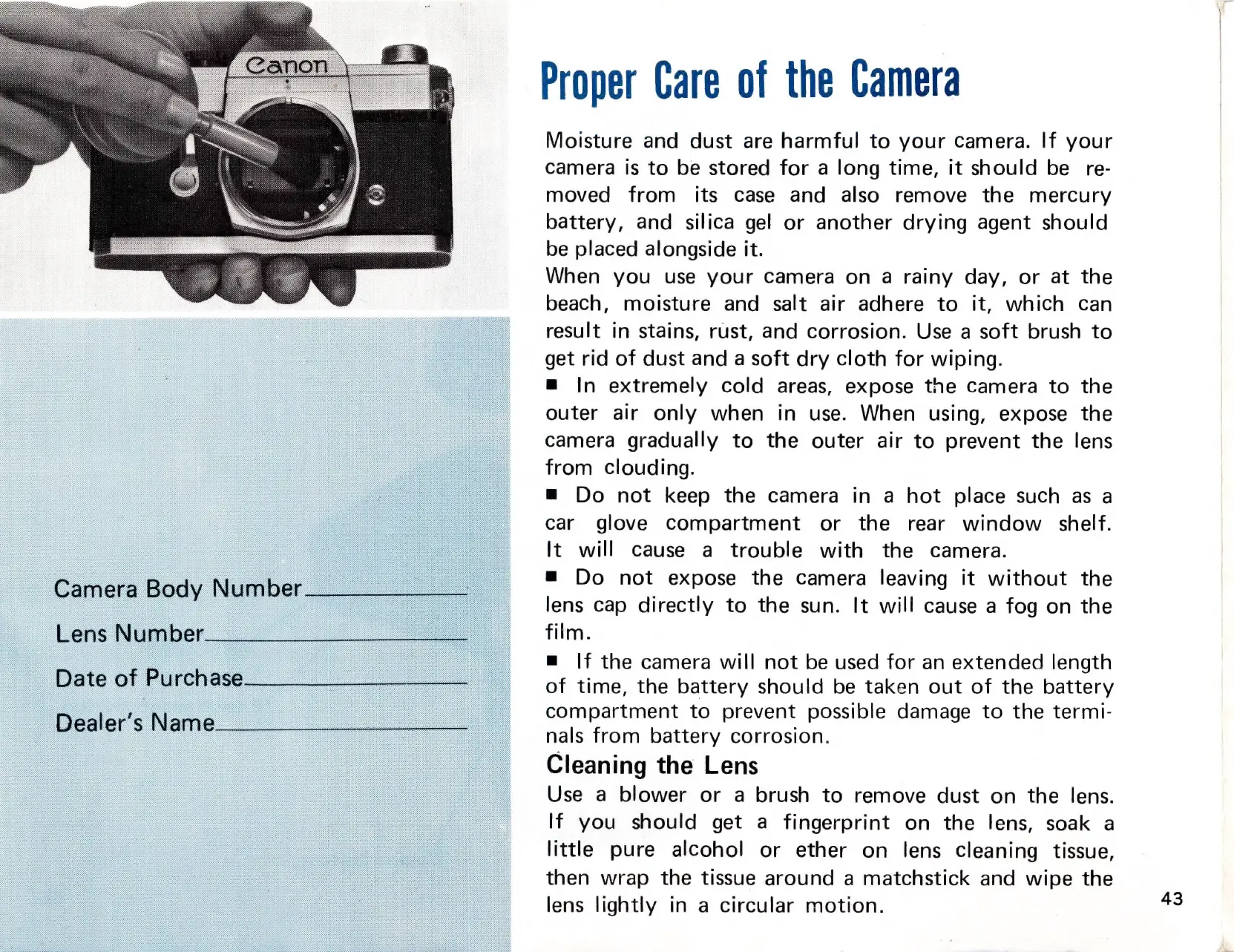
Moisture
and
dust
are
harmful
to
your
camera.
If
your
camera
is
to
be
stored
for
a
long
time,
it
should
be
re-
moved
from
its
case
and
also
remove
the
mercury
battery,
and
silica
gel
or
another
drying
agent
should
be
placed
alongside
it.
When
you
use
your
Camera
on
a
rainy
day,
or
at
the
beach,
moisture
and
salt
air
adhere
to
it,
which
can
result
in
stains,
rust,
and
corrosion.
Use
a
soft
brush
to
get
rid
of
dust
and
a
soft
dry
cloth
for
wiping.
=
In
extremely
cold
areas,
expose
the
camera
to
the
outer
air
only
when
in
use.
When
using,
expose
the
camera
gradually
to
the
outer
air
to
prevent
the
lens
from
clouding.
Do
not
keep
the
camera
in
a
hot
place
such
as
a
car
glove
compartment
or
the
rear
window
shelf.
It
will
cause
a
trouble
with
the
camera.
Do
not
expose
the
camera
leaving
it
without
the
lens
cap
directly
to
the
sun.
It
will
cause
a
fog
on
the
film.
m=
|f
the
camera
will
not
be
used
for
an
extended
length
of
time,
the
battery
should
be
taken
out
of
the
battery
compartment
to
prevent
possible
damage
to
the
termi-
nals
from
battery
corrosion.
Cleaning
the
Lens
Use
a
blower
or
a
brush
to
remove
dust
on
the
lens.
If
you
should
get
a
fingerprint
on
the
lens,
soak
a
little
pure
alcohol
or
ether
on
lens
cleaning
tissue,
then
wrap
the
tissue
around
a
matchstick
and
wipe
the
lens
lightly
in
a
circular
motion.
43

Related product manuals