EasyManua.ls Logo

Canon VIXIA HF20 - User Manual

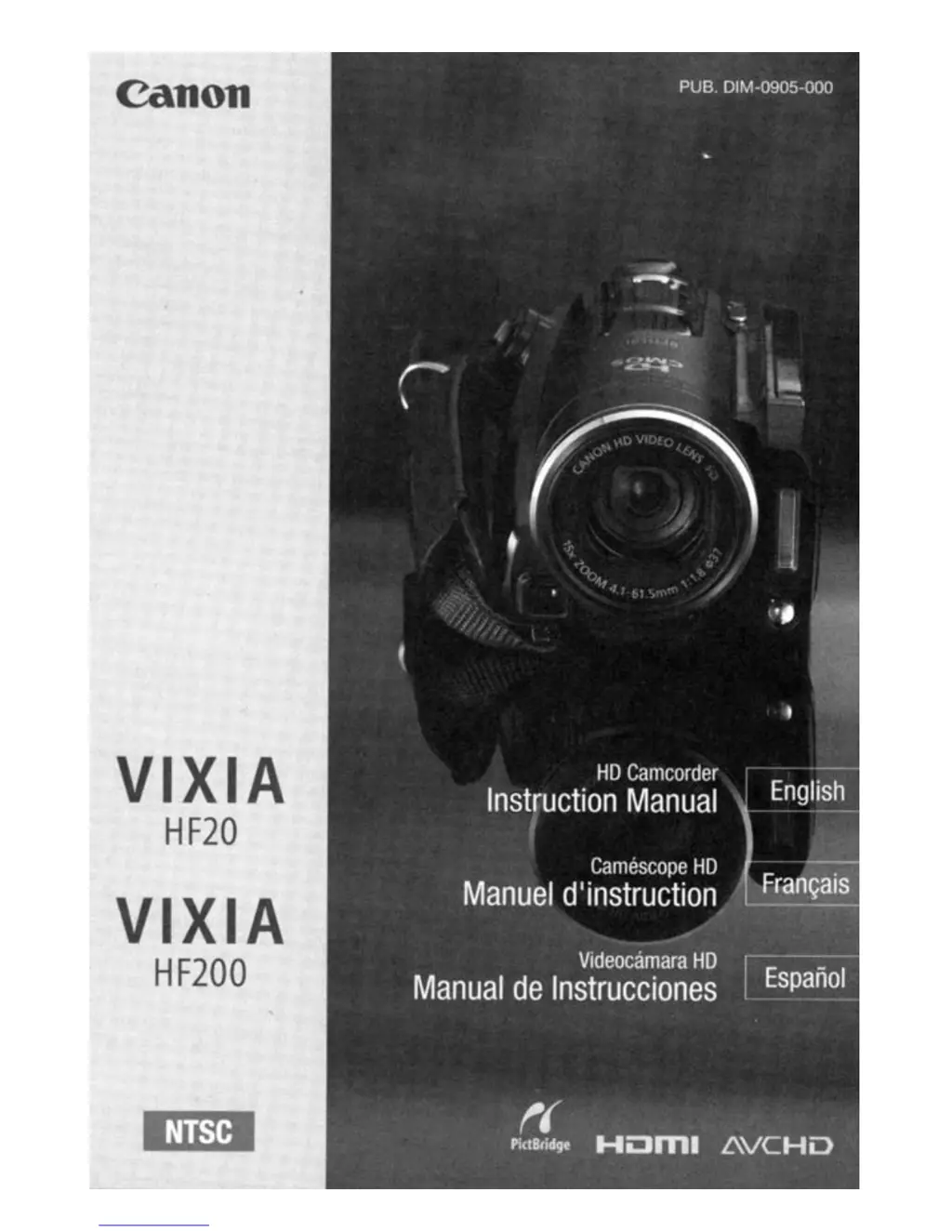
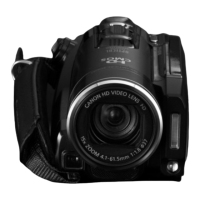
Canon VIXIA HF20
203 pages
Print Icon
To Next Page IconTo Next Page
Loading...
canon
VIXIA
HF20
VIXIA
HF200

Questions and Answers

  • C
    Caitlin YoungAug 12, 2025
    What to do if my Canon Camcorder won't turn on?
    • W
      westjamieAug 12, 2025
      If your Canon camcorder doesn't turn on, the battery pack might be exhausted. Try replacing or charging it. Alternatively, remove the battery pack and reattach it correctly.
  • G
    gsolisAug 15, 2025
    What to do if Canon Camcorder cannot charge the battery pack?
    • J
      Jonathan NicholsAug 15, 2025
      If your Canon camcorder isn't charging the battery pack, ensure the camcorder is off to allow charging to start. Check the battery pack's temperature; if it's below 0 °C (32 °F), warm it up before charging, or if above 40 °C (104 °F), let it cool down. Charge the battery pack in temperatures between 0 °C and 40 °C (32 °F and 104 °F). The battery pack may be faulty, consider replacing it. The camcorder may not be able to communicate with the attached battery pack, meaning that such battery packs cannot be charged using this camcorder.
  • A
    Aaron AdamsAug 20, 2025
    What to do if my Canon VIXIA HF20 Camcorder won't focus?
    • W
      wwillisAug 20, 2025
      If your Canon camcorder is not focusing, autofocus may not be working on the subject, so try to focus manually. Alternatively, the lens or Instant AF sensor might be dirty; clean them with a soft lens-cleaning cloth.
  • M
    Michael SmithAug 23, 2025
    What to do if pressing START/STOP will not start recording on Canon VIXIA HF20 Camcorder?
    • E
      erica82Aug 23, 2025
      If pressing START/STOP doesn't initiate recording on your Canon camcorder, it might be because the camcorder is writing previous recordings onto the memory. Wait until the ACCESS indicator is off or not flashing. Also, the memory might be full or contain the maximum number of scenes (3,999 scenes). Delete some recordings or initialize the memory to free up space.
  • S
    Steve AustinAug 27, 2025
    Why doesn't my computer recognize my Canon VIXIA HF20 Camcorder?
    • B
      Brianna ReedAug 27, 2025
      If your computer isn't recognizing your Canon camcorder, ensure that [USB Connection Type] is set to [Computer/Printer] or to [Connect and Set]. Also, try disconnecting the USB cable and turning off the camcorder. After a short while, turn it on again and restore the connection. Alternatively, connect the camcorder to a different USB port on the computer.
  • K
    Kelly MooreAug 31, 2025
    What to do if deleting scenes takes longer than usual on Canon VIXIA HF20?
    • R
      Roy SimpsonAug 31, 2025
      If deleting scenes is taking longer than usual on your Canon camcorder, it could be because the memory contains a large number of scenes. In this case, save your recordings and initialize the memory.
  • S
    Steven MossSep 3, 2025
    What to do if there is no sound from the TV when using Canon Camcorder?
    • K
      Kevin MorrisSep 3, 2025
      When connecting the Canon camcorder to an HDTV using the CTC-100/S Component Cable, make sure to connect also the audio connections using the white and red plugs of the STV-250N Stereo Video Cable. Make the necessary audio connections.
  • A
    Allison ClarkSep 8, 2025
    What to do if cannot delete a photo on Canon VIXIA HF20 Camcorder?
    • S
      Stephanie LaraSep 8, 2025
      If you cannot delete a photo on your Canon camcorder, the photo is probably protected. Remove the protection.

Summary

Important Usage Instructions

WARNING! (Safety Precautions)

Instructions to reduce the risk of fire or electric shock by not exposing the product to rain or moisture.

CAUTION: (Safety Precautions)

Instructions to reduce the risk of electric shock and interference by using recommended accessories only.

IMPORTANT SAFETY INSTRUCTIONS

Preparations

Basic Operation of the Camcorder

Video

Photos

External Connections

Additional Information

Troubleshooting

Provides solutions for common problems encountered with the camcorder.

PIXELA ImageMixer 3 SE - Installation Guide

Canon VIXIA HF20 Specifications

General IconGeneral
BrandCanon
ModelVIXIA HF20
CategoryCamcorder
LanguageEnglish

Related product manuals