12
Putting the Camera In the
Waterproof Case
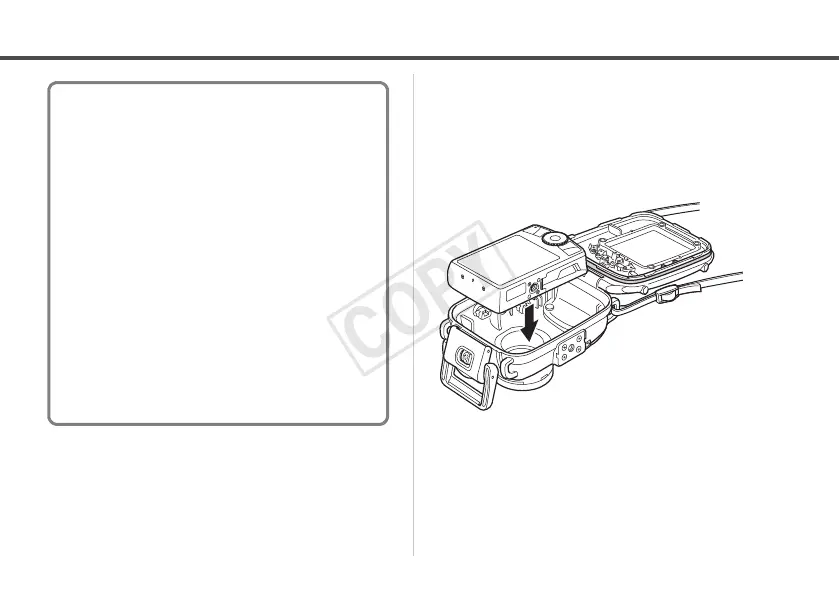
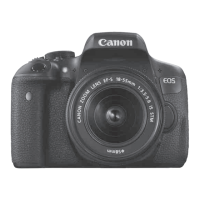
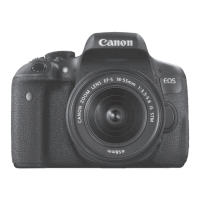
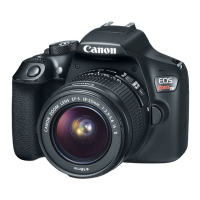
5 Insert the camera into the
Waterproof Case as shown.
6 Close the Waterproof Case.
• Make sure that the waterproof seal and its
contact surfaces are free of debris (e.g.
sand, dirt or hair). Catching a single strand
of hair or a tiny grain of sand in the seal
can cause leaks.
Apply a thin coat of grease to the entire seal
before using the Waterproof Case in order to
prevent abrasion and deterioration.
For waterproof seal handling precautions, see
Waterproof Seal (p. 6).
1. Remove the waterproof seal.
2. Using a cotton swab, wipe off any debris
(e.g. sand, dirt or hair) which is present on
the waterproof seal and on the seal
mounting groove of the Waterproof Case.
3. Apply a small amount (droplet) of grease to
your fingertip.
4. Evenly coat the entire surface of the
waterproof seal, taking care not to scratch
the surface.
5. Place the waterproof seal back in the seal
mounting groove of the Waterproof Case.



 To Next Page