12
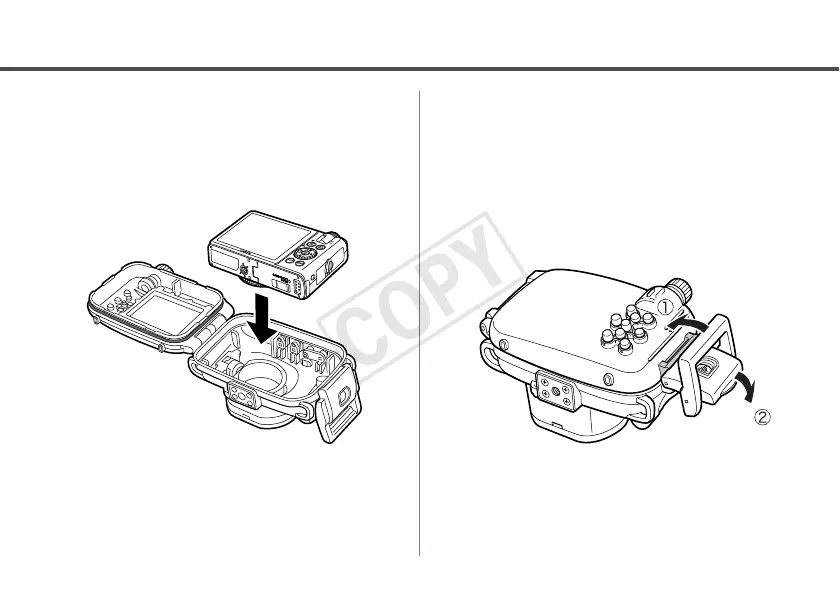
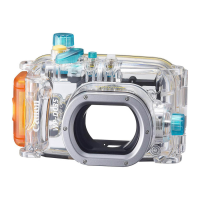
Putting the Camera In the
Waterproof Case
6
Insert the camera into the
Waterproof Case as shown.
7
Close the Waterproof Case.
• Make sure that the waterproof seal and its
contact surfaces are free of debris (e.g.
sand, dirt or hair). Catching a single
strand of hair or a tiny grain of sand in
the seal can cause leaks.
• Make sure that the catch is fastened
properly.


 To Next Page