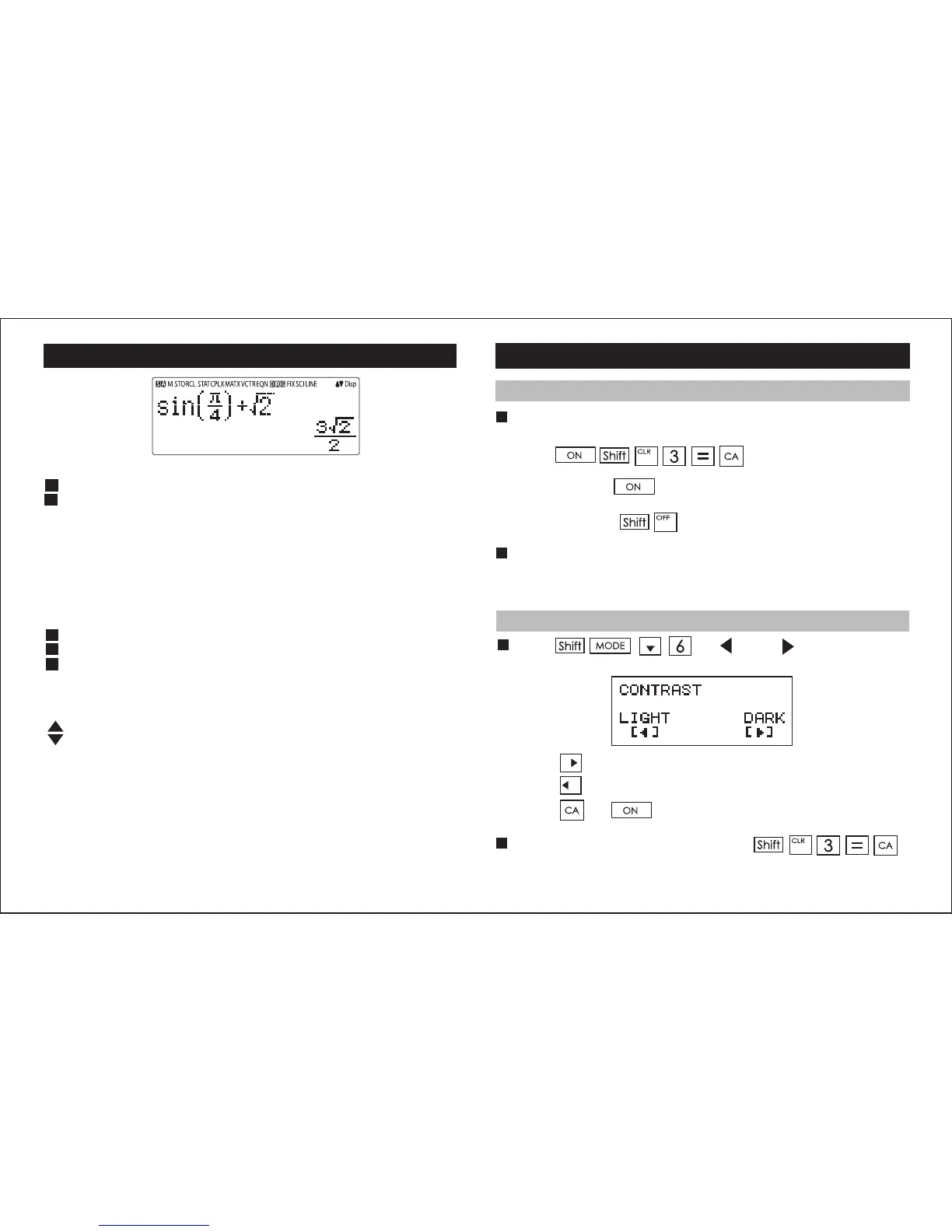
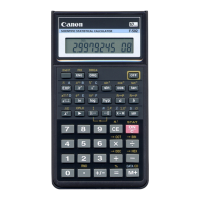
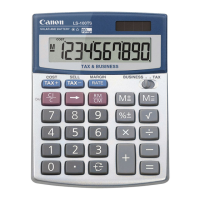
Display
<Status Indicators>
S : Shift key
A : Alpha key
M : Independent Memory
STO : Store Memory
RCL : Recall Memory
STAT : 1-Var & 2-Var Statistics Mode
CPLX : Complex Number Calculation Mode
MATX : Matrix Calculation Mode
VCTR : Vector Calculation Mode
EQN : Equation Calculation Mode
D : Degree Mode
R : Radian Mode
G : Gradient Mode
FIX : Fixed-decimal Setting
SCI : Scientific Notation
LINE : Line Display Mode
: Up Arrow
: Down Arrow
Disp : Multi-statements Display
Getting Started
Power On, Off
First time operation:
1. Remove the battery insulation tab to load the battery.
2. Press to initialize the calculator.
Power ON: When is pressed.
Power OFF: When are pressed.
Auto Power off Function:
When the calculator is not used for approximately 7 minutes, it
will automatically power off.
Display Contrast Adjustment
Press (6: CONT ), to enter the
Display Contrast Adjustment screen.
Press to make the display contrast darken.
Press to make the display contrast lighten.
Press or to confirm and clear the screen.
To initialize the LCD contrast, press
outside the Display Contrast Adjustment screen.
2



 To Next Page