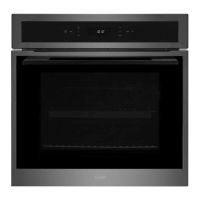
Instruction manual C2105
Please keep this instruction manual for future reference
19
NOTE:
All functions with the rotisserie symbol can use this function by inserting the rotisserie
rod into the rotisserie motor at the back of the oven (see ‘using the rotisserie.’)
USING THE ROTISSERIE
12
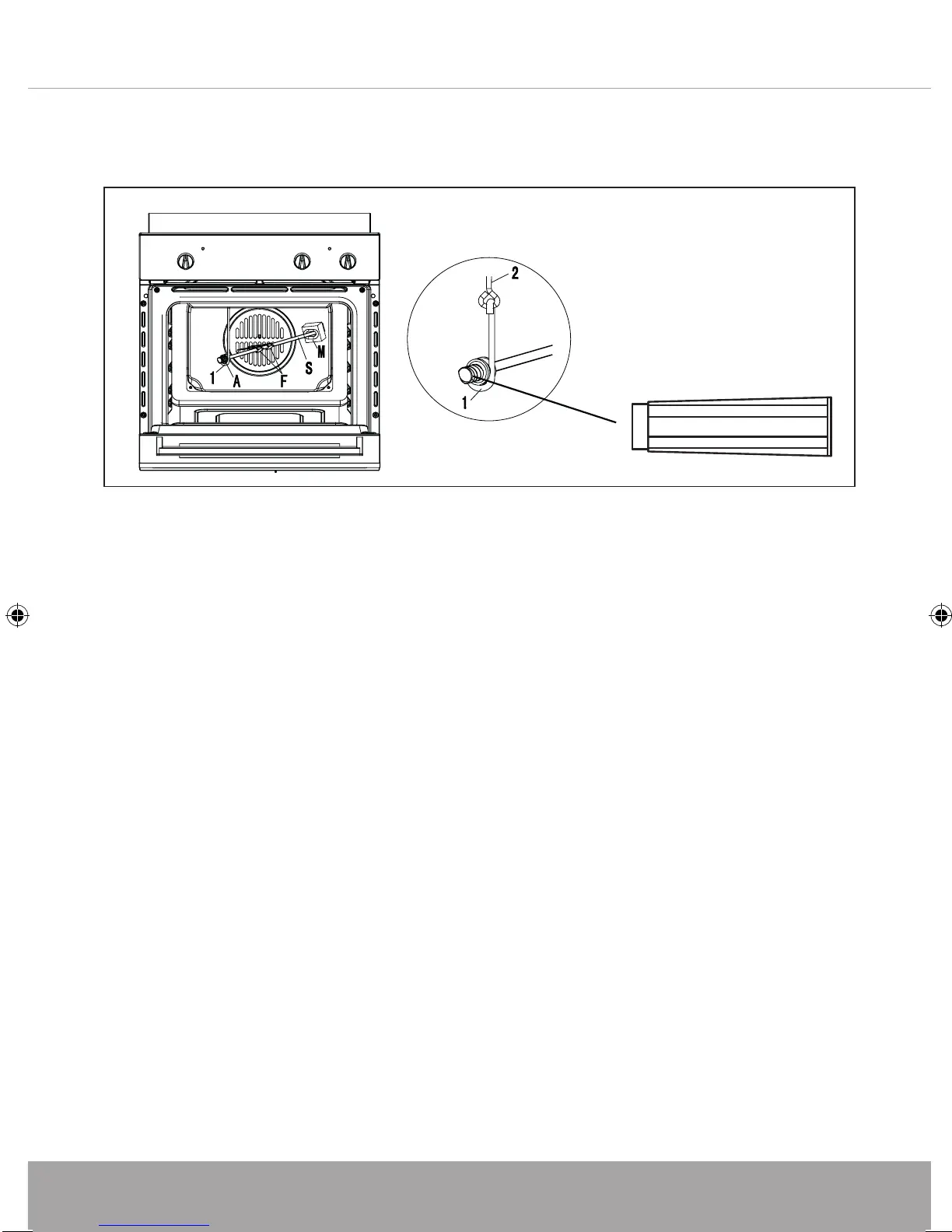
The rotisserie function can be used in a number of programmes on this oven. After fitting the food on to the spit (S),
block it with the two forks (F). then proceed as follows:
- Fit the knobs protection as shown in (fig.
6)
- Position the spit support as shown in (fig. 6)
- Fit the end of the spit into the motor M at the back of the oven.
- Fit t
he support into the circular groove in the spit.
- Unscrew and remove handle
A.
- Place the oven tray with a little water on the lowest shelf of the oven.
- Partially close the oven door.
- When the cooking time is up, screw the handle on the spit and remove everything from the oven. If necessary,
use an oven glove to avoid any burns.
Fig.6
A
Using the Rotisserie
Fig 6
The rotisserie function can be used in a number of programmes on this oven
(see page 18.)
After fitting the food on to the spit (S), block it with the two forks (F). then
proceed as follows:
- Position the spit support as shown in (fig. 6)
- Fit the end of the spit into the motor M at the back of the oven.
- Fit the support into the circular groove in the spit.
- Unscrew and remove handle A.
- Place the oven tray with a little water on the lowest shelf of the oven.
- Close the oven door.
- When the cooking time is up, screw the handle on the spit and remove
everything from the oven. If necessary, use an oven glove to avoid any burns.
C2105 Signle Oven Instruction manual.indd 19 28/06/2017 12:28



 To Next Page