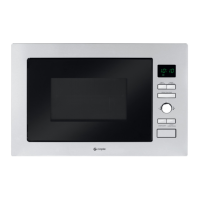
Instruction manual CM130
18
Please keep this instruction manual for future reference
INSTALL THE MICROWAVE OVEN
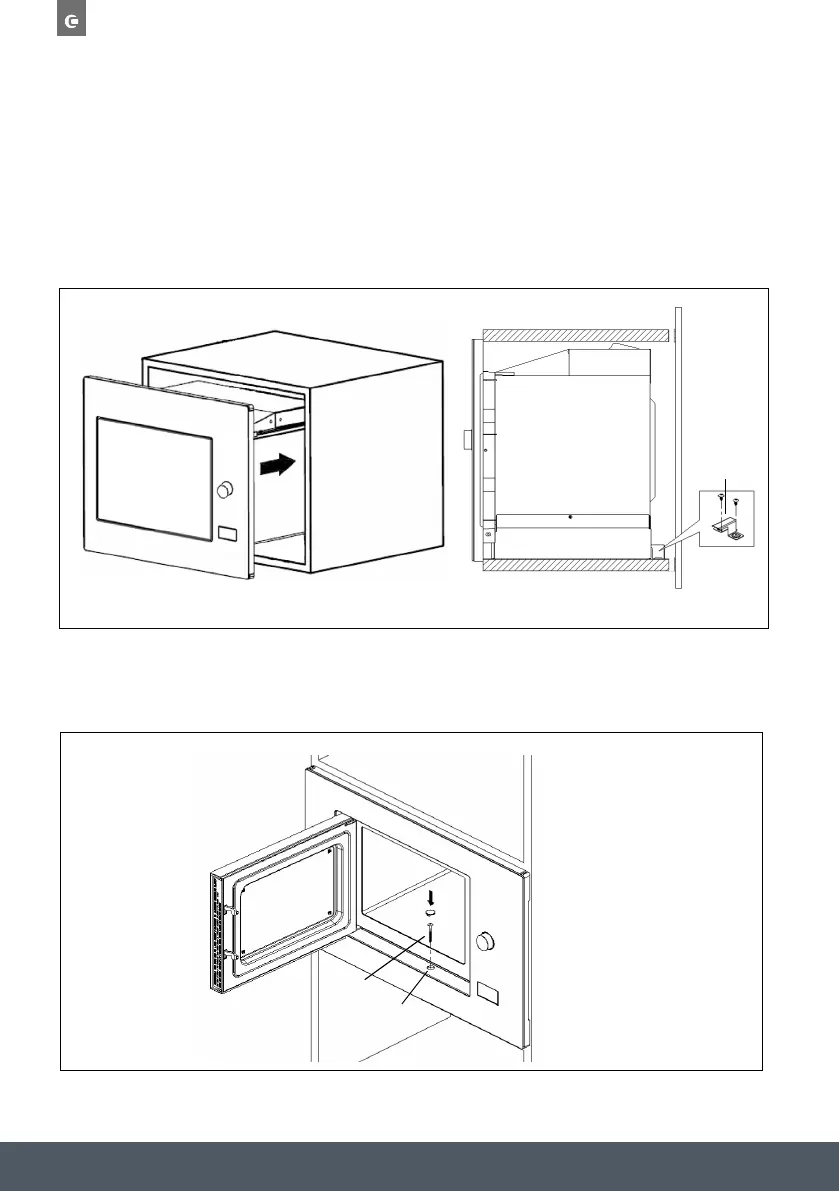
Install the microwave oven to the cabinet:
› Make sure the back of the microwave oven is locked by mounting plate.
› Do not trap or kink the power cord.
C .Install the oven
4. Install the oven to the cabinet
- Make sure the back of the oven is locked by bracket.
- Do not trap or kink the power cord.
5. Open the door, fix the oven to the cabinet with Screw B, at the installation hole.
Then fix the Trim-kit plastic cover to the installation hole.
Screw B
Installation Hole
bracket
C .Install the oven
4. Install the oven to the cabinet
- Make sure the back of the oven is locked by bracket.
- Do not trap or kink the power cord.
5. Open the door, fix the oven to the cabinet with Screw B, at the installation hole.
Then fix the Trim-kit plastic cover to the installation hole.
Screw B
Installation Hole
Open the door, fix the microwave oven to the cabinet with Screw B at the installation hole.
Then fix the Trim-kit plastic cover to the installation hole.


 To Next Page