EasyManua.ls Logo

Caple CM108SS - User Manual

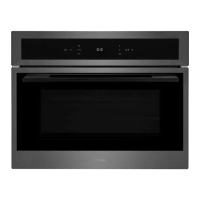
Caple CM108SS
28 pages
Print Icon
To Next Page IconTo Next Page
Loading...
Contact Caple on 0117 938 7420 or for spare parts www.caple.co.uk
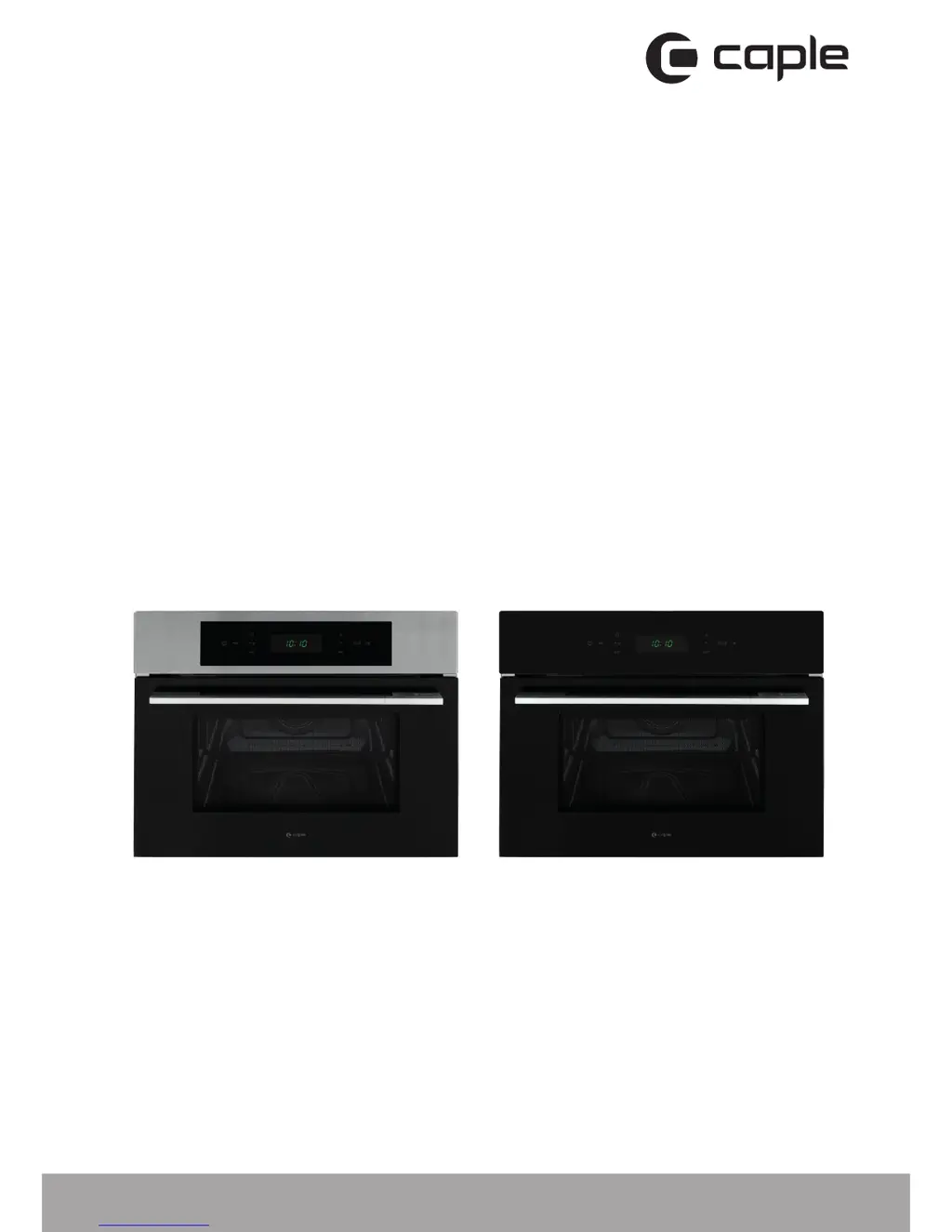
Classic microwave
instruction manual
CM108SS / CM108BK

Questions and Answers

  • R
    Rebecca VazquezAug 10, 2025
    Why is my Caple CM108SS not working?
    • K
      Kelly OconnorAug 10, 2025
      If your Caple Microwave Oven isn't operating, there might be a few reasons: * Ensure that the microwave is properly switched on at the mains. * Check for any power outages in your area. * Make sure that the time is correctly set on the microwave.
  • G
    George SnyderAug 19, 2025
    Why is the control panel on my Caple CM108SS Microwave Oven not working?
    • S
      Steven OchoaAug 19, 2025
      The control panel might not be working because the child lock is activated. To resolve this, check if the child lock is on and, if it is, hold the lock key to turn it off.
  • F
    fmillerAug 30, 2025
    What to do if my Caple CM108SS does not operate?
    • C
      christina87Aug 30, 2025
      If your Caple Microwave Oven isn't operating, there might be a few reasons. First, ensure that the microwave is switched on at the mains. Second, check for any power cuts in your area. Finally, make sure that the time is properly set on the microwave.

Caple CM108SS Specifications

General IconGeneral
TypeMicrowave Oven
Control TypeTouch Control
Weight12 kg
FinishStainless Steel
Cooking Levels5
Power Output800W
Turntable Diameter25.5 cm
Capacity20 Litres

Related product manuals