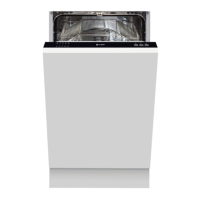
Instruction manual Di64210 Please keep this instruction manual for future reference
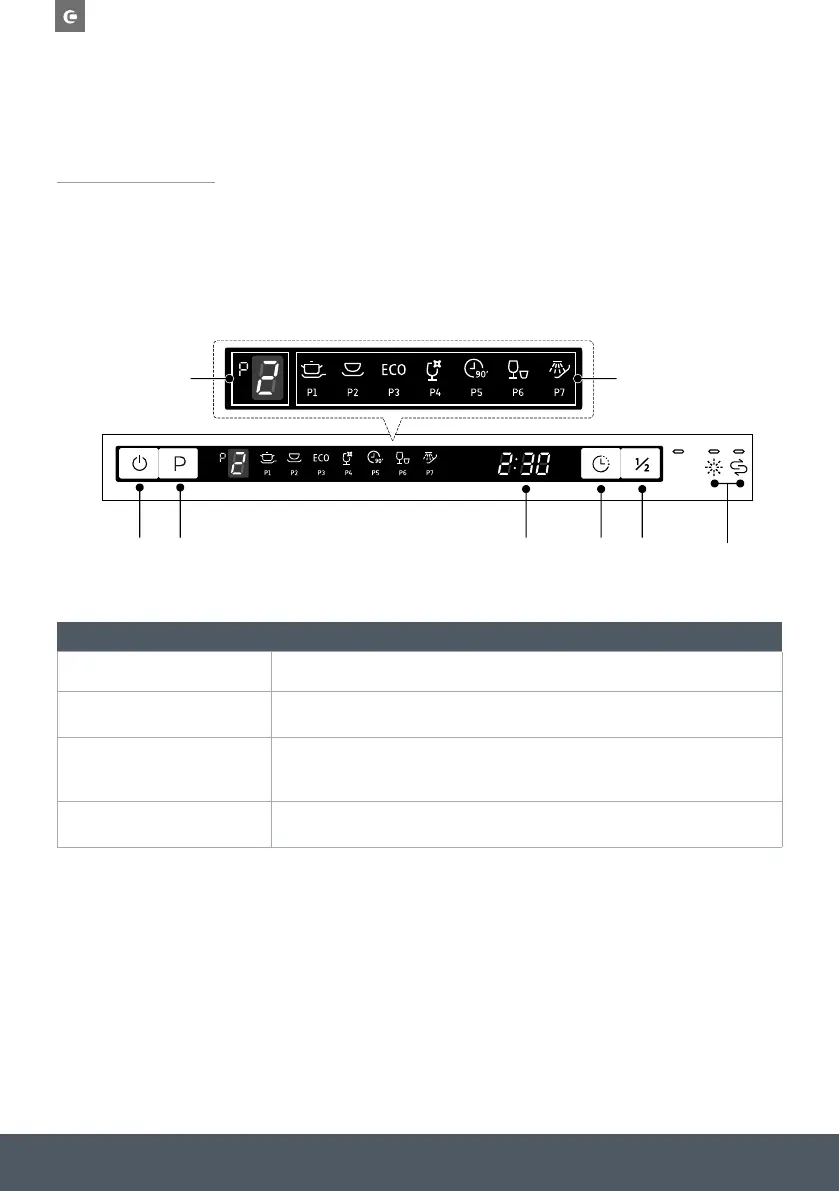
CONTROL PANEL
For detailed operating method read the corresponding content on the instruction manual.
IMPORTANT:
To get the best performance from your dishwasher, read all operating instructions before using it
for the first time.
1
2
3 4 5 7
5 6
OPERATION (BUTTON)
1 - Power Press this button to turn on your dishwasher, the screen lights up.
2 - Programme
Press this button to toggle through and select the appropriate washing programme.
The corresponding indicator will be lit.
3 - Delay
Press this button to set the delayed hours for washing. You can delay the start of
washing up to 24 hours. One press on this button delays the start of washing by
one hour.
4 - Half-load
For smaller loads, you can choose this function to save energy and water. NOTE: It
can only be used with Intensive, Universal, ECO, Glass and 90 min.


 To Next Page