Enable Developer Options
Locate the Build number and tap it about 7 times in succession to
enable Developer options. You may also have to tap in your PIN for
verification. Once developer options are
activated, you will see a message that
reads "You are now a developer".
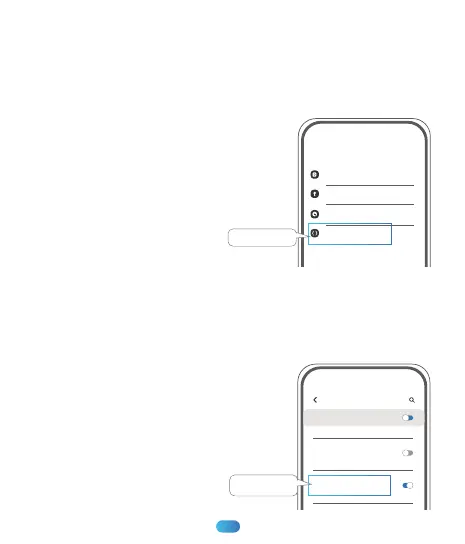
Go back to the Settings pane, search
Developer options as an entry. At the top
of the Developer options screen, you can
toggle the options as figure 1.
Enable Absolute Volume
Scroll down until you reach the Networking section.Once there, enable
(toggle ON) the absolute volume option as figure 2.
11:43
Note: These options in the figures may be
different from the device you're using.Typically,
the choices depend on the type and model of
the device you are working with.
11:43
Setings
Software Update
Tips And User Manual
Developer options
About phone
gure 1
Developer options
On
Always Turn On Mobile Data
Enable Absolute Volume
gure 2
Enable Absolute
Volume
14
Developer options



 To Next Page