Earbuds Charging
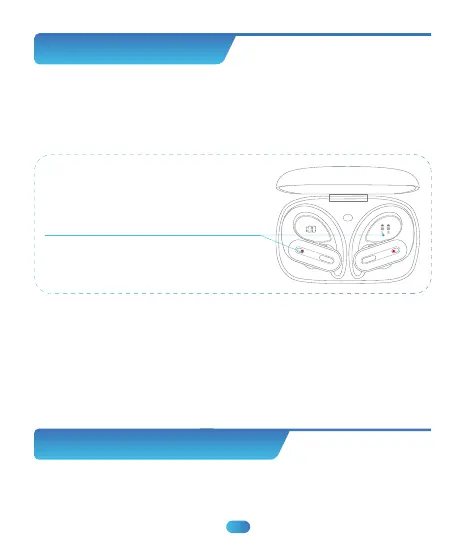
To Charge Earbuds
Insert the Earbuds into the charging case properly, they will power
off and get charged automatically.
Low Batte Alarm
When the battery is less than 10%(and the voltage is lower than 3.4V),
a prompt voice “Please charge” will be advised, announce once every 5
minutes and 5 times in total, and then the earbuds will power off as
normal.
When being charged,
the display icons will flash up and down,
and the earbud’s LED light will flash red;
When fully charged, the display icons
and the earbuds’ LED red light will turn off.
05
Charging Case Charging
(There is a Type-C charging cable included in the packing box.)


 To Next Page