9.
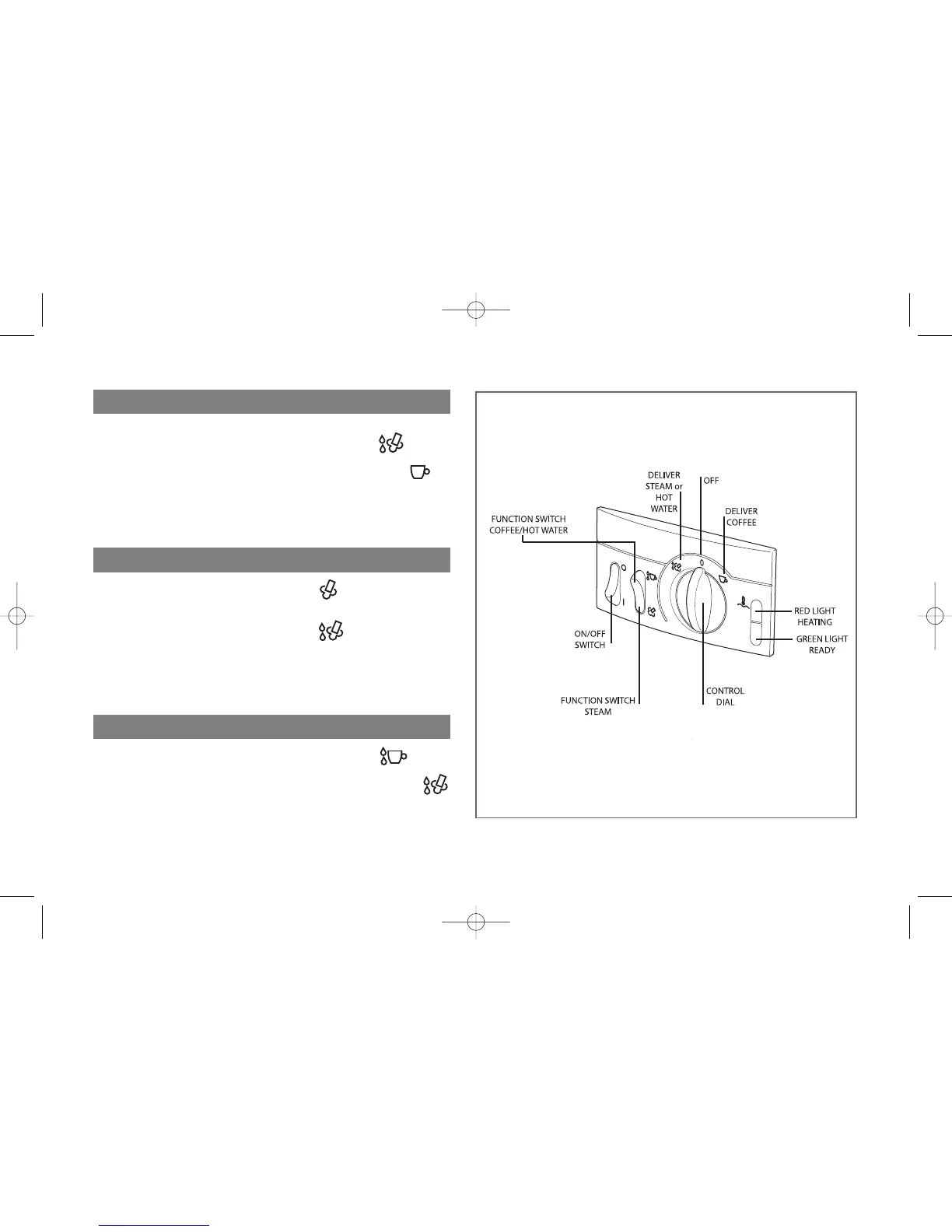
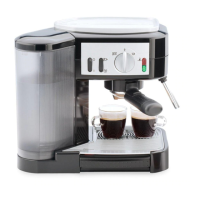
To Brew Espresso:
• Push the Function Switch to Coffee/Hot Water.
• Rotate the Control Dial to the right to deliver Coffee.
• To stop brewing espresso, turn the Control Dial back to
0.
To Deliver Steam:
• Push the Function Switch to Steam.
• Rotate the Control Dial to the left to
deliver Steam/Hot Water.
• To stop delivering steam, turn the Control Dial back to 0.
To Deliver Hot Water:
• Push the Function Switch to Coffee/Hot Water.
• Rotate the Control Dial to the left to deliver Hot Water.
• To stop delivering hot water, turn the Control Dial back to
0.
Cafe Inst Book Drop 7/27/09 1:56 PM Page 9





 To Next Page