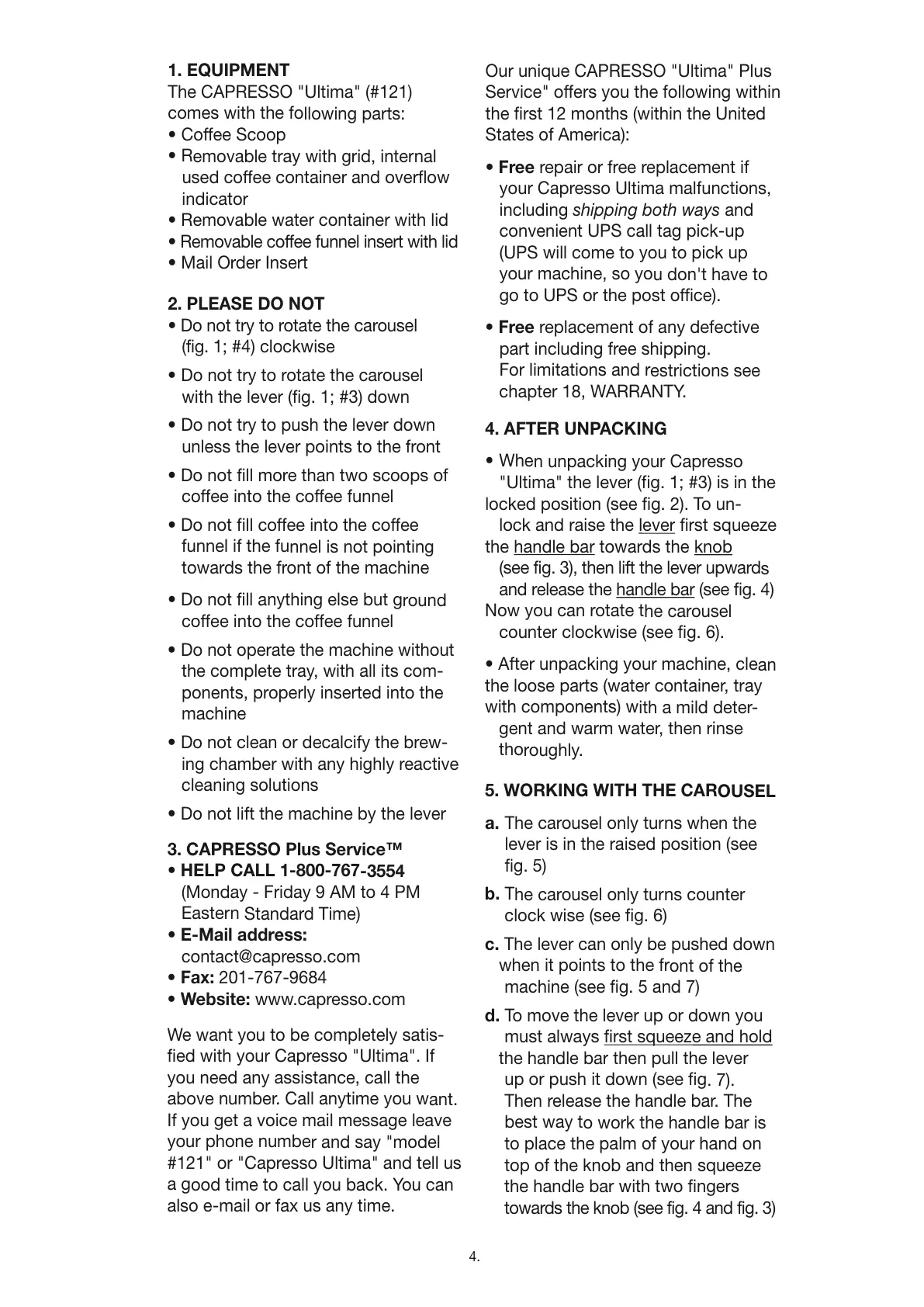
1. EQUIPMENT
The CAPRESSO "Ultima" (#121)
comes with the following parts:
• Coffee Scoop
• Removable tray with grid, internal
used coffee container and overflow
indicator
• Removable water container with lid
• Removable coffee funnel insert with lid
• Mail Order Insert
2. PLEASE DO NOT
• Do not try to rotate the carousel
(fig. 1; #4) clockwise
• Do not try to rotate the carousel
with the lever (fig. 1; #3) down
• Do not try to push the lever down
unless the lever points to the front
• Do not fill more than two scoops of
coffee into the coffee funnel
• Do not fill coffee into the coffee
funnel if the funnel is not pointing
towards the front of the machine
• Do not fill anything else but ground
coffee into the coffee funnel
• Do not operate the machine without
the complete tray, with all its com-
ponents, properly inserted into the
machine
• Do not clean or decalcify the brew-
ing chamber with any highly reactive
cleaning solutions
• Do not lift the machine by the lever
3. CAPRESSO Plus Service™
• HELP CALL 1-800-767-3554
(Monday - Friday 9 AM to 4 PM
Eastern Standard Time)
• E-Mail address:
contact@capresso.com
• Fax: 201-767-9684
• Website: www.capresso.com
We want you to be completely satis-
fied with your Capresso "Ultima". If
you need any assistance, call the
above number. Call anytime you want.
If you get a voice mail message leave
your phone number and say "model
#121" or "Capresso Ultima" and tell us
a good time to call you back. You can
also e-mail or fax us any time.
Our unique CAPRESSO "Ultima" Plus
Service" offers you the following within
the first 12 months (within the United
States of America):
• Free repair or free replacement if
your Capresso Ultima malfunctions,
including shipping both ways and
convenient UPS call tag pick-up
(UPS will come to you to pick up
your machine, so you don't have to
go to UPS or the post office).
• Free replacement of any defective
part including free shipping.
For limitations and restrictions see
chapter 18, WARRANTY.
4. AFTER UNPACKING
• When unpacking your Capresso
"Ultima" the lever (fig. 1; #3) is in the
locked position (see fig. 2). To un-
lock and raise the lever
first squeeze
the handle bar
towards the knob
(see fig. 3), then lift the lever upwards
and release the handle bar (see fig. 4)
Now you can rotate the carousel
counter clockwise (see fig. 6).
• After unpacking your machine, clean
the loose parts (water container, tray
with components) with a mild deter-
gent and warm water, then rinse
thoroughly.
5. WORKING WITH THE CAROUSEL
a. The carousel only turns when the
lever is in the raised position (see
fig. 5)
b. The carousel only turns counter
clock wise (see fig. 6)
c. The lever can only be pushed down
when it points to the front of the
machine (see fig. 5 and 7)
d. To move the lever up or down you
must always first squeeze and hold
the handle bar then pull the lever
up or push it down (see fig. 7).
Then release the handle bar. The
best way to work the handle bar is
to place the palm of your hand on
top of the knob and then squeeze
the handle bar with two fingers
towards the knob (see fig. 4 and fig. 3)
4.




 To Next Page