2
Connecting to Your Host
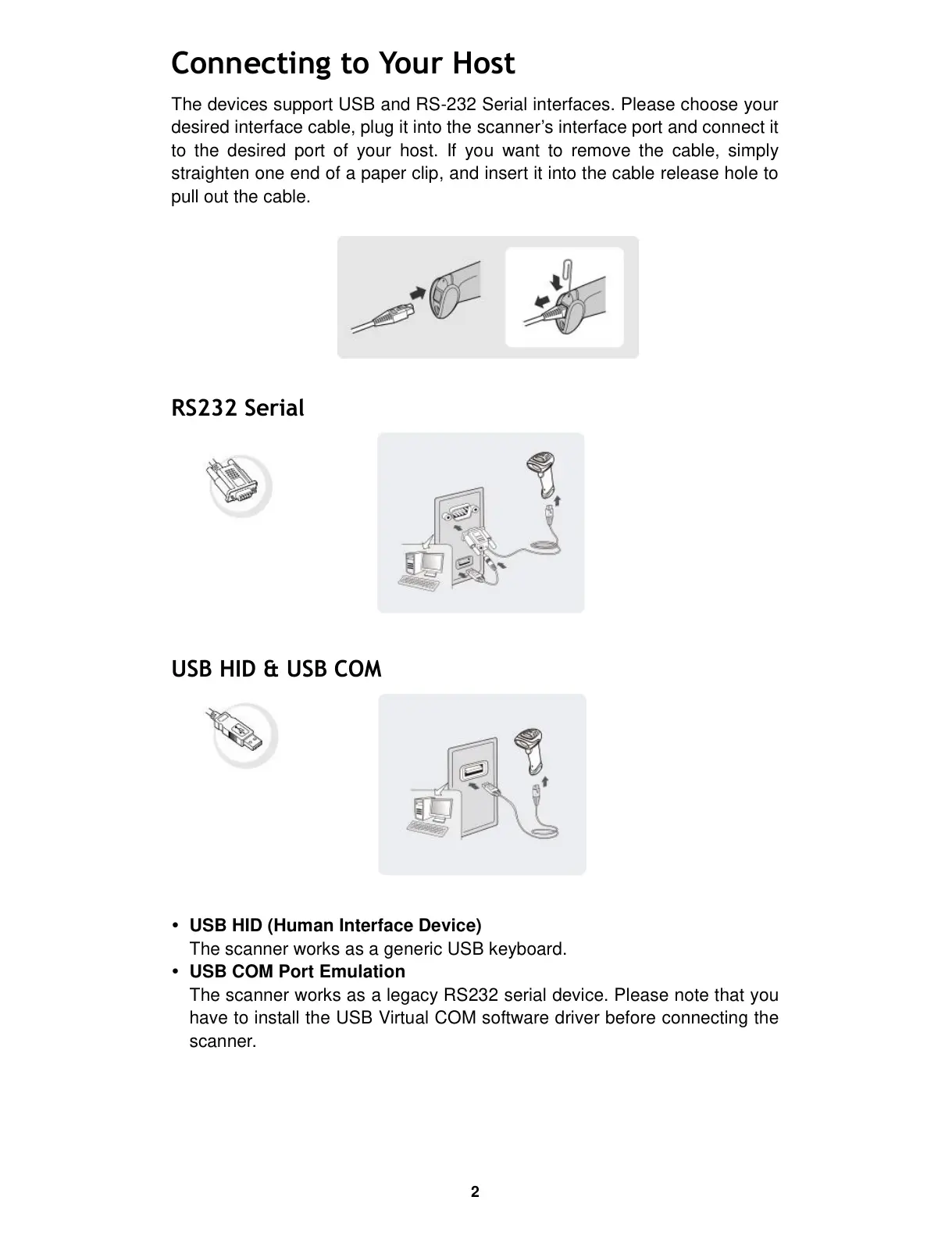
The devices support USB and RS-232 Serial interfaces. Please choose your
desired interface cable, plug it into the scanner’s interface port and connect it
to the desired port of your host. If you want to remove the cable, simply
straighten one end of a paper clip, and insert it into the cable release hole to
pull out the cable.
RS232 Serial
USB HID & USB COM
USB HID (Human Interface Device)
The scanner works as a generic USB keyboard.
USB COM Port Emulation
The scanner works as a legacy RS232 serial device. Please note that you
have to install the USB Virtual COM software driver before connecting the
scanner.


 To Next Page