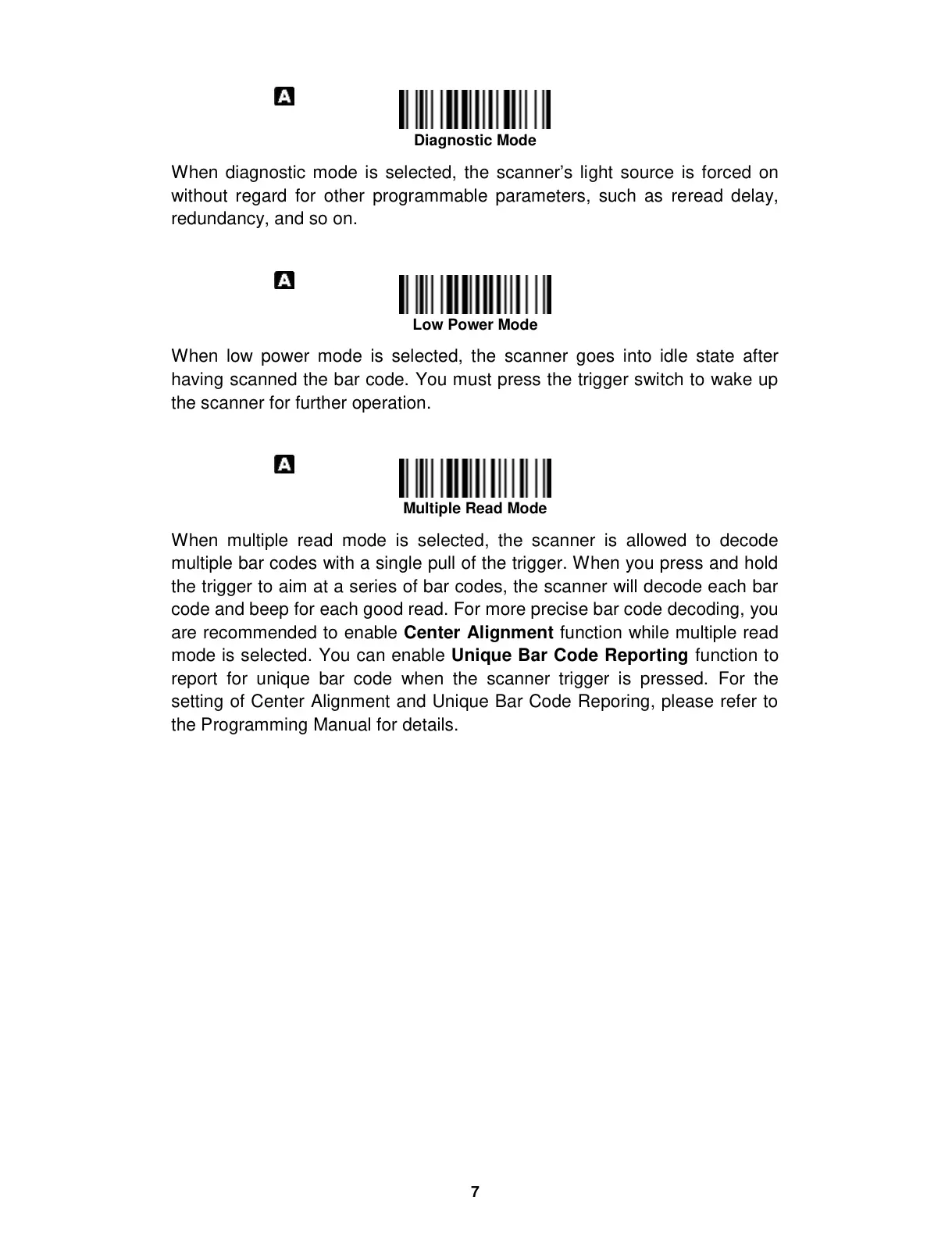
When diagnostic mode is selected, the scanner’s light source is forced on
without regard for other programmable parameters, such as reread delay,
redundancy, and so on.
When low power mode is selected, the scanner goes into idle state after
having scanned the bar code. You must press the trigger switch to wake up
the scanner for further operation.
When multiple read mode is selected, the scanner is allowed to decode
multiple bar codes with a single pull of the trigger. When you press and hold
the trigger to aim at a series of bar codes, the scanner will decode each bar
code and beep for each good read. For more precise bar code decoding, you
are recommended to enable Center Alignment function while multiple read
mode is selected. You can enable Unique Bar Code Reporting function to
report for unique bar code when the scanner trigger is pressed. For the
setting of Center Alignment and Unique Bar Code Reporing, please refer to
the Programming Manual for details.


 To Next Page