PRODUCT
Made by Artview smart car division
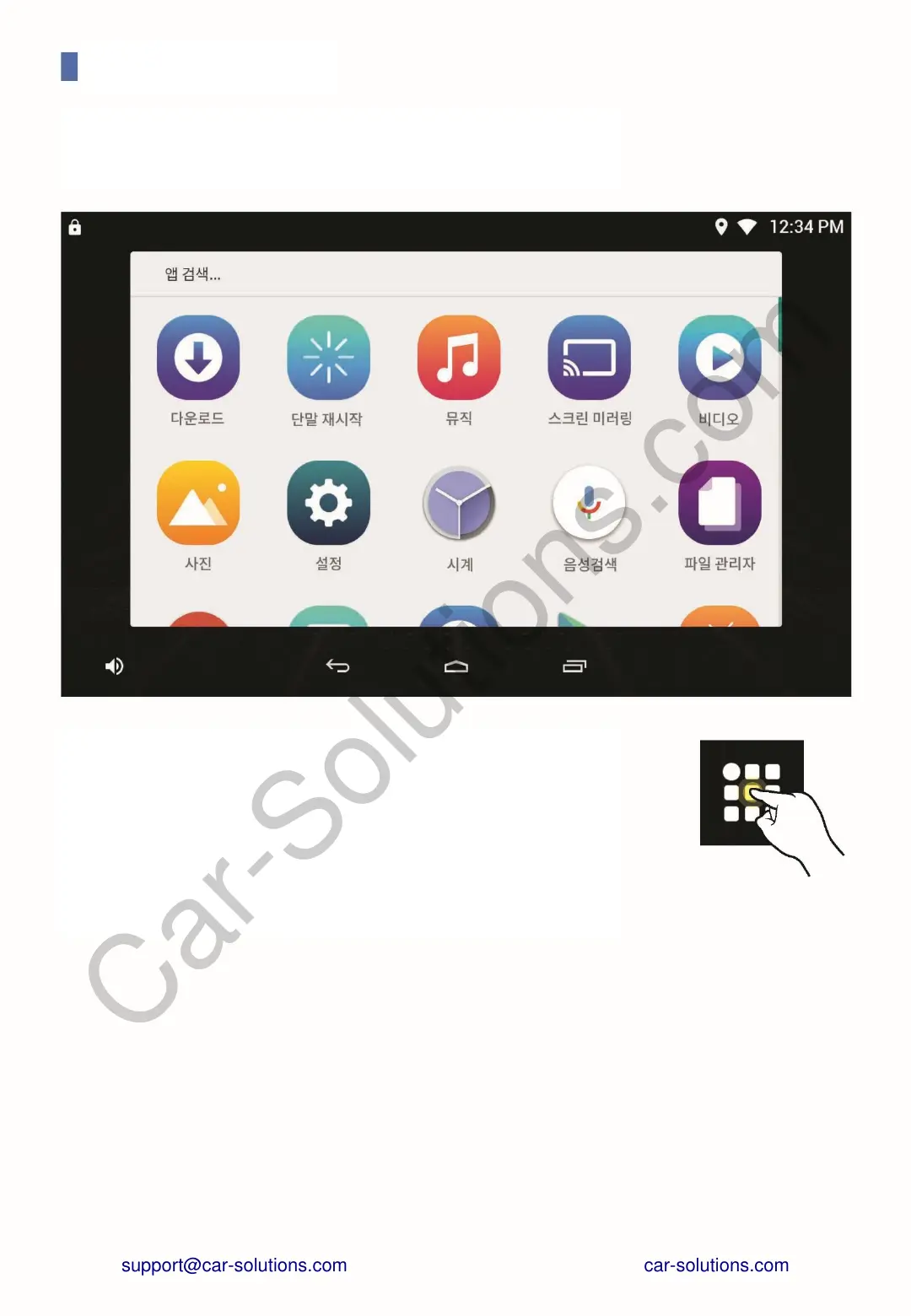
Touch the All Apps button in the Favorites tray on the
Home screen to navigate.
On the All apps list screen, you can see a list of all apps
installed on your device.
Touch the app icon to launch the app or touch and hold
it on the Home screen.
You can put it out as a shortcut icon.
ALL APPS LIST SCREEN
SCREEN LAYOUT
support@car-solutions.com


 To Next Page