8
Sending SMS
The device can send a predefined text message to one predefined receiver. SMS is sent
by pressing the side button on the device. A sound and a vibration are played to confirm
that the SMS will be sent.
The SMS will contain a link with a google map position.
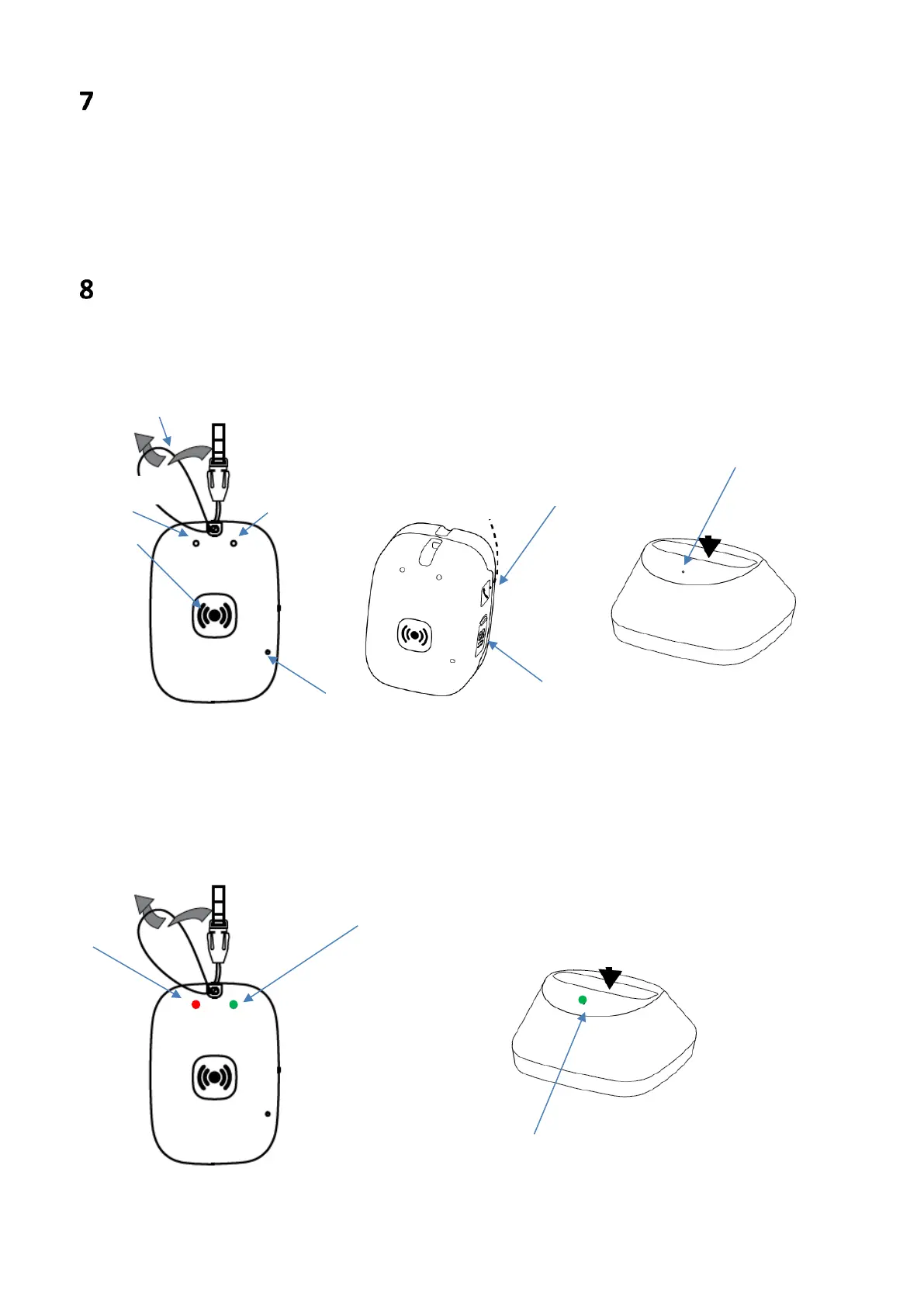
Careium 450 and docking station, front and side
view
Each indicator can light only have one color, but it can have different blinking patterns
depending on status. Example with all three indicators activated.


 To Next Page