Buttons
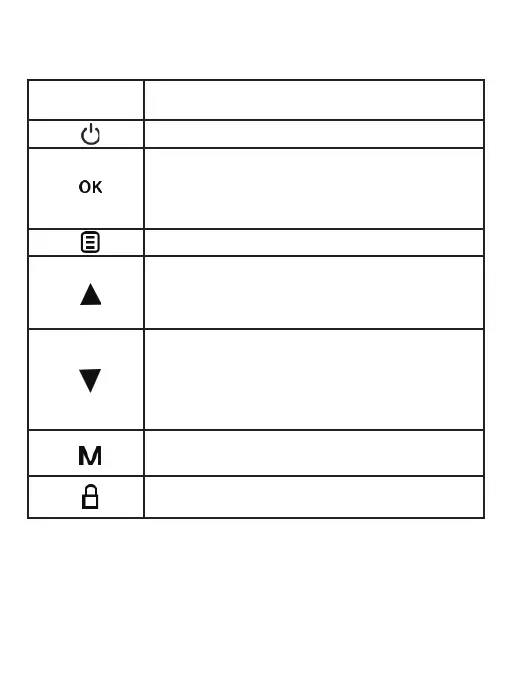
Button Function
Hold to turn the device on or off manually
Cycle through menus or exit current menu
Toggle between Video / Photo / Playback modes
Playback Mode: Stop playback
Lock current recording
Menus: Confirm a selection
Video Mode: Start recording video
Photo Mode: Take photo
Playback Mode: Play/pause recording
Menus: Move selection up
Playback Mode: Decrease or reverse playback
speed / Cycle left through recordings
Menus: Move selection down
Video Mode: Enable/disable audio recording
Playback Mode: Increase playback speed /
Cycle right through recordings
- 04 -



 To Next Page