Carpigiani K 3 User’s guide
This manual is for the exclusive use of licensees and employees of McDonald’s Systems Inc Page 18 of 63
Version 5: October 2012
MANAGER MENU
1) To access the Manager Menu press simultaneously both and keys, then release them
immediately.
On the display you will read the first step of the Manager Menu:
Time
Step U01 10
The first row indicates the step number, and the second row indicates the description and value.
2) Push
or in order to increase or decrease the value.
3) Push STOP to move to the next step.
4) To exit the Manager Menu push
button.
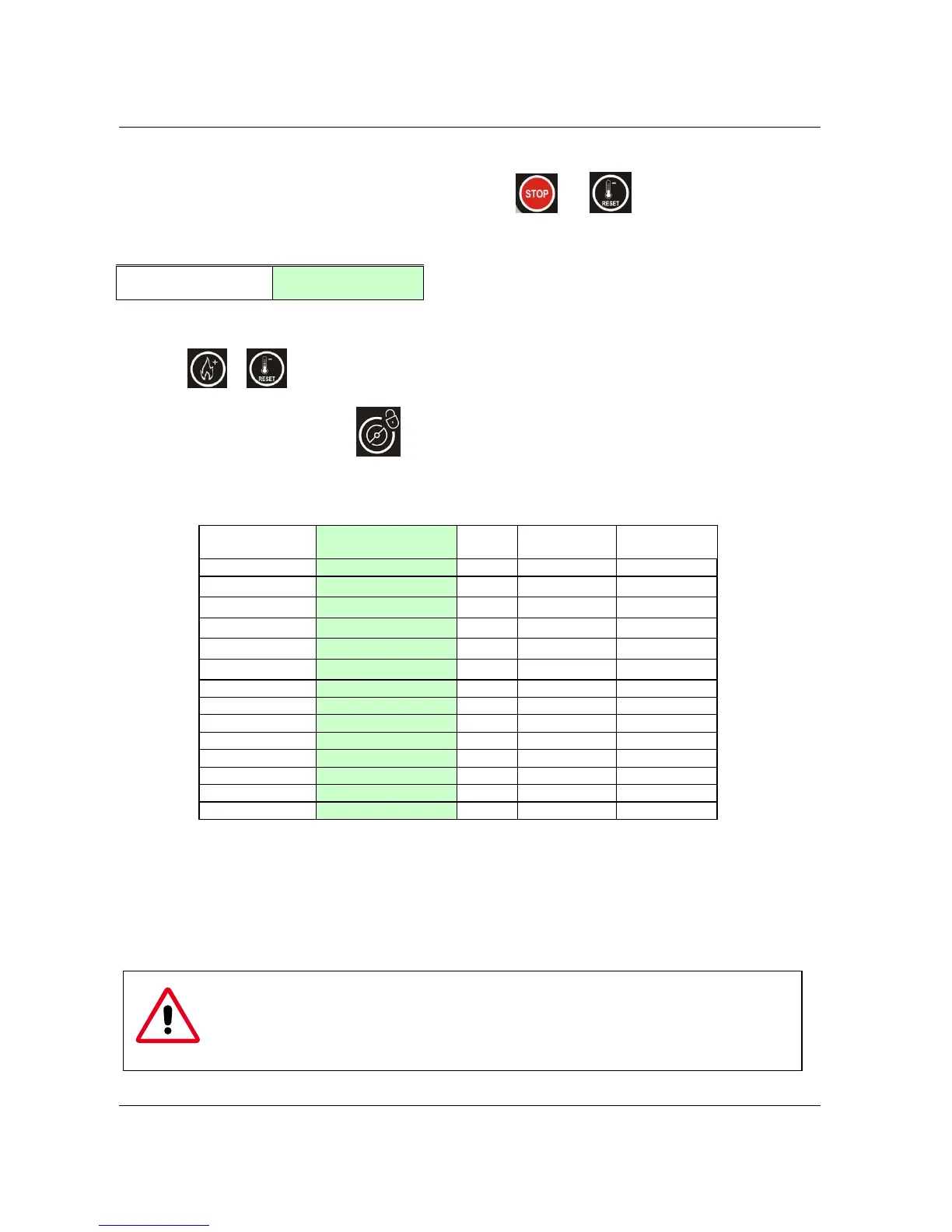
The following table illustrates all steps of the Manager Menu:
STEP N°
(first row)
Display
(second row)
Min Max
Default
U01 Hours 00 23
U02 Minutes 00 59
U03 Day of Week SUN SAT
U04 Day of Month 01 31
U05 Month Jan Dec
U06 Year 2000 2099
U07 Language ITA DEU
ENG
U08 Start Prod. Hour 00
23+no+auto
08
U09 Start Past .Hour 00 23+no
02
U10 Beeper Lev. Enabled No Yes+Man
Yes
U11 Syrup 1 pump speed 010 240
150
U12 Syrup 2 pump speed 010 240
120
U13 Syrup 3 pump speed 010 240
100
U14 Syrup 4 pump speed 010 240
090
U01 -> 06 Time and date settings
U07 Language selection.
U08 Start Production time.
U09 Start Pasteurisation time.
U10 Disables/ enables the sound alarm when mix level is low..
U11 -> 14 Syrup pumps speed to calibrate the syrup quantity (1 oz fluid ounce in 5 or 7 sec)
THE MACHINE IS READY FOR START-UP ONLY AFTER IT HAS BEEN PERFECTLY
CLEANED AND SANITIZED.
FOR HYGIENIC AND SAFETY REASONS, HANDS SHOULD
NEVER BE PLACED INSIDE THE MIX HOPPER WHILE THE MACHINE IS WORKING.


 To Next Page
 Loading...