1. INTRODUCTION
1.1 What is an inverter?
A power inverter is an electronic device that converters low voltage DC (Direct Current) electricity from a battery or other power source to
100V-120V or 220V – 240V AC (Alternating Current) household power. DC is the power produced by a battery or other power source, while AC
is the standard power needed to run electrical equipment. A power inverter does the opposite of a rectier and is used in places and
situations in which AC power is not available.
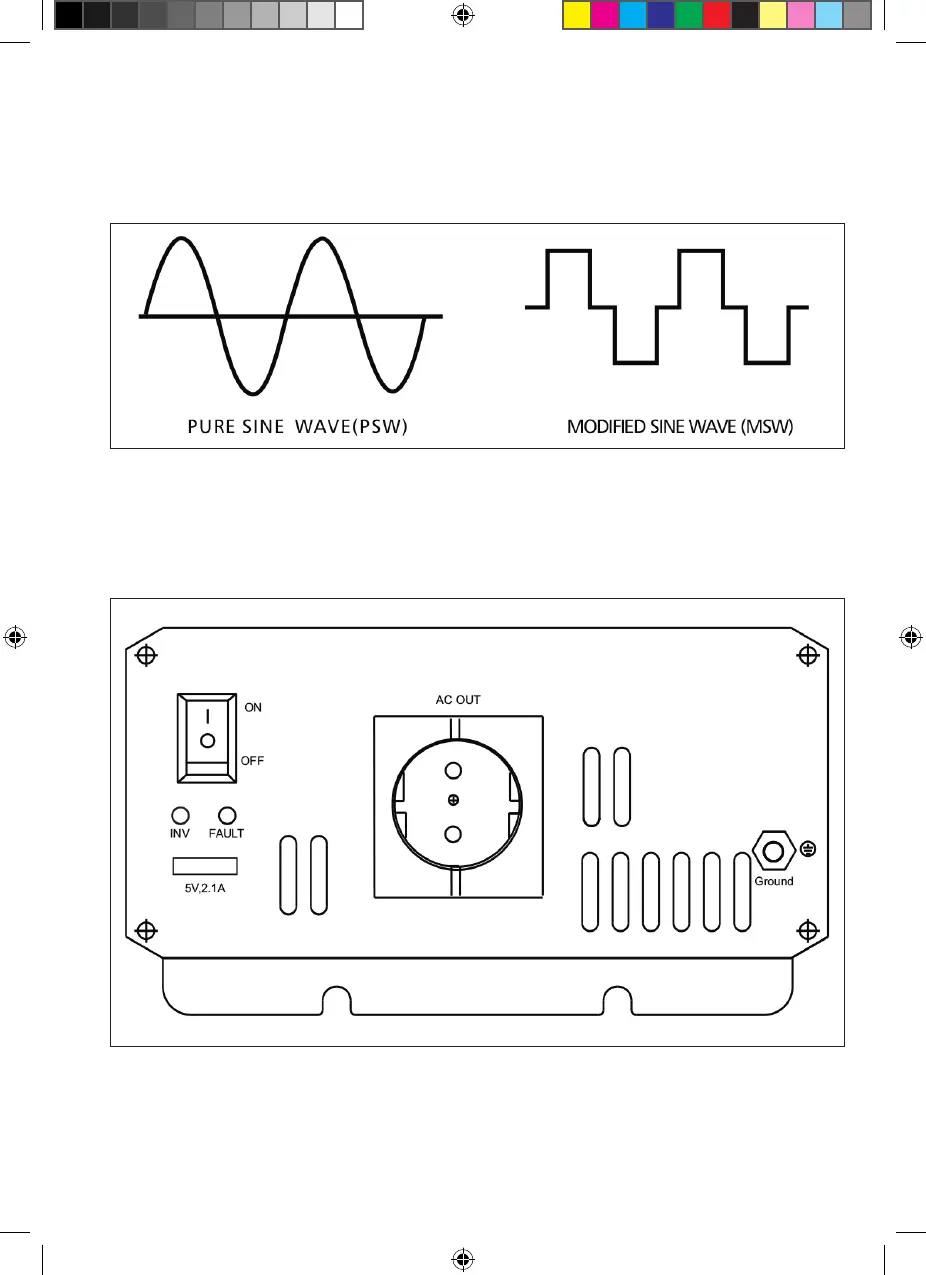
1.2 Select the correct waveform
Modied Sine Wave: If your equipment can accept some voltage uctuations, consider a modied sine wave inverter. These inverters provide
mobile power at a more affordable price and come in a full range of sizes, from handheld to high performance. Do not use to power sensitive
devices such as medical equipment or computers. Some audio equipment may perform poorly if run on Modied Sine Wave power.
2. MAIN COMPONENTS
2.1 Front panel
The front panel view shows the inverter’s ON/OFF Switch, AC outlet, LED indicator light, Vent Outlet, USB.
A ON/OFF Switch
This switch controls the inverter’s ON/OFF operations
B. LED Indicator Light
Two LED indicator lights: Inverter, Fault
a) Inverter; this light will illuminate continuously when connected equipment is receiving battery-supplied, inverted AC Power
b) Fault: a Red light indicates a fault. Please refer to Troubleshooting
C. AC Outlet
0510350-62i_A5.indd 20510350-62i_A5.indd 2 08-07-2020 08:1008-07-2020 08:10


 To Next Page