EasyManua.ls Logo

Carrier HDB - User Manual

Carrier HDB
36 pages
Print Icon
To Next Page IconTo Next Page
Loading...

 

O 






Cop_127H85.indd 1 29/10/12 08.26

Other manuals for Carrier HDB

Questions and Answers

  • R
    Robert SmithJul 26, 2025
    What to do if there is no LCD display on my Carrier HDB?
    • Q
      qbushJul 26, 2025
      If your Carrier Network Router's LCD display is not working, it could be due to several reasons. It may be caused by mis-wiring of the 12 volt power, power not being online, or no 12 volts between P and G of the terminal block. First, disconnect the power and correct the wiring problem. Then, verify the wiring and re-cycle the unit power. Finally, re-cycle power after correcting the wiring.
  • P
    Paige WilsonAug 2, 2025
    Why my Carrier Network Router does not operate after applying +12 volts to Room Controller?
    • W
      William FoxAug 2, 2025
      If you've applied +12 volts to the correct terminals on your Carrier Network Router's Room Controller and it still doesn't operate, the Room Controller 2 might be damaged. In this case, you should change the Room Controller 2 and re-cycle power.
  • G
    Gregory KellyAug 9, 2025
    What to do if data sent by the indoor unit are not displayed on Carrier Network Router?
    • A
      Alexis BrownAug 9, 2025
      If the data sent by the indoor unit is not displayed on your Carrier Network Router, the connecting cable between the unit and the Room Controller2 might be cut or improperly connected. To resolve this, disconnect the power, correct the wiring problem, and then re-cycle the power.
  • T
    Timothy GreerAug 16, 2025
    How to fix interference on CRC2 communication line of Carrier HDB?
    • P
      Pamela PhillipsAug 17, 2025
      If your Carrier Network Router is experiencing interference from another interface on the CRC2 communication line, disconnect the LED card.

Summary

Owners Manual

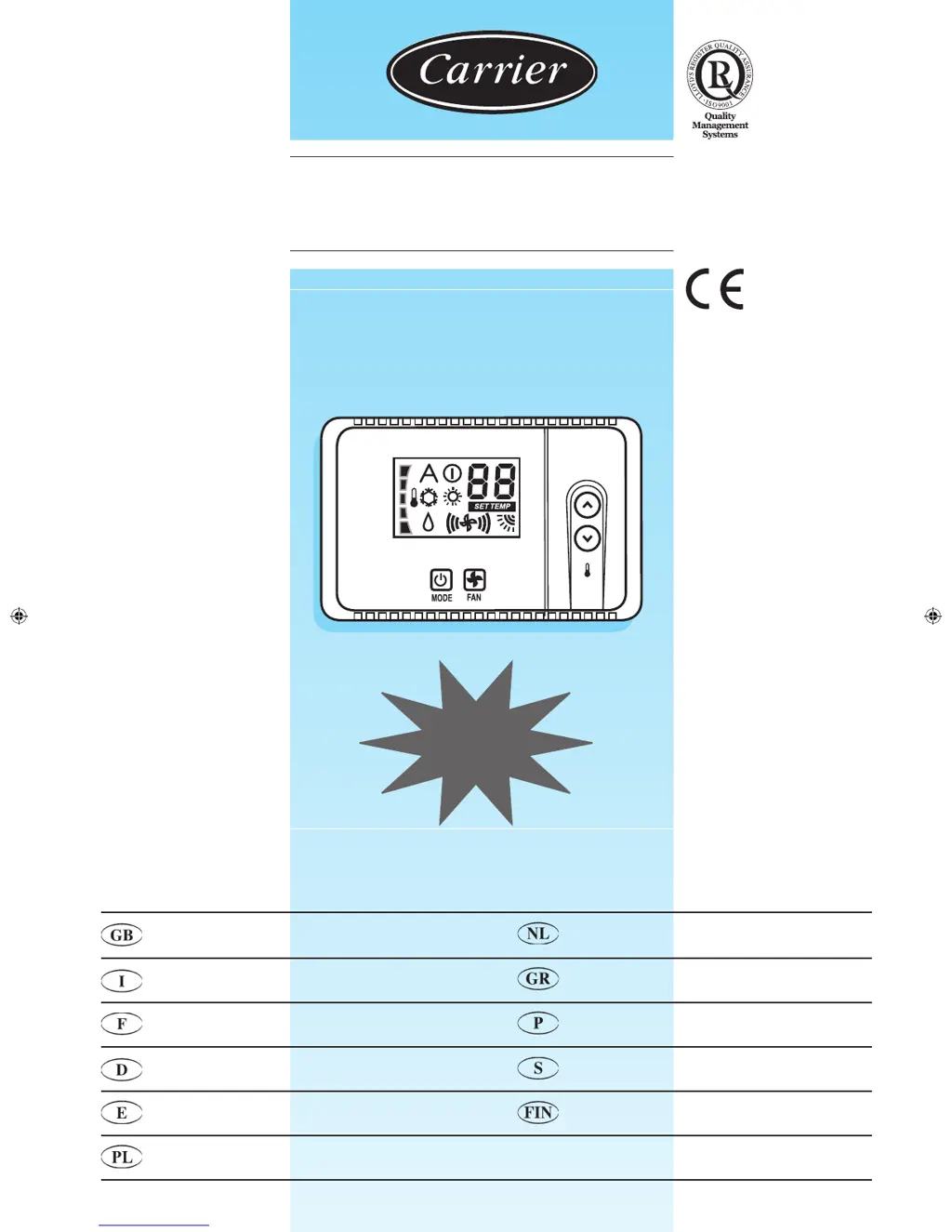
Room Controller 2 Overview

Details the physical interface and key components of the Room Controller 2.

Display of Selected Functions

Explains the various symbols and indicators displayed on the controller screen.

General Information, Use, and Operation

Selecting Operating Mode

How to change the air conditioner's operating mode (Cool, Dry, Fan, Auto, Heat) using the MODE button.

Changing Desired Temperature

Instructions on adjusting the target temperature using the up and down buttons.

Setting Fan Mode

Guide to adjusting the indoor unit's fan speed using the FAN key.

Setting Air Flow Louver

How to control the louver direction for optimal air distribution.

Operation of CRC2

Auto Louver Position

Unit automatically selects the best louver position based on the operating mode.

Swing Louver Position

Louvers move constantly from bottom to top for constant air distribution.

Important Note on Energy Saving

Advise to set control to OFF position when room is unoccupied for extended periods.

Carrier HDB Specifications

General IconGeneral
BrandCarrier
ModelHDB
CategoryNetwork Router
LanguageEnglish

Related product manuals