Page 6 of 8 SA-380-10 Installation Instructions
07/29/05 CP4964A
OPERATION
POWER ON/OFF
Power is turned on and off by switching the orange siren enable lead. If the Instant On option is
selected (See OPTION SWITCHES section), then changing rotary switch from Standby, pressing
the Siren button, or keying the Microphone will power up the unit even if orange siren enable lead
is not activated.
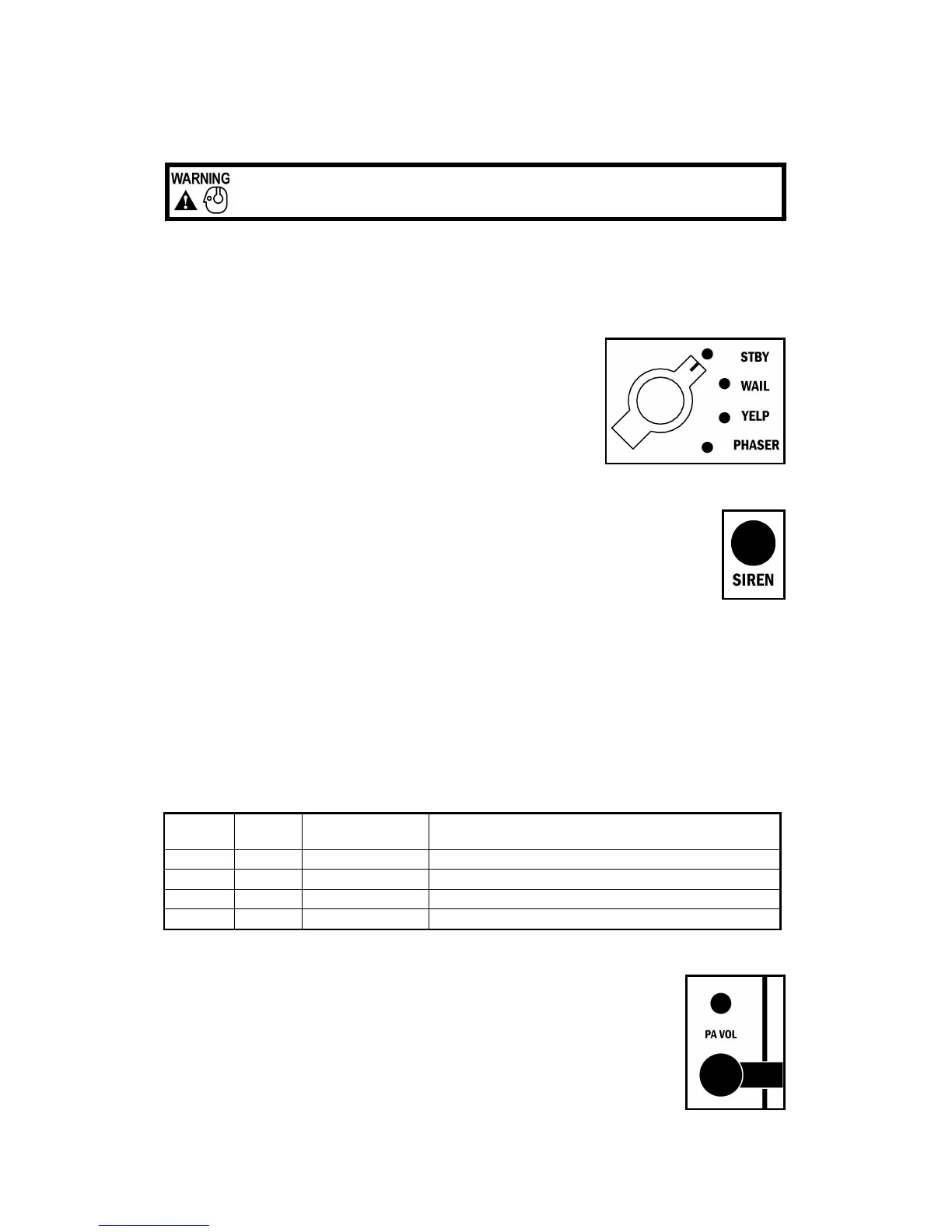
ROTARY SELECTOR SWITCH
A rotary switch controls the primary operating mode of the siren.
Standby - A silent mode that allows Manual or Horn or PA opera-
tion.
Wail - A slower changing tone used on highways.
Yelp - A rapidly changing tone used in congested areas.
Phaser - A very rapid changing tone used at intersections or very
highly congested areas. May be optionally replaced with Two-Tone
(or Hi - Lo, a common European tone) or disabled entirely. See
OPTION SWITCHES section.
SIREN BUTTON
This momentary push-button switch provides Manual or Horn tones.
Manual - With selector switch in Standby, siren tone rises while pressed and falls when
released until silenced.
Horn - With selector switch out of Standby, produces a simulated air-horn tone that can
be used to supplement the normal vehicle horn. Used at intersections or in low noise
areas.
AUXILIARY INPUT FUNCTIONS (orange siren enable lead must be activated)
The switch or horn ring attached is intended to be momentary.
Manual - With selector switch in Standby, activates Manual siren tone or Optional Horn tone. See
OPTION SWITCHES section.
Horn - With selector switch out of Standby, produces Horn tone.
Horn Ring Cycler 2 (HRC2) - this feature may also be added by turning on the HRC2 option.
HRC2 is only available while the unit is in standby. Tapping the attached horn ring or other
switch, will bring the unit out of standby into Wail tone. Repeatedly tapping the horn ring will cycle
through Wail, Yelp, and Phaser tones. Tapping the horn ring twice quickly will stop the siren
tones and return the unit to standby. Pressing and holding the horn ring will produce Horn tone
until released. Then the siren will return to its previous siren tone or standby.
PA (Public Address)
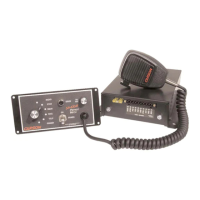
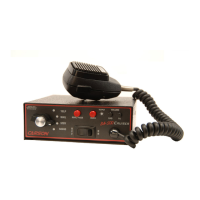
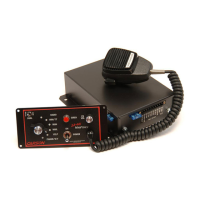
The noise canceling microphone is used for public address operation and over-
rides any siren mode when the button on the side is pressed (PTT). Adjust the
PA Volume and hold the microphone close to your lips for proper operation.
Sound Hazard
- Sound level from siren speaker (>120dBA @ 10 feet) may cause hearing damage.
Do not operate siren without adequate hearing protection for you and anyone in immediate vicinity.
(Ref. OSHA 1910.95 for occupational noise exposure guidelines)
Rotary
Position
Normal
Tone
Siren
Push-Button
Auxiliary Input
(Horn Ring)
Standby Silent Manual Siren Manual Siren or Momentary Horn or HRC2
Wail Wail Momentary Horn Momentary Horn
Yelp Yelp Momentary Horn Momentary Horn
Phaser Phaser Momentary Horn Momentary Horn


 To Next Page