G
POWER
HEADPHONES
SPEAKER
MUTE
BASS
TREBLE
BALANCE
,'-
LOUDNESS
RECORD OUT
SOURCE DIRECT
_ Chapter 3
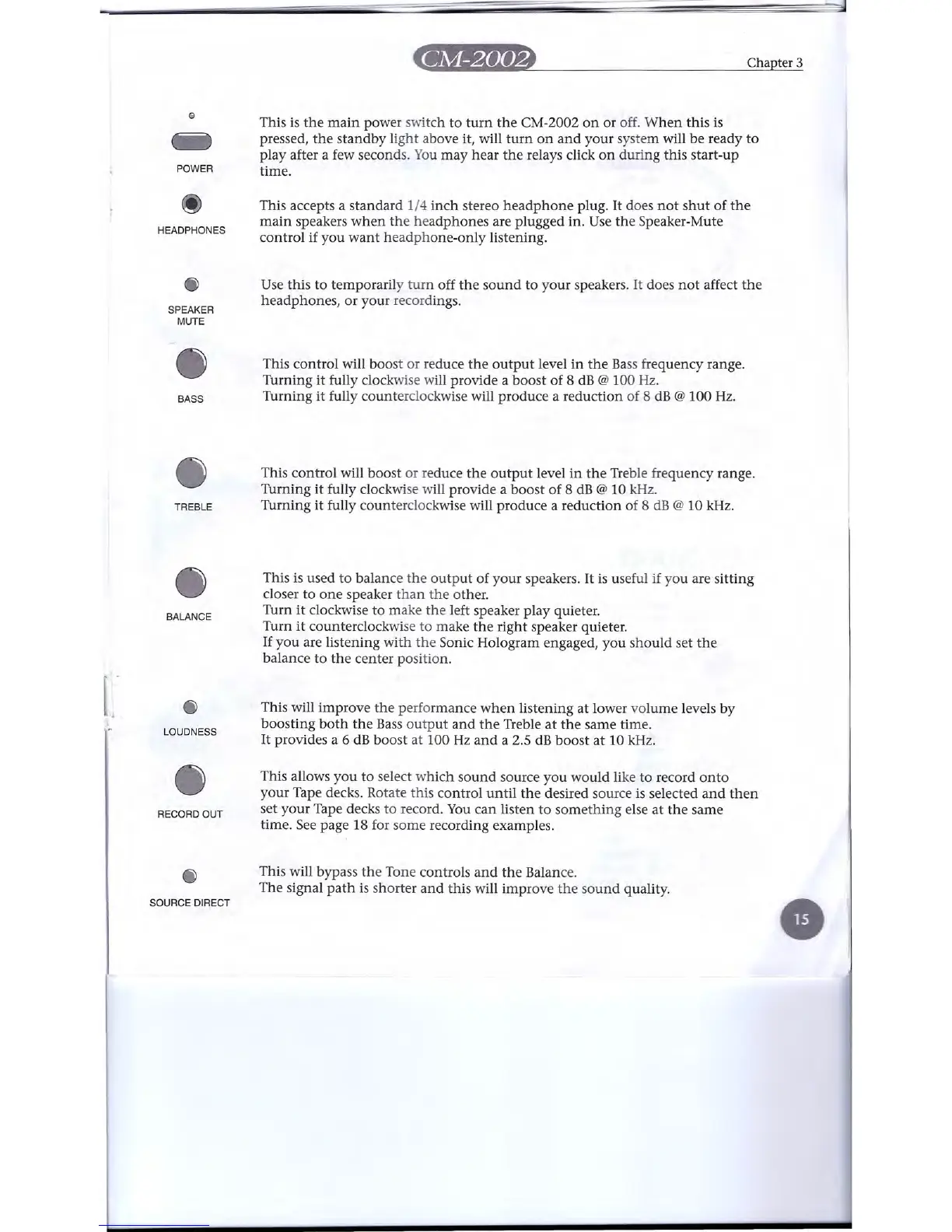
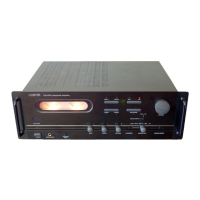
This is the main power switch to turn the CM-2002 on or off. When this is
pressed, the standby light above it, will turn on and your system will be ready to
play after a few seconds. You may hear the relays click on during this start-up
time.
This accepts a standard 1/4 inch stereo headphone plug. It does not shut of the
main speakers when the headphones are plugged in. Usethe Speaker-Mute
control if you want headphone-only listening.
Use this to temporarily turn off the sound to your speakers. It does not affect the
headphones, or your recordings.
This control will boost or reduce the output level in the Bass frequency range.
Turning it fully clockwise will provide a boost of 8 dB
@
100 Hz.
Turning it fully counterclockwise will produce a reduction of 8 dB
@
100 Hz.
This control will boost or reduce the output level in the Treble frequency range.
Turning it fully clockwise will provide a boost of 8 dB
@
10 kHz.
Turning it fully counterclockwise will produce a reduction of 8 dB
@
10 kHz.
This is used to balance the output of your speakers. It is useful if you are sitting
closer to one speaker than the other.
Turn it clockwise to make the left speaker play quieter.
Turn it counterclockwise to make the right speaker quieter.
If you are listening with the Sonic Hologram engaged, you should set the
balance to the center position.
This will improve the performance when listening at lower volume levels by
boosting both the Bass output and the Treble at the same time.
It provides a 6 dB boost at 100 Hz and a 2.5 dB boost at 10 kHz.
This allows you to select which sound source you would like to record onto
your Tape decks. Rotate this control until the desired source is selected and then
set your Tape decks to record. You can listen to something else at the same
time. See page 18 for some recording examples.
This will bypass the Tone controls and the Balance.
The signal path is shorter and this will improve the sound quality.


 To Next Page