Need help?
Do you have a question about the Casa Systems NDD-0315-01 and is the answer not in the manual?
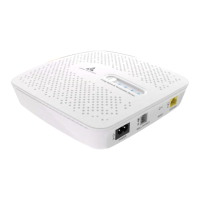
Place the Connection box upright on a desktop or table.
Using two 8 gauge pan head screws, fix the mounting bracket to the wall. Hang the Connection box over the hooks.
Explains ALWAYS ON, AUTO, and toggling modes for device indicators.
How to restart the connection box using the reset button.
Covers electrical safety, accessory usage, and product handling guidelines.
Details device heating, child safety, and handling of faulty/damaged products.
 General
| Device Type | Network Device |
|---|---|
| Model | NDD-0315-01 |
| Ports | Multiple Ethernet Ports |
| Category | Network Hardware |
| Manufacturer | Casa Systems |
| Power Supply | AC power |
| Form Factor | Rack-mountable |


 To Next Page