EasyManua.ls Logo

Casablanca Bel Air - User Manual

Casablanca Bel Air
19 pages
Print Icon
To Next Page IconTo Next Page
Loading...
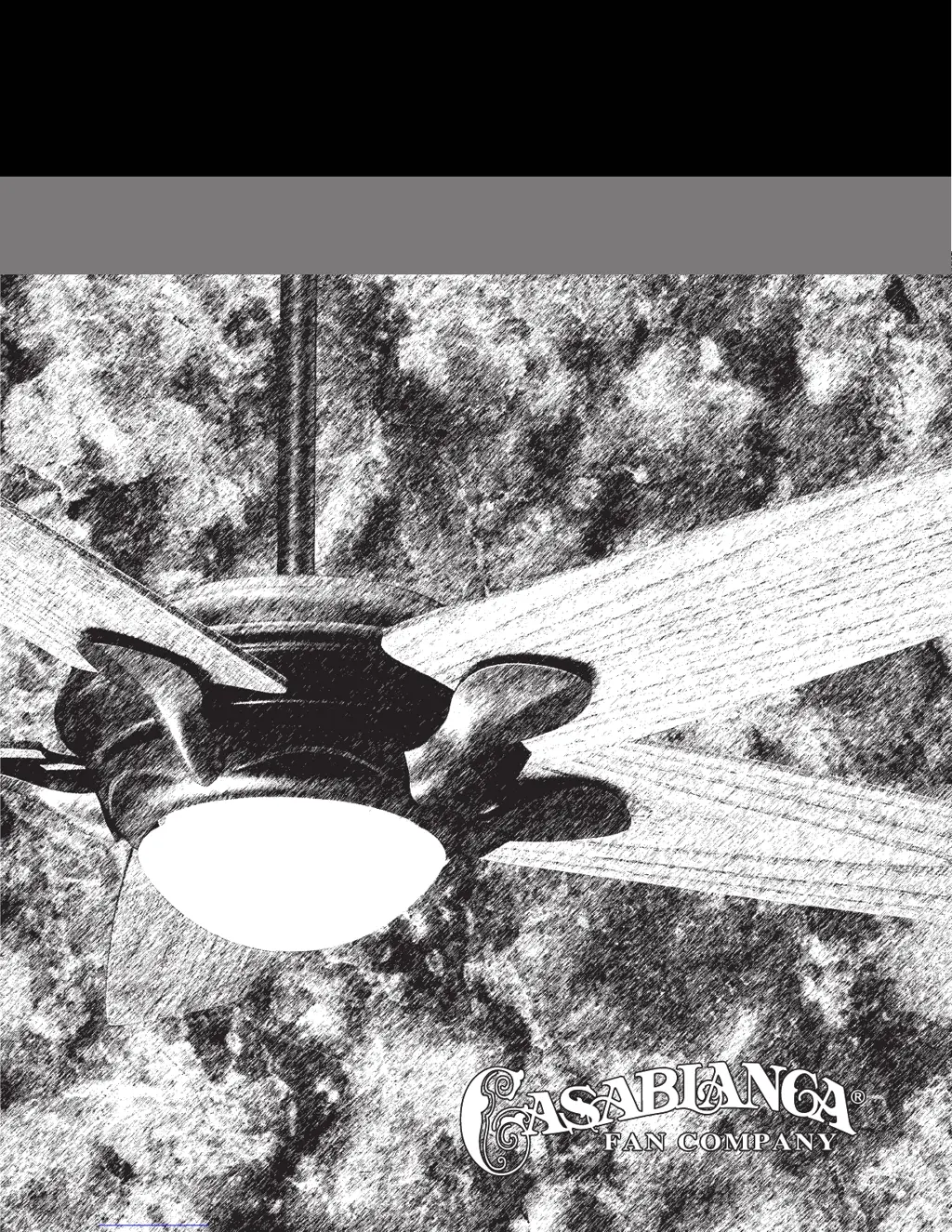
BEL AIR
OWNER’S MANUAL

Questions and Answers

  • G
    Gary GomezJul 30, 2025
    Why is my Casablanca Bel Air Fan so noisy during operation?
    • B
      Billy CampbellJul 30, 2025
      If your Casablanca Fan is noisy during operation, check and tighten the light fixture retaining screws, glass shade screws, and/or the light bulbs. Also, tighten the canopy screws and mounting plate assembly. Make sure to tighten the blade to bladeholder screws and blade holders to the flywheel. Ensure all screws in the motor housing are snug, but not overly tight. Finally, check that the wire nuts inside the canopy and switch housing are not touching the metal parts or have fallen off the wire splices. Tighten or adjust as necessary.
  • S
    Sarah GarciaAug 4, 2025
    What to do if my Casablanca Bel Air wobbles or shakes?
    • N
      ntorresAug 5, 2025
      If your Casablanca Fan wobbles or shakes, make sure the canopy pin is properly set into the slot on the ball. Check the screws holding the blade holders to the fan motor and tighten them if necessary. Also, check the angle of the blades to ensure that a blade holder has not been bent during installation.
  • S
    Sandy SimsAug 9, 2025
    How to fix a Casablanca Bel Air Fan when there is no fan or light?
    • K
      Kimberly SheltonAug 9, 2025
      If your Casablanca Fan or light is not working, start by checking the main circuit fuses, circuit breakers, or the wall switch position. Then, inspect all wire connections, making sure the power is turned off during this inspection.
  • J
    Jonathan LarsenAug 14, 2025
    Why does my Casablanca Bel Air Fan or lights appear to operate by themselves?
    • M
      Michael ShafferAug 15, 2025
      If your Casablanca Fan or lights appear to operate by themselves, check the AC supply for irregularities such as noise spikes, fluctuations, or failure. Also, inspect the circuit board assembly.
  • S
    stricklandlauraAug 20, 2025
    What to do if my Casablanca Bel Air Fan does not run on low speed?
    • B
      blairlaurieAug 20, 2025
      If your Casablanca Fan does not run on low speed and it is new, it may require a 'break-in' period. Try running it at a higher speed for several days.
  • C
    Christina JacksonAug 25, 2025
    Why is the W-32 wall control operation reversed on my Casablanca Bel Air Fan?
    • L
      lindathomasAug 25, 2025
      If, when AC power is turned on for the first time, the lights on your Casablanca Fan operate normally, but the W-32 wall control operation is reversed, reverse the 2 black and white striped wire connections.

Summary

SAFETY FIRST

SAFE USE

Guidelines for safe operation and installation, including electrical safety and blade clearance.

INSTALLATION INSTRUCTIONS

CROSSBAR MOUNTING BRACKET INSTALLATION

INSTALLING THE FAN BODY TOP COVER

HANGING THE FAN

CANOPY ELECTRICAL CONNECTIONS

Detailed steps for making electrical connections between the fan and the ceiling fixture wiring.

INTELI TOUCH INSTALLING THE W-32 WALL CONTROL

INTELI TOUCH ◆ SINGLE W-32 WALL INSTALLATION

Detailed instructions for installing a single W-32 wall control unit for Inteli-Touch fans.

INTELI TOUCH ◆ DUAL W-32 INSTALLATION

Instructions for installing two W-32 wall controls for a three-way circuit setup.

INTELI TOUCH OPERATION FEATURES

SPEED CONTROL

How to select and adjust fan speed settings using the Inteli-Touch controls.

TROUBLESHOOTING

Fan Operation Issues

Troubleshooting steps for fan wobbling, noise, or speed control problems.

Control and Electrical Anomalies

Addressing issues with wall controls, reversed operation, or AC power irregularities.

COMFORT TOUCH OPERATING NOTES

FAN OPERATION

Details on operating the fan, including speed adjustment and direction indication.

LIGHT OPERATION

Guide to operating the fan's light, including on/off and brightness control.

COMFORT TOUCH FEATURES

AUTO-SPEED FEATURE

Explanation of the Auto Speed mode, which adjusts fan speed based on room temperature.

COMFORT TOUCH TROUBLESHOOTING

Remote Control and Signal Issues

Diagnosing erratic remote operation, unknown signals, or interference with other fans.

Operational and Power Issues

Resolving fan speed problems, temperature display, and AC power restoration effects.

Casablanca Bel Air Specifications

General IconGeneral
BrandCasablanca
ModelBel Air
CategoryFan
LanguageEnglish

Related product manuals