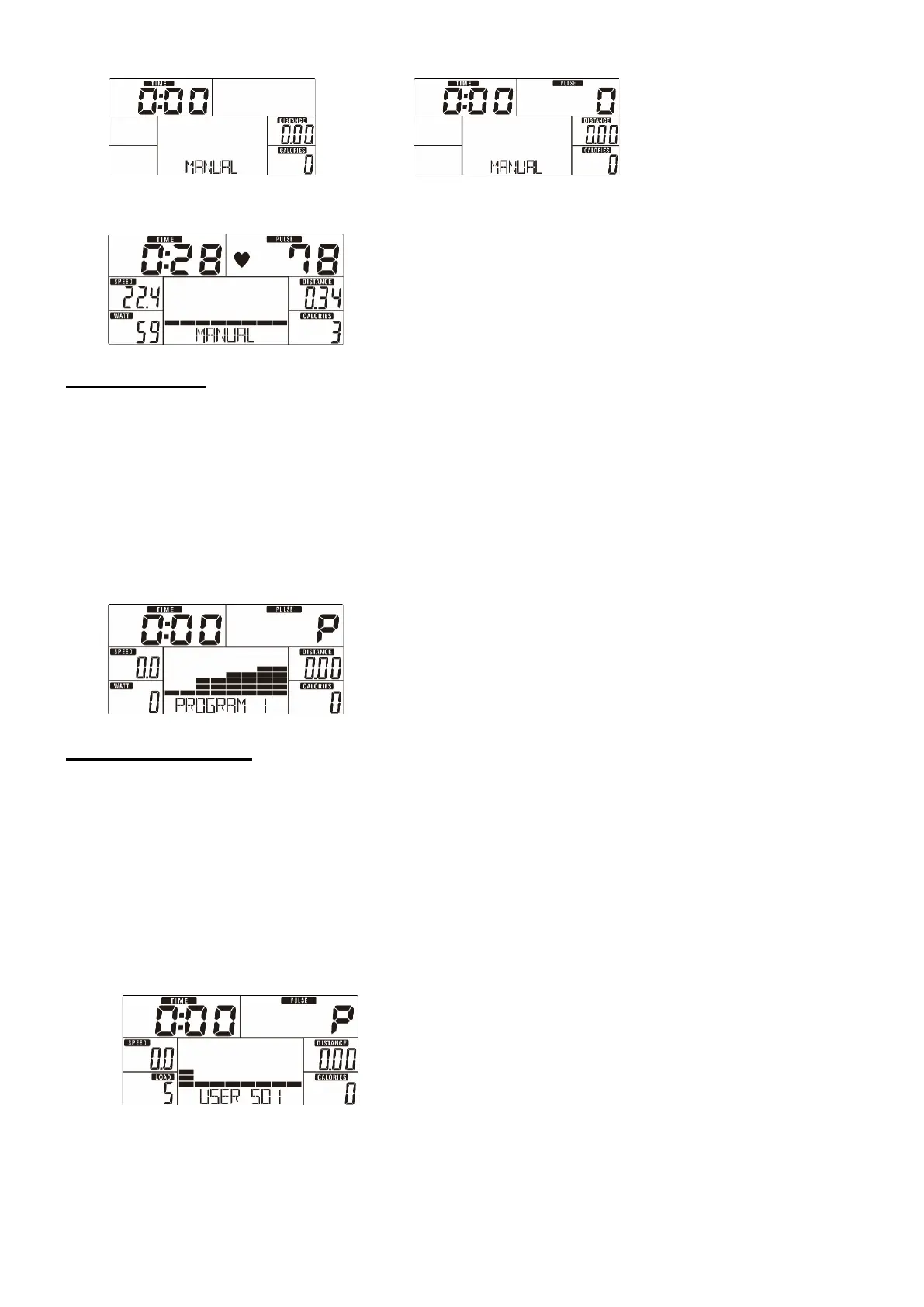
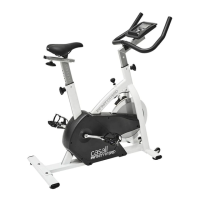
Drawing 9 Drawing 10
Drawing 11
Program Mode
1. Use UP or DOWN (Encoder) to select your workout program, choose Beginner mode and
press MODE / ENTER to get into.
2. Use UP or DOWN (Encoder) to select program 1~12 (Drawing 12) and press MODE /
ENTER to get into.
3. Use UP or DOWN (Encoder) to preset TIME.
4. Press START/STOP to start the workout. Use UP or DOWN (Encoder) to adjust the load
level.
5. Press START/STOP to pause the workout. Press RESET to go back to the main menu.
Drawing 12
User Program Mode
1. Use UP or DOWN (Encoder) to select your workout program, choose User Program mode
and press MODE / ENTER to get into.
2. Use UP or DOWN (Encoder) to create a user profile (Drawing 13). There are a total of 20
columns, the user can adjust each column’s load level. The user can hold MODE / ENTER 2
seconds to quit during setting.
3. Use UP or DOWN (Encoder) to set TIME.
4. Press START/STOP to start the workout. Use UP or DOWN (Encoder) to adjust the load
level.
5. Press START/STOP to pause the workout. Press RESET to go back to the main menu.
Drawing 13


 To Next Page