SECTION 58 - ATTACHMENT/HEADERS - CHAPTER 2
58-8
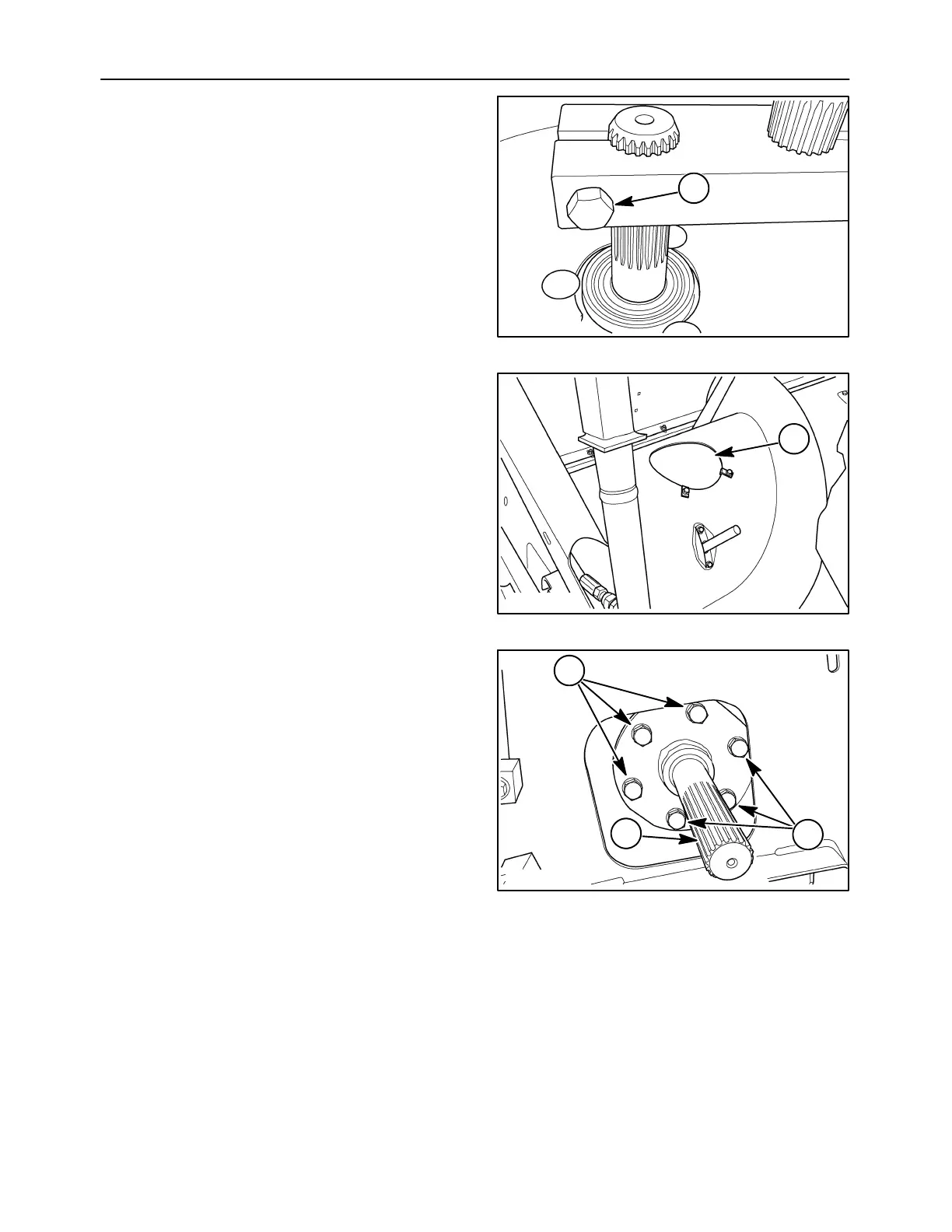
7. Tighten the clamping bolt, 1, inside the auger to
hold the stationary shaft to the finger crankshaft.
1
10007690
19
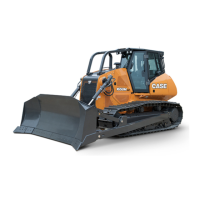
8. Attach the access cover, previously removed, to
the auger at 1.
10007689
1
20
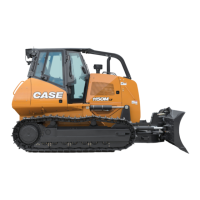
9. Set the auger drive shaft, 1, into position. Attach
the shaft using six cap screws, 2. The three short
cap screws will turn into the holes with the
threads close to the surface. The three longer
cap screws are used in the holes where the
threads cannot be seen from the surface.
2
50040103
2
1
21



 To Next Page