20
Changing the Cradle Configuration
The cradle has a back board which you can set to any one of the three positions shown
in the illustration below. Use the position that suits the configuration of the
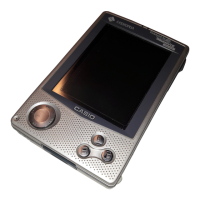
CASSIOPEIA unit you are setting on the cradle.
CASSIOPEIA
+
PC Card Unit
CASSIOPEIA
+
External Power Pack
CASSIOPEIA
Only
Important
Make sure that CASSIOPEIA power is turned off before you place it onto or remove it
from the cradle.
Use the following procedure to place the unit onto the cradle.
1. Place the cradle on a desk or other flat level surface.
2. Turn off the CASSIOPEIA.
3. Remove the CASSIOPEIA’s serial connector cover to open it.













 To Next Page