EasyManua.ls Logo

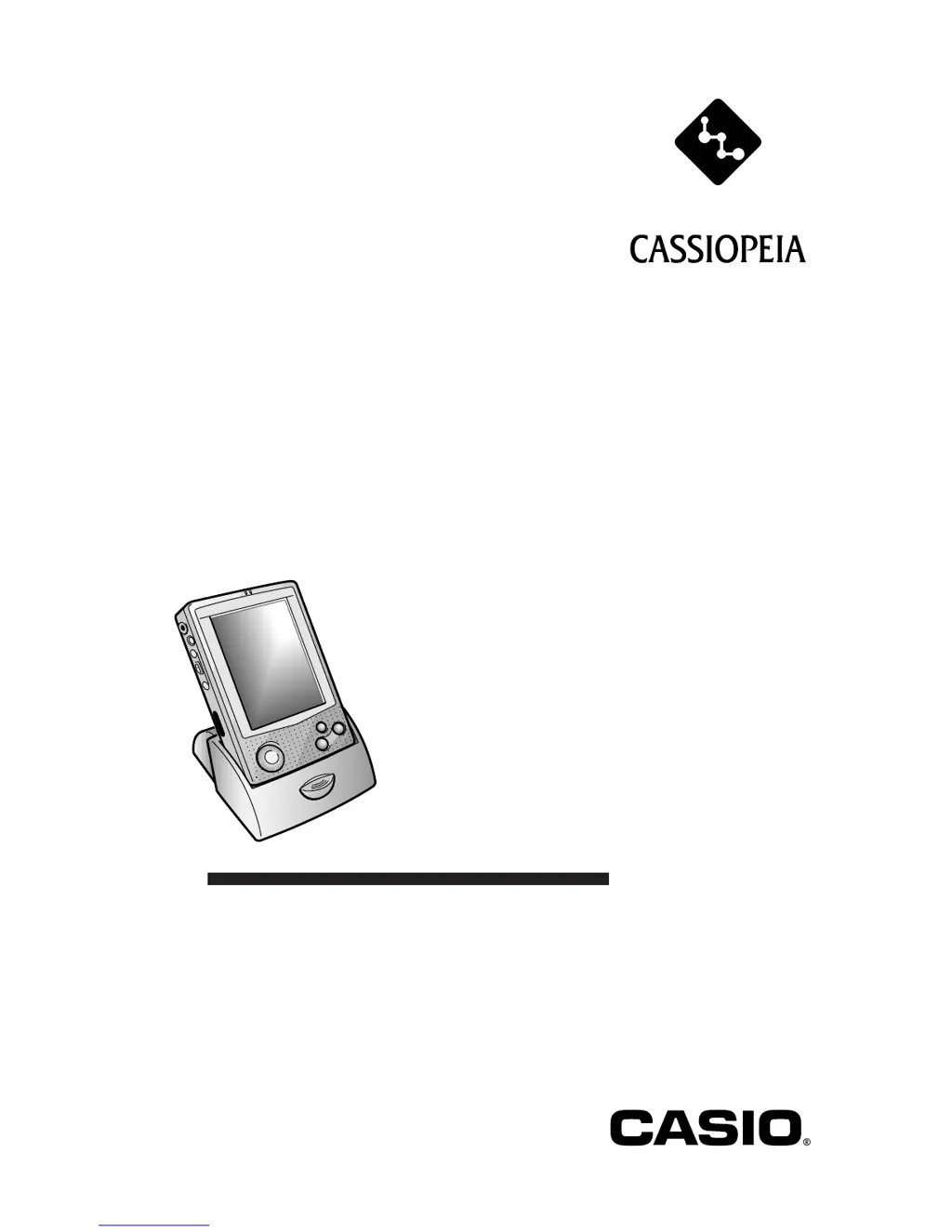
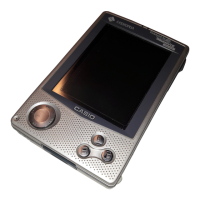
Casio Cassiopeia E-100 - User Manual

Casio Cassiopeia E-100
44 pages
Print Icon
To Next Page IconTo Next Page
Loading...
User documentation consists of two manuals:
Palm-size PC User’s Guide and this booklet. Be
sure to read this manual first.
Be sure to read the Safety Precautions contained in
this manual to ensure proper operation of this
product.
Keep this manual in a safe place for future
reference.
E-100/E-105
Getting Started with
the CASSIOPEIA
(Hardware Manual)
E

Questions and Answers

  • C
    corey21Aug 12, 2025
    What to do if nothing happens when I press the power button on my Casio PDA?
    • C
      Cody KirbyAug 12, 2025
      If nothing happens when you press the power button on your Casio PDA, it could be due to a weak main battery. In this case, try charging the battery pack. Alternatively, there may be an internal malfunction. Try resetting the unit. If resetting doesn't solve the problem, perform a full reset (memory initialize).
  • E
    erikaglennAug 16, 2025
    What to do if the screen is locked up on my Casio PDA?
    • M
      Michael CoxAug 16, 2025
      If the screen of your Casio PDA is locked up, it is probably due to an internal malfunction. Try resetting the unit. If resetting the unit does not correct the problem, perform a full reset (memory initialize).
  • K
    Keith MathewsAug 23, 2025
    What to do if my Casio PDA is disabled when the AC adapter is connected?
    • J
      Julie TranAug 23, 2025
      If operation is disabled when the AC adapter is connected to your Casio PDA, it could be because the main battery is weak, so charge the battery pack. Alternatively, the unit might not be correctly mounted on the cradle; ensure it is properly mounted.
  • C
    Christopher DrakeAug 27, 2025
    What to do if replacing the battery caused malfunction in Casio PDA?
    • J
      Jessica FrenchAug 27, 2025
      If replacing the main battery caused a malfunction in your Casio PDA, it might be because the main battery is not loaded correctly. Remove and then reload the main battery, making sure the positive (+) and negative (–) poles are oriented correctly. Another reason can be that the battery replacement procedure was not followed correctly, so perform a full reset (memory initialize).
  • Z
    Zachary BradleyAug 31, 2025
    What does a data error message on my Casio PDA mean?
    • E
      Elizabeth HayesAug 31, 2025
      If you see a message about a data error on the screen of your Casio PDA, it is due to an internal malfunction. Follow the instructions that appear on the screen.
  • L
    Lance YoungSep 3, 2025
    Why does the low backup battery message appear on my Casio PDA after I replaced it?
    • R
      Richard HinesSep 4, 2025
      If the low backup battery message continues to appear even after replacement of the backup battery in your Casio PDA, the backup battery might be upside down. Remove the backup battery, turn it over, and reload it. Another reason could be that the backup battery was loaded before the main battery, so remove the backup battery and reload it. Finally, power may have been left on while the battery pack was replaced, so turn the power off and then back on again.
  • H
    hahnlisaSep 7, 2025
    Why is the battery life so short on my Casio PDA?
    • M
      Mr. Richard HendersonSep 7, 2025
      If the rechargeable battery pack life is very short after each charge on your Casio PDA, it means that the battery pack is damaged or has reached the end of its service life. Purchase a new battery pack.
  • C
    Christine MooreSep 10, 2025
    What to do if nothing happens when I touch the screen on my Casio PDA?
    • M
      Megan WeberSep 12, 2025
      If nothing happens when you touch the screen on your Casio PDA, it could be because the touch screen is out of calibration. Try recalibrating the touch screen. Another reason may be static electricity or some other problem that has caused the touch screen to malfunction, so try resetting the unit.

Casio Cassiopeia E-100 Specifications

General IconGeneral
BrandCasio
ModelCassiopeia E-100
CategoryPDA
LanguageEnglish

Related product manuals