EasyManua.ls Logo

Casio CFX-9800G - Page 44

Casio CFX-9800G
206 pages
Print Icon
To Next Page IconTo Next Page
To Previous Page IconTo Previous Page
Loading...
©
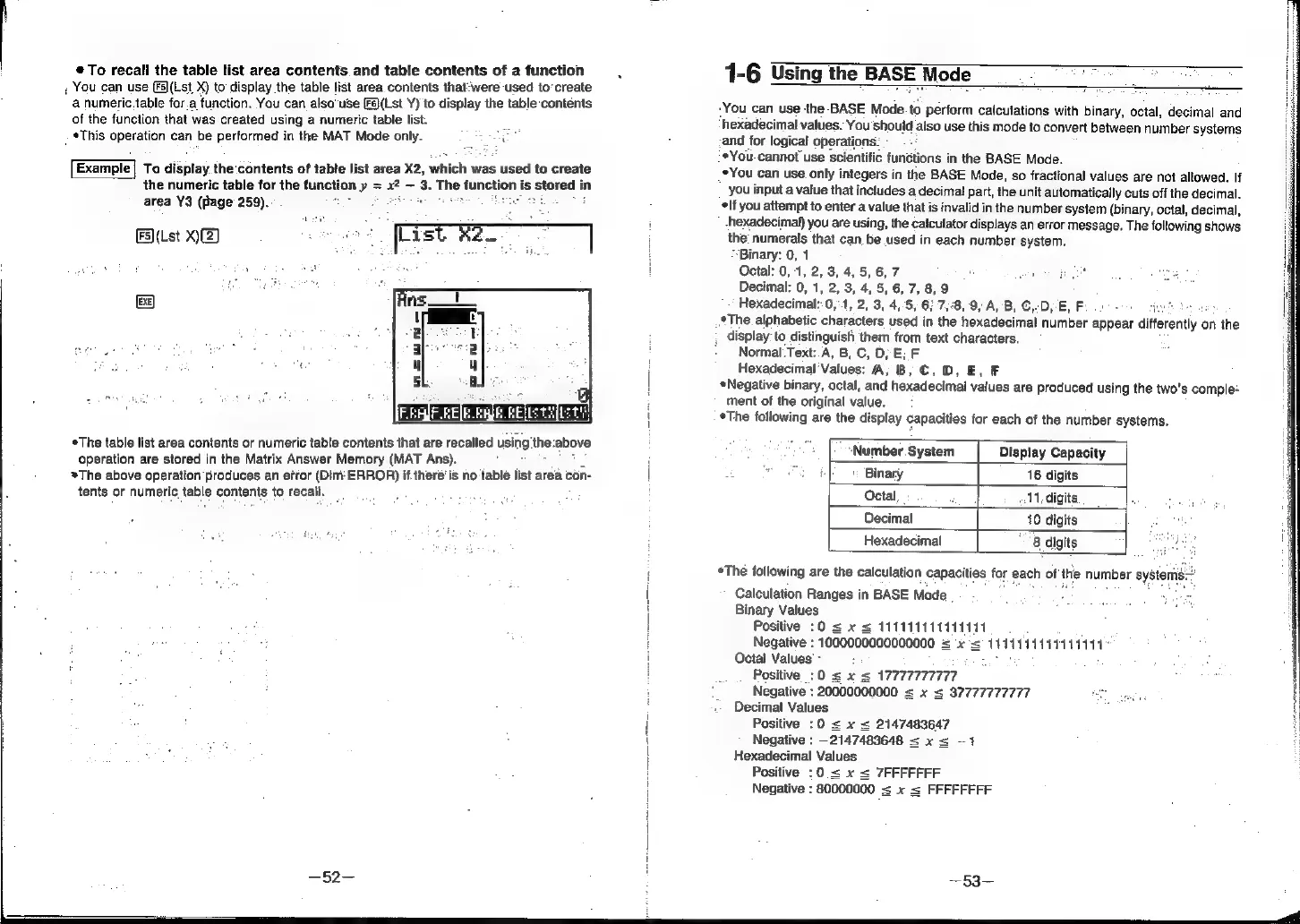
To
recall
the
table
list
area
contents
and
table
contents
of
a
function
,
You
can
use
(F5](Lst
X)
to
display
the
table
list
area
contents
that:were
used
to‘create
‘a
numeric.table
for.a
function.
You
can
also’use
[Fs)(Lst
Y)
to
display
the
table
‘contéents
of
the
function
that
was
created
using
a
numeric
table
list.
mn
*This
operation
can
be
performed
in
the
MAT
Mode
only.
See
Example]
To
display.the
‘contents
of
table
list
area
X2,
which was
used
to
create
the
numeric
table
for
the
function
y=
a
#
-3.
The!
function
is
B
stored
in
area
Y3
(page
259)..
FS)(Lst
X)(2)
List
2
EXE]
The
table
list
area
contents
or
numeric
table
contents
that
are
recalled
using
the
id
operation
are
stored
in
the
Matrix
Answer
Memory
(MAT
Ans).
~The
above
operation
produces
an
efror
(Dim
ERROR)
if
there’is
no
table
list
area
con-
tents
or
numeric
table
contents
to
recall.
i
if
t
i
|
i
‘hexadecimal
values.
You
should
also
use
this
mode
to
convert
between
number
systems
-*You-
cannot
use
scientific
functions
in
the
BASE
Mode.
..*The
alphabetic
characters
used
in
the
hexadecimal
number
appear
differently
on
the
,
display:
to
distinguish
them
from
text
characters.
1-6
Using
the
BASE
Mode
_
ee
-You
can
use
the-BASE
Mode.to
perform
calculations
with
binary,
octal,
decimal
and
and
for
logical
operations:
_°You
can use
only
integers
in
the
BASE
Mode,
so
fractional
values
are
not
allowed.
If
you
input
a
value
that
includes
a
decimal
part,
the
unit
automatically
cuts
off
the
decimal.
*lf
you
attempt
to
enter
a
value
that
is
invalid
in
the
number
system
(binary,
octal,
decimal,
hexadecimal)
you
are
using,
the
calculator
displays
an
error
message.
The
following
shows
the’
numerals
that
can
be
used
in
each
number
system.
Binary:
0,
1
Octal:
0,1,
2,
3,
4,
5,
6,
7
Decimal:
0,
1,
2,
3,
4,
5,
6,
7,
8,9
Hexadecimal:
0,:1,
2,
3,
4,5,
6;
7,8,
9, A,
B,
©,-D,-E,
F
:
tee
Normal.Text:.A,
B,
C,
D,
E;
F
Hexadecimal
Values:
A,
B,
©,
D,
E,
F
Negative
binary,
octal,
and
hexadecimal
values
are
produced
using
the
two’s
comple-
ment
of
the
original
value.
*The
following
are
the
display
capacities
for
each
of
the
number
systems.
“Number
System
Display
Capacity
|
Binary
16
digits
|
|
__
Octal
11,
digits
Decimal
10
digits
Hexadecimal
8
digits
|
ent
*The
following
are
the
calculation
capacities
for
each
of
the
number
system
Calculation
Ranges
in
BASE
Mode
.
Binary
Values
Positive
:O
<=
x
s
111111111111111
Negative
:
1000000000000000
=
x=
1141111149111111"
Octal
Values’
-
ue
Positive
:0
<
x
<
17777777777
Negative
:
20000000000
<
Sx
8
97777777777
Decimal
Values
Positive
:0
=
x
=
2147483647
Negative
:
2147483648
<
x
<
~1
Hexadecimal
Values
Positive
:0.=
x
s
7FFFFFFF
Negative
:
80000000
=
x
=
FFFFFFFF